AI Generator 3D models, drawings and documents, free
Free. Use your own Anthropic or OpenAI key.
Also from Innerscene: Circadian Lab, a free lighting calculator for room illuminance, melanopic EML, and glare.
What it can make
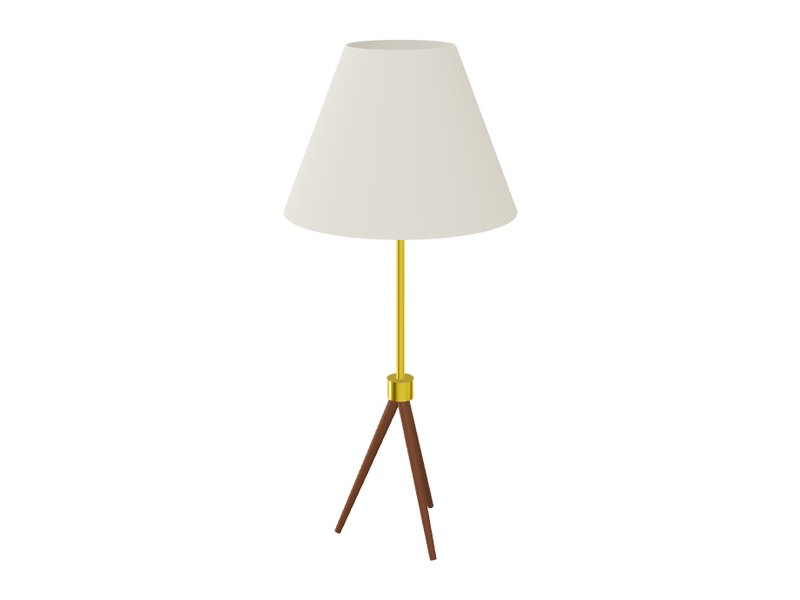 AI 3D Model GeneratorFurniture, lighting, products and parts as editable OpenSCAD with sliders, at real size. Export STL, STEP, GLB, SketchUp SKP and 16 more formats.
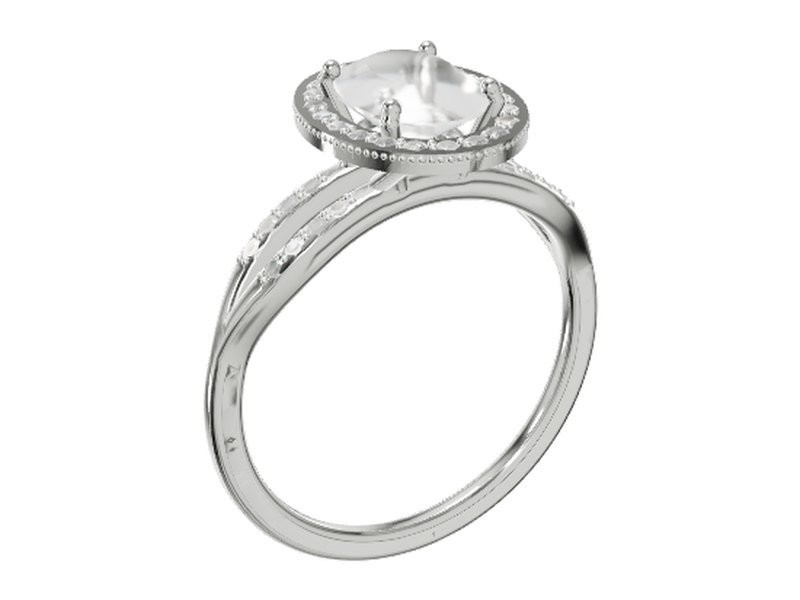 AI Jewelry GeneratorRings, necklaces, chains and earrings with real prong, bezel and pavé settings, metal weight and carats. Export STL or 3DM for casting.
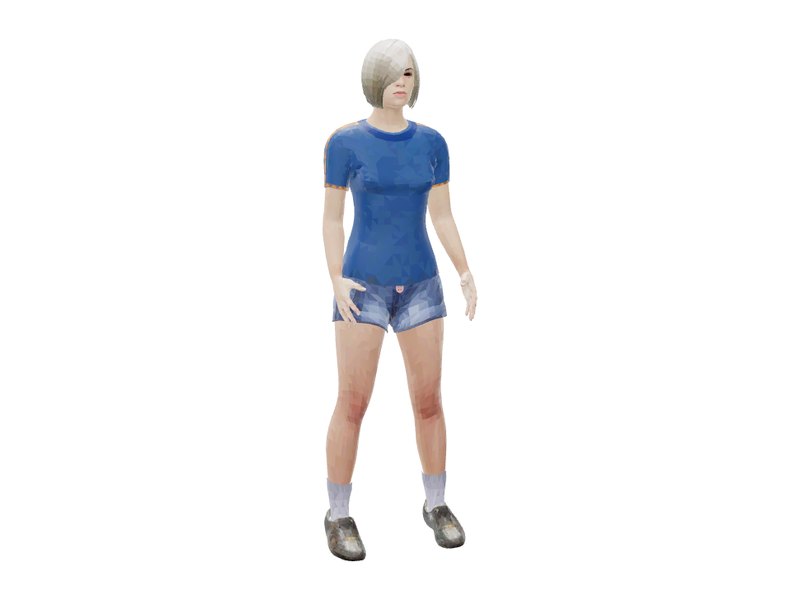 AI 3D Person GeneratorTextured people at real height: age, build, clothes, hair and pose. Download a rigged FBX with walk, idle or wave, or GLB.
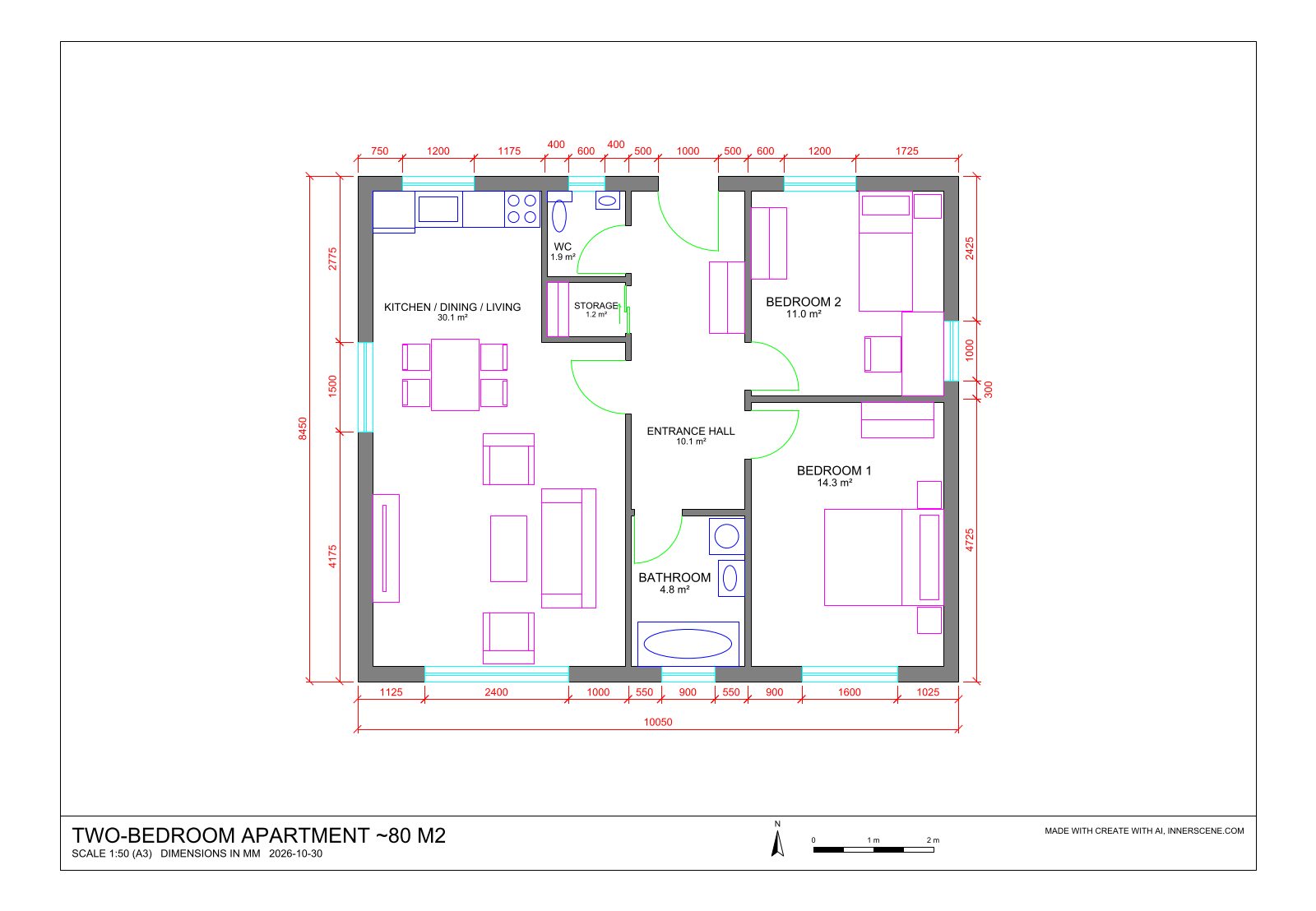 AI Floor Plan GeneratorFurnished floor plans and office layouts drawn as DWG, with walls, doors, room areas and dimensions.
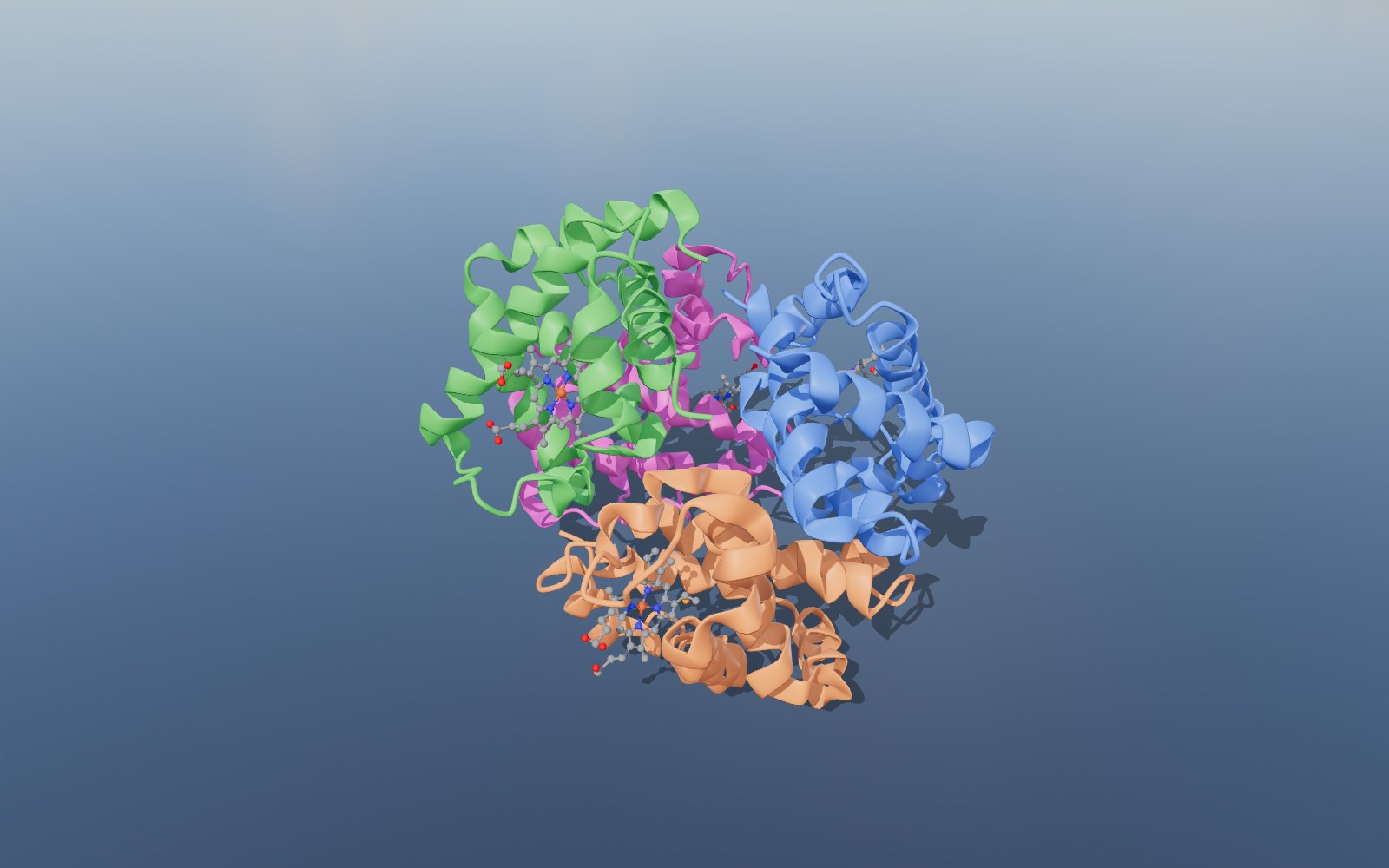 AI Molecule GeneratorMolecules, proteins and crystals from PubChem, the Protein Data Bank and COD, or built from SMILES. Download SDF or CIF.
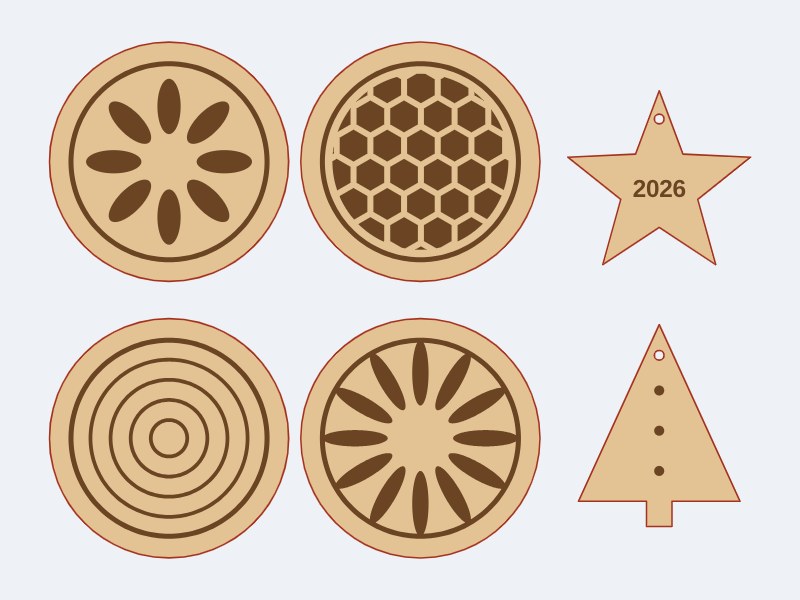 AI Laser Cutting File GeneratorLaser, Cricut and CNC cut files as SVG and DXF: boxes, signs, stencils and gaskets, checked for the kerf.
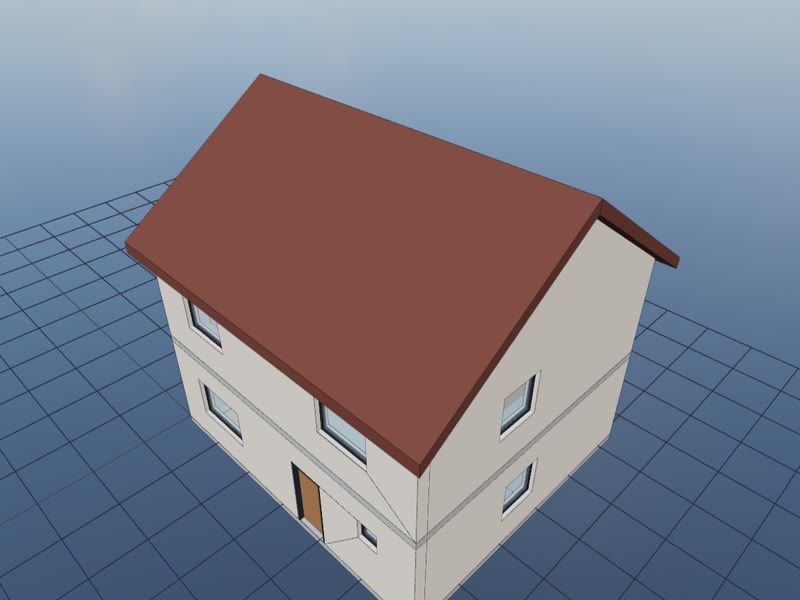 AI BIM Model GeneratorBIM buildings as IFC for Revit, Archicad and other BIM apps, with storeys, walls, doors, windows, rooms and lights.
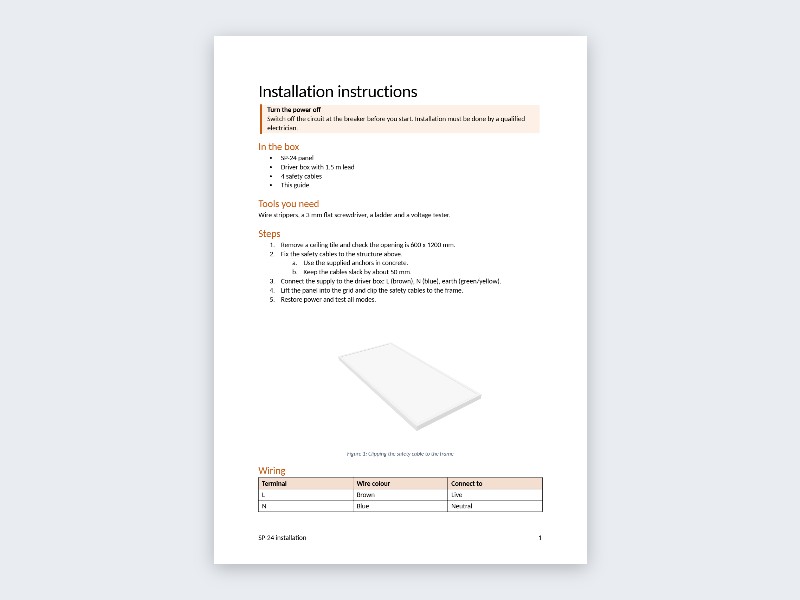 AI Word Document GeneratorWord documents (.docx): spec sheets, instructions, proposals, reports and letters, or edits of your own .docx.
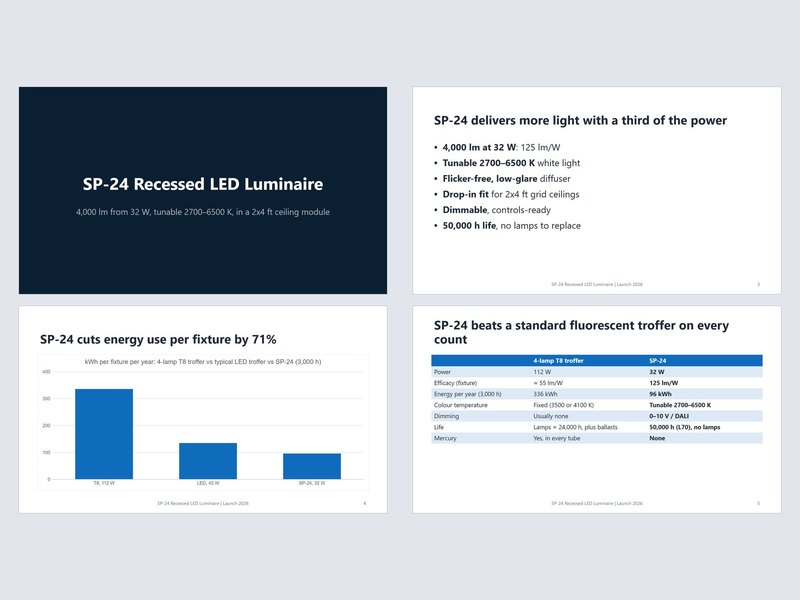 AI PowerPoint GeneratorPowerPoint decks (.pptx): launches, project updates, pitches and training decks with charts and notes, or edits of your own .pptx.
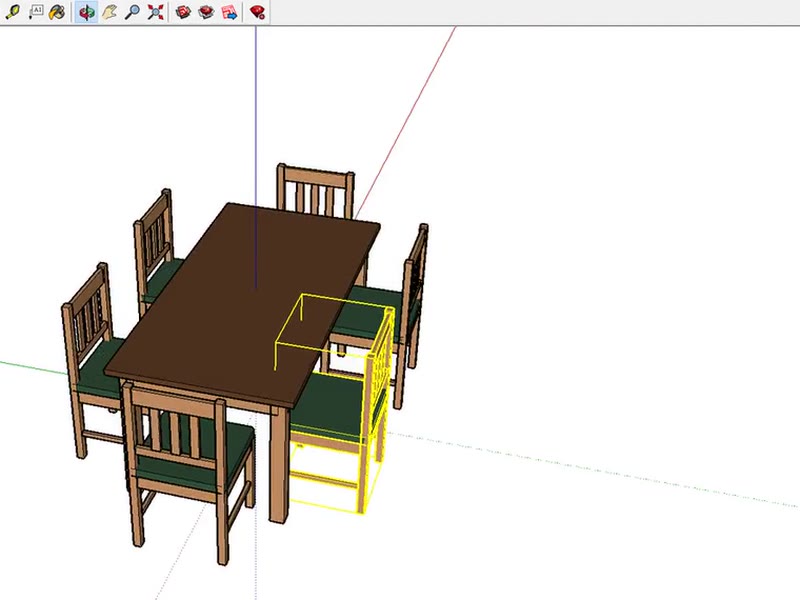 AI SKP Generator: Text to SketchUpFurniture, fixtures and buildings as native SketchUp files with groups, components, tags and named materials. Download .skp for SketchUp 2017 and later.
How it works
- 1. Describe it or add a photoType what you want in plain words, with sizes if you know them, or add a photo as a reference. Describe an object or a person.
- 2. The AI builds and checks itThe AI writes an OpenSCAD program for an object, or sets up the character generator for a person. It looks at six rendered views of the result and fixes what is wrong, up to five builds per message.
- 3. Refine and exportThe model opens in the viewer at real size. Ask for changes in the chat, move the sliders, then download it or pick a format from the Export menu.
Cost and privacy
You use your own Anthropic or OpenAI API key. It is stored only in your browser and sent only to that provider, which bills you directly: a model typically costs $0.05 to $0.30 at Standard quality and up to about $1 at Detailed, and Innerscene charges nothing. Your key and prompts are not sent to Innerscene; we record anonymous usage statistics such as the steps used, the model chosen, token counts, a cost estimate and whether a model was made.
Questions
▶Is the AI generator free?
The tool is free and Innerscene charges nothing. You pay your AI provider for the tokens your own API key uses, typically $0.05 to $0.30 per model at Standard quality and a few cents for a molecule. Credits from Innerscene are coming, and you can join the waiting list in the AI panel.
▶What can the AI generator make?
Nine kinds of things: 3D objects (furniture, lighting, products, parts), jewelry with stone settings, realistic people, BIM buildings as IFC files, floor plans and office layouts as DWG drawings, molecules, proteins and crystal structures, cut files (SVG and DXF) for laser cutters, Cricut and Silhouette vinyl cutters, CNC routers and waterjets, Word documents (.docx) such as spec sheets, instructions, proposals and reports, and PowerPoint decks (.pptx) with charts, tables and speaker notes. Each has its own page with examples and a short video.
▶Does the AI draw the geometry itself?
No. It writes instructions for tools that do the exact work: an OpenSCAD program for objects and jewelry, settings for a MakeHuman character, a building description for the BIM engine, a plan description for the DWG drafting engine, a cut job of 2D OpenSCAD parts for the cutting engine, a document outline for the Word document engine, a slide plan for the PowerPoint deck engine, and lookups in PubChem, the Protein Data Bank and the Crystallography Open Database for molecules. That is why sizes, walls and atom positions are right.
▶Which AI models can I use?
Claude Opus 5.5 or Sonnet 5.5 from Anthropic, or GPT-6 Astra or GPT-6.1 Sol from OpenAI. You pick the model in the panel and use a key from that provider.
▶What file formats can I export?
STL, 3MF, AMF, OBJ, GLB, glTF, PLY, OFF, USDZ, DAE, FBX, 3DS, VRML, X3D, STEP, SAT, IFC4, DXF, DWG, SketchUp SKP and Rhino 3DM for models and drawings, the OpenSCAD source for objects, SDF or CIF for molecules, DOCX, PDF or Markdown for documents, and PPTX for presentations.