Open AI and CDR Files Without Illustrator or CorelDRAW: Free Online Viewer and Converter
Open Adobe Illustrator (.ai) and CorelDRAW (.cdr) files for free, right in your browser, with no Illustrator, no CorelDRAW and nothing to install.
When a client, a sign maker or a fabricator sends you an .ai or .cdr file and you have neither program, open it on these pages to check it, measure it and convert it. This tutorial opens a National Park Service map of Pullman in Chicago, an Illustrator 27.5 file with 28 layers on a 210 x 325 mm artboard. The status line shows the Illustrator version and the artboard size; Control and scroll zooms in on the vector artwork; the magnifier finds text on the map; Tools, then Layers, lists the Illustrator layers and hides any of them, in the view and in the exports. Export saves DXF and DWG for CAD, SVG and PDF vector files, a single web page, and PNG and JPG pictures. We download the DWG, in millimetres from the artboard corner, and open it in the free DWG viewer: the paths, fills, street names and layers are there, cut at the edge of the artboard. Illustrator effects such as glows and feathered edges do not carry over to CAD exports, and colours are matched to the CAD colour palette. Older Illustrator files (Illustrator 8 and earlier, PostScript-based) open too. Then CorelDRAW: a laser-cut birdhouse saved in CorelDRAW X5 opens at its real size with every part and label, Tools, Add measurement measures it in millimetres, and the same drawing saved in CorelDRAW 10 opens the same way. Placed pictures come through too, shown on an exhibition sign saved in CorelDRAW 2017. On the CDR to DXF page, Download DXF writes a drawing that measures from the corner of the CorelDRAW page, with each part as one closed outline for the laser cutter and the labels as text; we check it in the free DXF viewer. Files are read and converted in your browser and never uploaded.
Convert Illustrator and CorelDRAW files AI to DWG, AI to DXF, AI to SVG, AI to PDF, AI to PNG, AI to JPG, AI to HTML, CDR to DWG, CDR to DXF, CDR to SVG, CDR to PDF, CDR to PNG, CDR to JPG, CDR to HTML, Illustrator to AutoCAD, CorelDRAW to AutoCAD, open AI file without Illustrator, open CDR file without CorelDRAW, Illustrator 8 AI viewer, CorelDRAW X5 viewer
Transcript
Intro
Here is how to open and convert Illustrator and CorelDRAW files for free, in your web browser, without Illustrator or CorelDRAW.
Open the Illustrator viewer
Go to innerscene.com/tools/ai-viewer. There is no account to make, and the file is read right here in your browser. It is never uploaded unless you choose to share it.
Open an Illustrator file
Click Open an Illustrator File, or drop the file on the page. This is the National Park Service map of Pullman in Chicago, the planned railway town: streets, building footprints, the park buildings in orange and the visitor center. The status line says it was saved by Illustrator 27.5, on an artboard 210 by 325 millimetres.
Zoom in
Hold Control and scroll to zoom in. The street names and labels stay sharp at any zoom, because this is the vector artwork Illustrator saved, read as paths and text.
Find text
Click the magnifier to find text. Type Market Hall, and the map jumps to it and highlights it.
Illustrator layers
Open Tools, then Layers. All 28 Illustrator layers are listed, in the order of the Layers panel. Untick Background land and All buildings, and the map shows only the streets, the park and its labels. Tick them again to bring them back. A layer you hide is also left out of the exports.
Export: DWG, DXF, SVG, PDF and images
Open Export. Illustrator artwork converts to DXF and DWG for CAD, to SVG and PDF vector files, to a single web page, and to PNG and JPG pictures. Click DWG. The drawing is written in your browser, in millimetres, from the corner of the artboard.
The DWG in a CAD viewer
Here is that DWG in our free DWG viewer, at innerscene.com/tools/dwg-viewer. It opens the same way in AutoCAD. The paths, the fills and the street names came through, cut at the edge of the artboard, and Tools, then Layers, lists the Illustrator layers. Illustrator effects, like the soft glow along the district edge, do not carry over to CAD exports: the district keeps its plain fill, and colours are matched to the CAD colour palette, so the pale background comes out white.
Older Illustrator files
Illustrator 8 and older saved a different, PostScript-based file. Those open too. The page has free Illustrator files to try. This Louisiana Purchase map was saved by Illustrator 8, and its ten layers are there.
Open a CorelDRAW file
For CorelDRAW, go to innerscene.com/tools/cdr-viewer, and click Open a CorelDRAW File. This is a laser-cut birdhouse saved in CorelDRAW X5: the floor, the sides, the front and back, the roof and the perch, each part in its colour with its label.
Measure in millimetres
CorelDRAW drawings open at their real size. Open Tools and choose Add measurement, then click two corners. Along the top edge of the floor it reads 84 millimetres, the size the laser will cut.
Older CorelDRAW versions
Older CorelDRAW files open too. Here is the same birdhouse saved in CorelDRAW 10, with the same parts and labels.
Pictures and text in CorelDRAW
Pictures placed in a drawing come through too. This exhibition sign by UOW Makerspace, saved in CorelDRAW 2017, has a greyscale picture of a penguin, the sign text, and the outline the laser cuts.
CorelDRAW to DXF, PDF and SVG
Each conversion also has its own page. At innerscene.com/tools/cdr-to-dxf, open the drawing and click Download DXF. The DXF measures from the corner of the CorelDRAW page, every part is one closed outline, ready for the laser cutter, and the labels are text. The Export menu has the rest: DWG, SVG, PDF, PNG, JPG and a web page.
The DXF in a CAD viewer
Opened in our free DXF viewer, at innerscene.com/tools/dxf-viewer, the parts and labels are all there, at their real size.
Apps for Windows, Mac, iPhone and Android
There are free apps too. On Windows, a small helper lets you double-click an Illustrator or CorelDRAW file in File Explorer to open it in this viewer. There is a Mac version, an app for iPhone and iPad on the App Store, and one for Android phones and tablets on Google Play.
Summary
Those are the free Illustrator and CorelDRAW viewers and converters at innerscene.com. The links are in the description.
More video tutorials
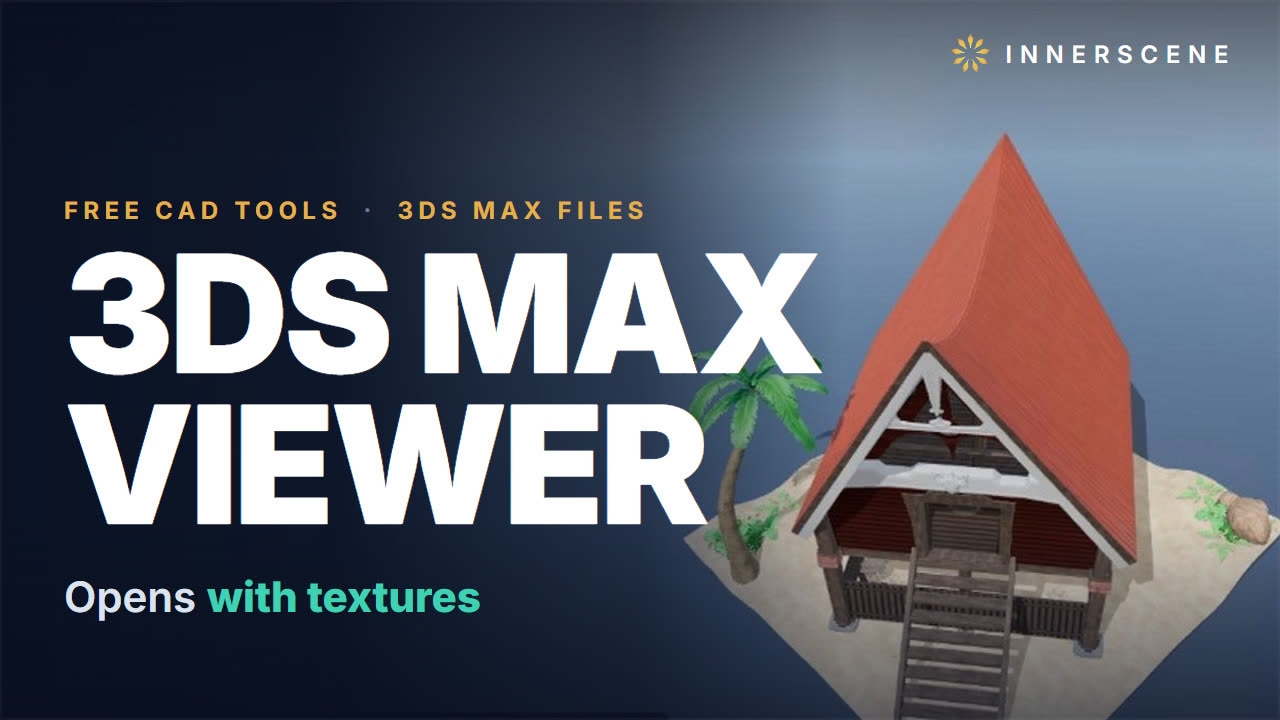 1:46Open 3ds Max .max Files Without 3ds Max, With Textures (Free, Online)Open 3ds Max .max files without 3ds Max, for free, right in your browser, with nothing to install.9 chapters · 2 min
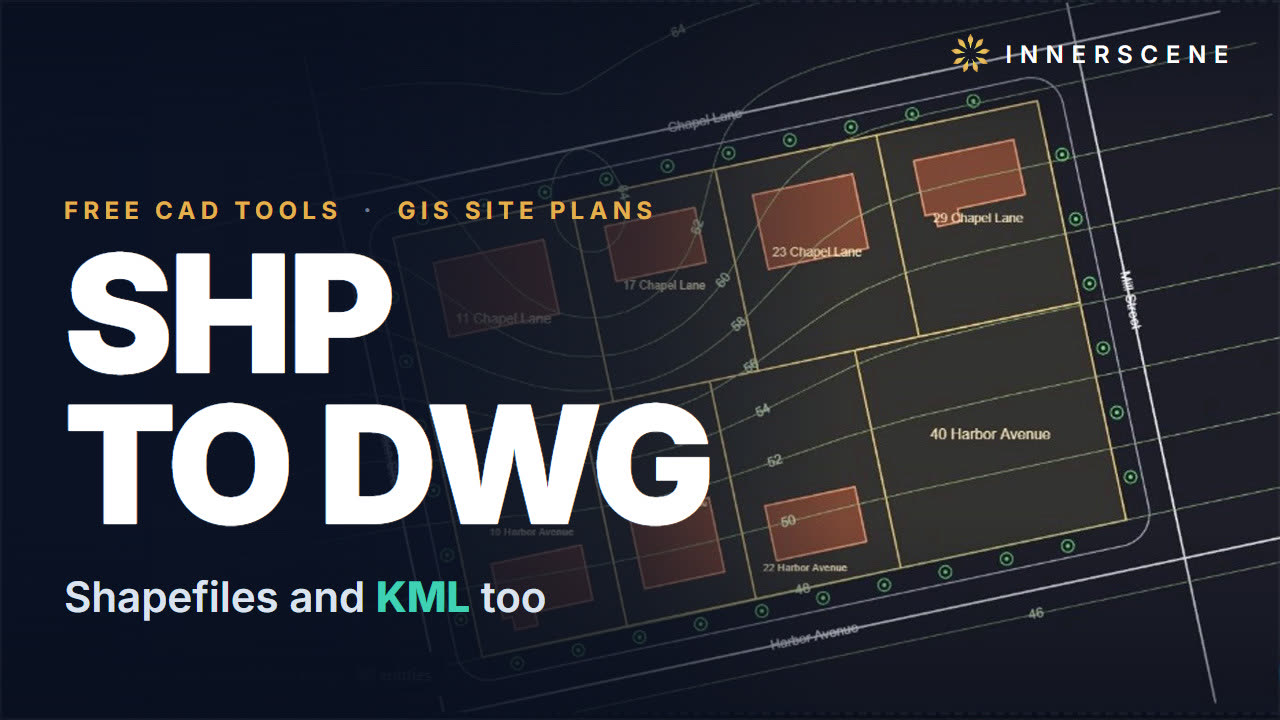 2:36Convert Shapefiles (SHP) and Google Earth KML to DWG Site Plans (Free, Online)Turn GIS shapefiles and Google Earth KML files into an AutoCAD DWG site plan for free, right in your browser, with nothing to install.10 chapters · 3 min
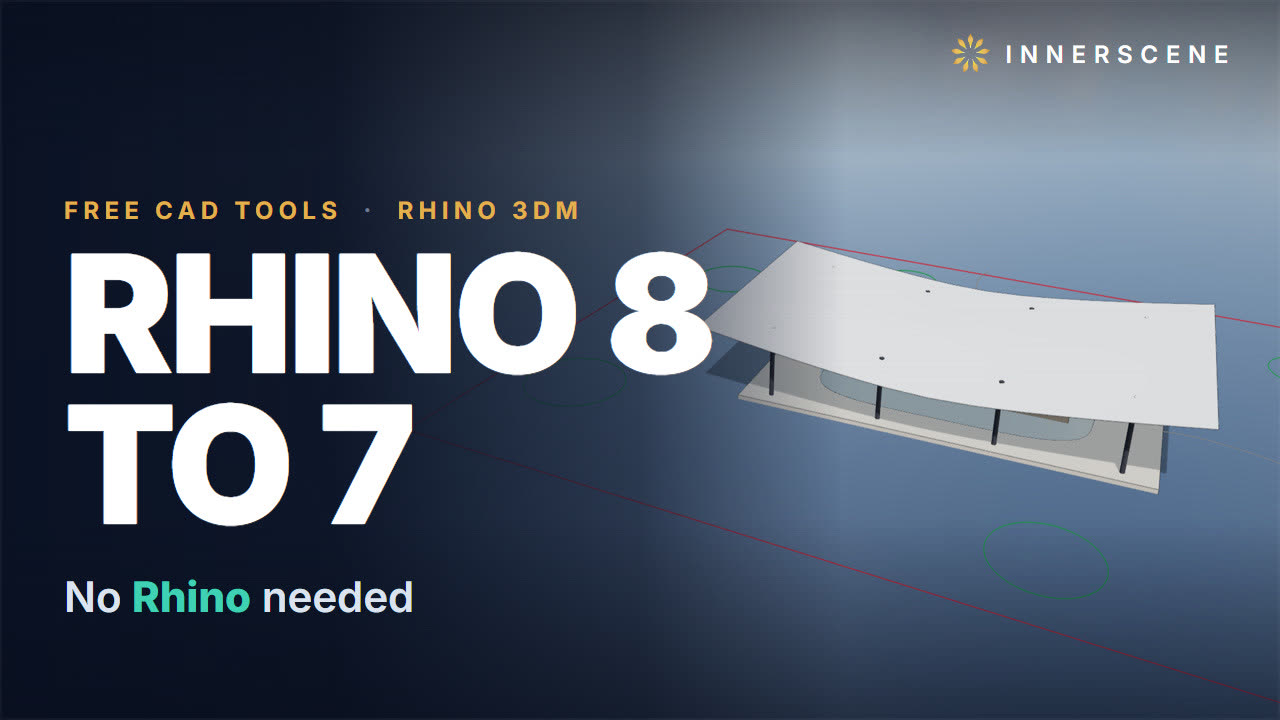 2:23Open Rhino 3DM Files Without Rhino and Save Rhino 8 as Rhino 7 (Free, Online)Open Rhino 3DM files for free, right in your browser, with no Rhino licence and nothing to install.11 chapters · 2 min
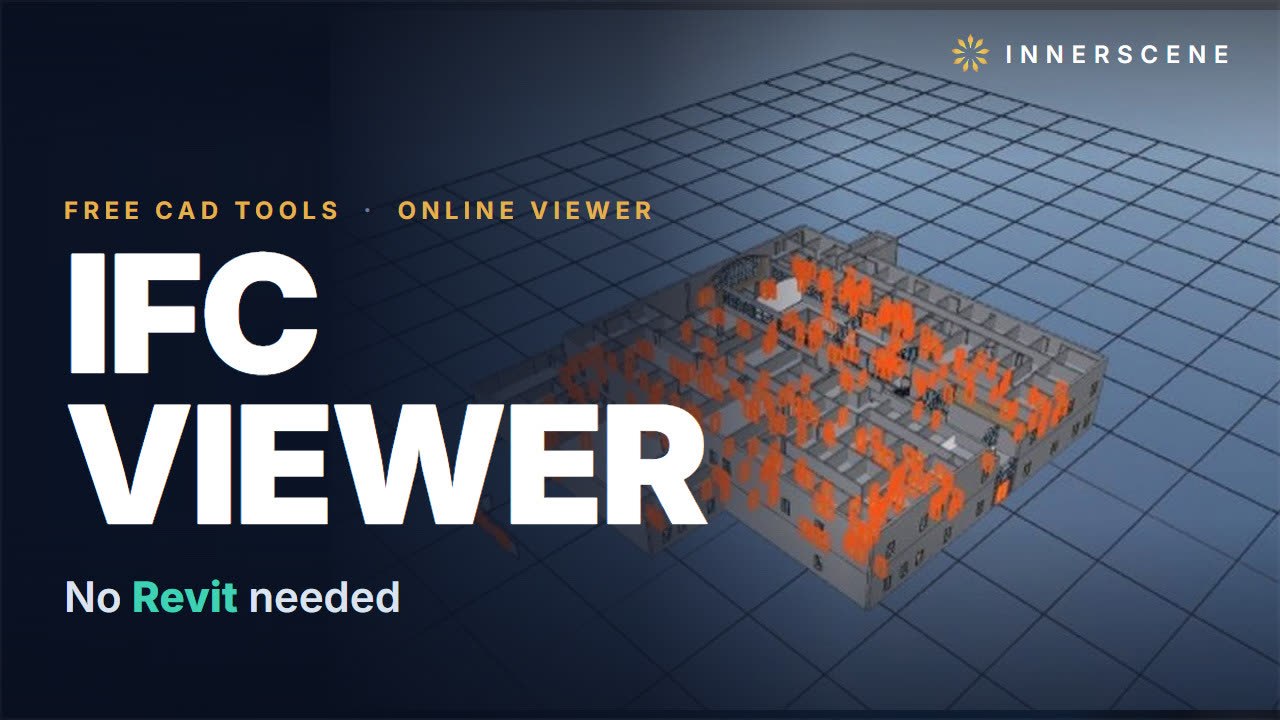 2:29Open IFC Files Online for Free: Properties, Schedules and Floor Plans (No Revit)Open IFC files for free, right in your browser, with no Revit, no Archicad and nothing to install, and get the information out of them.11 chapters · 2 min
 1:49Open E57 Laser Scans Online and Trace a Floor Plan to DWG (Free, No Software)Open E57 and LAS laser scans for free, right in your browser, and trace a floor plan from the scan to DWG for AutoCAD. No scanner software, no account, nothing to install.9 chapters · 2 min
 2:40Convert SketchUp SKP to DWG Without SketchUp (Free, Online)Convert SketchUp SKP files to AutoCAD DWG for free, right in your browser, with no SketchUp licence and nothing to install.10 chapters · 3 min