View a Revit RVT File Without Revit (Free, Online Revit Viewer)
View Revit RVT files for free, right in your browser, with no Revit license and no Autodesk account.
This tutorial opens a three-storey office building and walks through everything the free Revit viewer does for architects and lighting designers: orbit, zoom and pan, X-ray to see inside, a layer per Revit category (walls, floors, roofs, columns, stairs, railings), floor plans level by level (each level cut just above the floor, the walls the cut crosses drawn heavier), measuring in feet and inches, walking the building in VR, converting RVT to DWG floor plans, IFC, STEP and more, sharing a link or embedding the viewer, and opening a room in CircadianLab, our free lighting calculator, to place fixtures. Projects (.rvt), families (.rfa) and templates from Revit 2010 to the current release open natively, rebuilt from Revit's own solids. The file is read in your browser. It works on phones and tablets, and there are free apps for Windows, Mac, iPhone, iPad and Android.
Convert Revit files RVT to DWG, RVT to DXF, RVT to IFC, RVT to STEP, RVT to OBJ, RVT to GLB, RVT to glTF, RVT to FBX, RVT to STL, RVT to 3MF, RVT to USDZ, RVT to DAE (COLLADA), RVT to 3DS, RVT to SAT, RVT to 3DM (Rhino), RVT to PDF, RVT to SVG, RVT to PNG, RVT to HTML, RFA to DWG, RFA to STEP, RFA to OBJ.
Transcript
Intro
Here is how to view a Revit RVT file for free, in your web browser, without Revit.
Open the Revit viewer
Go to innerscene.com/tools/revit-viewer. There is no Revit license or Autodesk account needed, and the file is read right here in your browser.
Open an RVT file
Click Open a Revit File, or drop the file on the page. Projects, families and templates from Revit 2010 to the current release open. This is a three-storey office building, a public domain model from NIST. Walls keep their joins and the openings their windows cut, as Revit computed them.
Look around the model
Drag to orbit, scroll to zoom, and right-drag to pan. From outside, an office building is a closed box. View, then X-Ray, sees through the walls to the floors, stairs and columns inside.
A layer per Revit category
Tools, then Layers, lists the Revit categories: walls, floors, roofs, columns, stairs and the rest. Untick Roofs, and you look down into the top floor, with its columns and stairs.
Floor plans
View, then Floor plans, draws the building the way a plan view does: each level cut just above the floor, with the walls the cut crosses drawn heavier. Pick a level. On the second floor you see the building core, with its stairs and lift. To measure, open Tools, choose Add measurement, and click two points. Revit models open in feet, so the width of the building reads just as it does in Revit. Back to 3D returns to the model.
Walk it in VR
With a headset, VR walks the building at true size, from this same page.
Convert RVT to DWG, IFC, STEP and more
Export converts the model: DWG floor plans, one per level, for AutoCAD, IFC for other BIM tools, STEP for SolidWorks, and OBJ, GLB and FBX for rendering and the web. PDF and images too. Here it saves the floor plans as DWG.
Share and embed
Share gives you a link that opens the model in any browser, or embeds this viewer in your own page.
Light it in CircadianLab
For lighting design, Tools, then Open in CircadianLab, takes a room into our free lighting calculator. Pick a story, here the second floor, then a room on it. Its size and ceiling height are read from the model. Open it, and the room is ready for fixtures and a check of the light on every desk.
Phones and tablets
The same page works on a phone or tablet, so you can check a model on site.
Free apps
There are free apps too: for Windows and Mac, for iPhone and iPad on the App Store, and for Android phones and tablets on Google Play.
Summary
That is the free Revit viewer and converter at innerscene.com. Links are in the description.
More video tutorials
 2:47Open a Navisworks NWD File Without Navisworks (Free, Online)Open Navisworks NWD files for free, right in your browser, with no Navisworks install and no account.13 chapters · 3 min
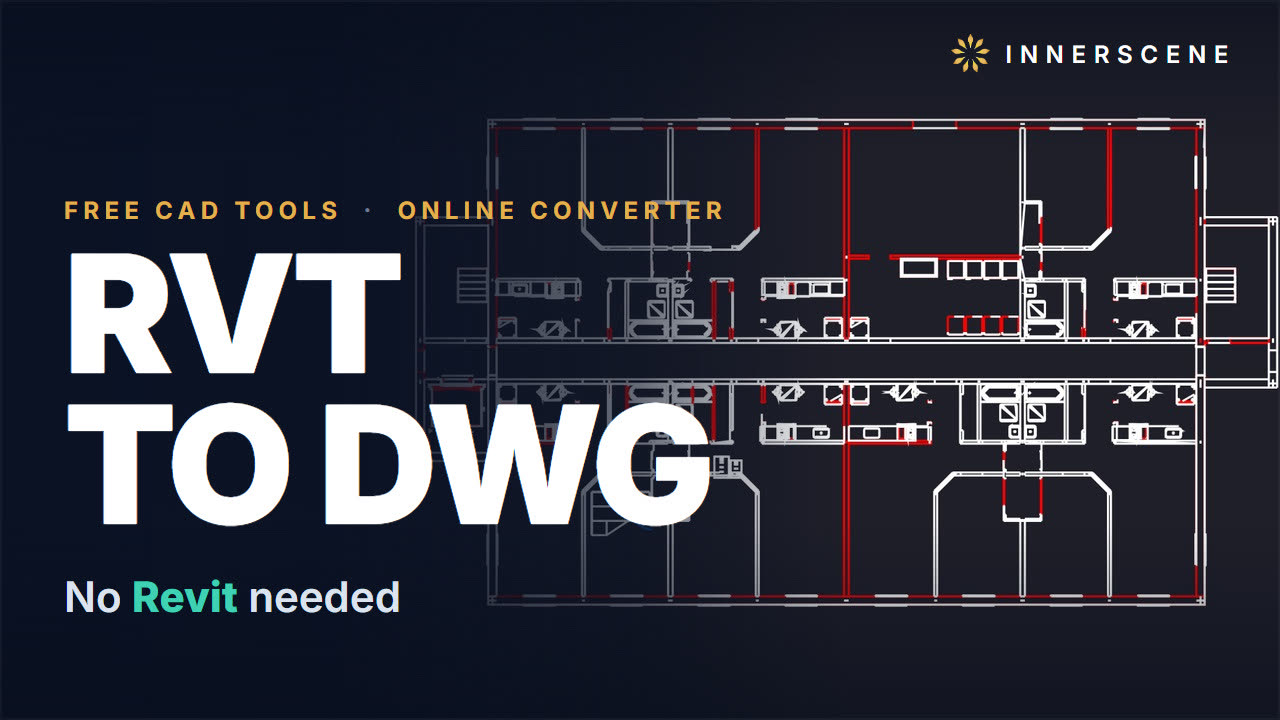 2:36Convert Revit RVT to DWG Without Revit (Free, Online)Convert Revit RVT files to AutoCAD DWG for free, right in your browser, with no Revit licence and no Autodesk software.12 chapters · 3 min
 2:33How to View an IES Photometric File (Free, Online IES and LDT Viewer)View IES and LDT photometric files for free, right in your browser, with nothing to install and no account.13 chapters · 3 min
 2:07Open a .blend File Without Blender (Free, Online)Open Blender .blend files for free, right in your browser, with no Blender install and no account.12 chapters · 2 min
 2:17Open SolidWorks SLDPRT and SLDASM Files Without SolidWorks (Free, Online)Open SolidWorks parts (.sldprt), assemblies (.sldasm) and drawings (.slddrw) for free, right in your browser, with no SolidWorks licence and nothing to install.13 chapters · 2 min
 2:22How to Open DWF Files Online for Free (DWF Viewer + DWF to DWG and PDF)Open and view DWF and DWFx files for free, right in your browser, with no Autodesk software.11 chapters · 2 min