Advanced screen
Data Management
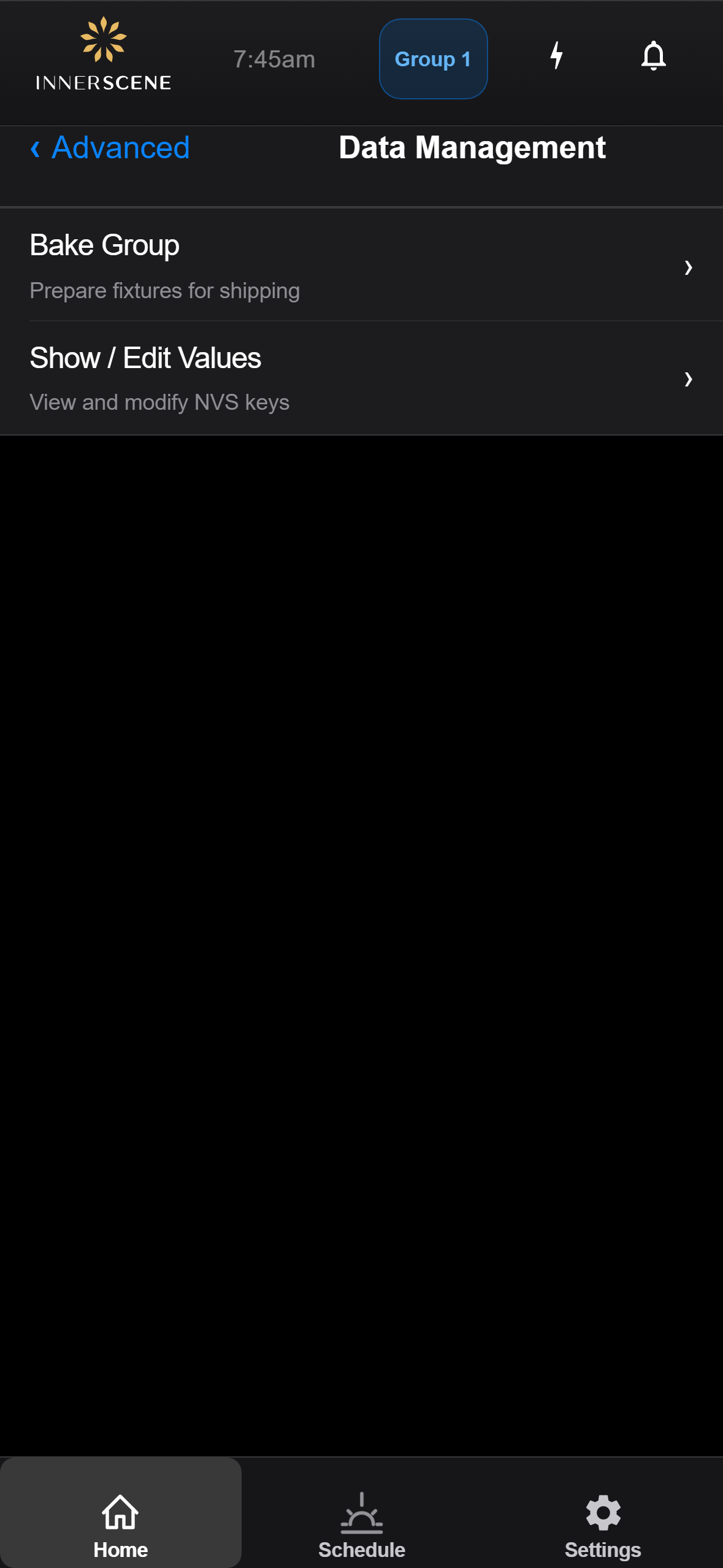
Hub page for the fixture's low-level data tools. Splits into two sub-pages: [[bake_group|Bake Group]] for preparing every fixture in the current wireless group for shipping, and [[edit_values|Show / Edit Values]] for browsing and modifying the raw NVS key-value store.
Controls on this screen
- Bake Group
Opens the [[bake_group|Bake Group]] page. Used to bake critical runtime settings (radio channel, group, schedule, etc.) into persistent storage on every fixture in this wireless group, and to strip debug/test keys. Typically the last step before shipping a configured group of fixtures.
- Show / Edit Values
Opens the [[edit_values|Device Values]] table, which shows every key-value entry stored on this device. From there you can edit individual values, add new keys, bulk-delete entries, and bake values into persistent storage.
Open this screen in the interactive guide to explore it with clickable callouts, search, and a live simulator, or browse all screens.