Settings screen
Messages
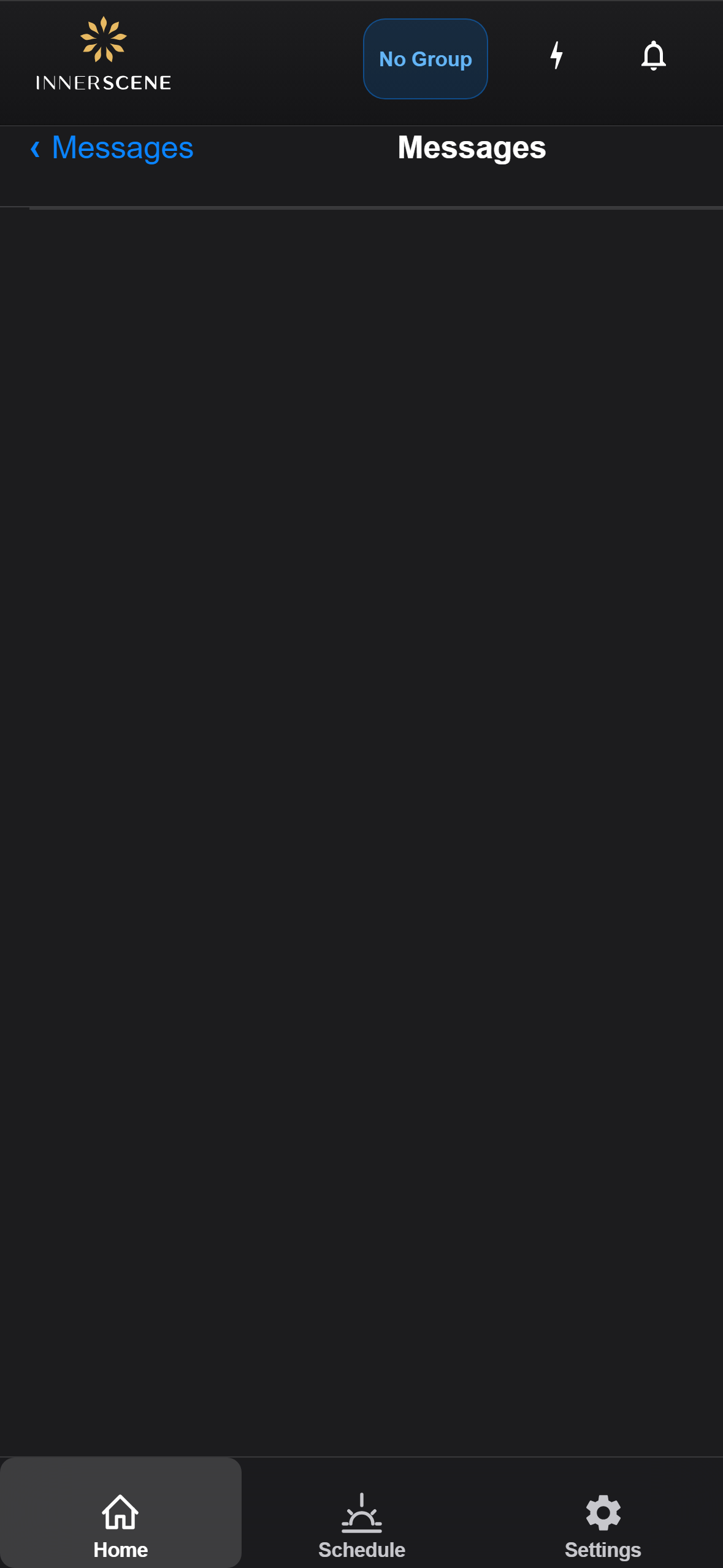
View system notifications and alerts from the device, such as firmware update availability, connection events, and error reports.
Controls on this screen
- Messages List
Displays device notifications in chronological order. Each message includes a timestamp and description. Messages cover events like successful firmware updates, connection changes, calibration results, and system warnings.
- Empty State
Shown when there are no messages. Displays "No Messages — You're all caught up!" indicating no pending notifications.
Open this screen in the interactive guide to explore it with clickable callouts, search, and a live simulator, or browse all screens.