Settings screen
Sensor Hardware
Connect directly to the SkySync sensor for configuration, calibration, and aiming. Useful during installation and troubleshooting.
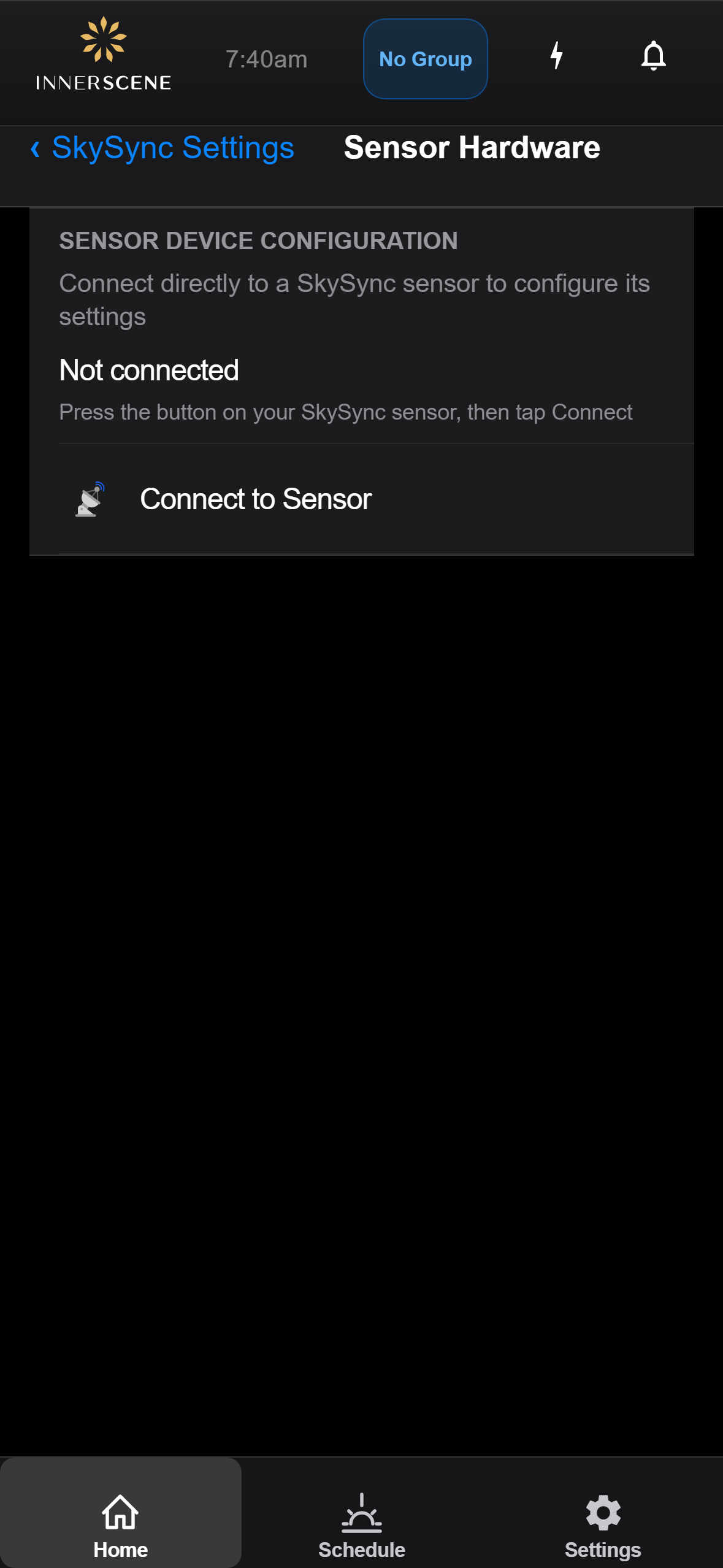
Controls on this screen
- Sensor Connection Status
Shows whether the fixture currently has a direct Bluetooth session with the paired sensor. Direct sessions are needed for calibration, aiming, and firmware updates on the sensor.
- Connect to Sensor
Initiates a direct Bluetooth connection to the paired SkySync. Press the button on the sensor first to put it in pairing-ready mode, then tap here.
Open this screen in the interactive guide to explore it with clickable callouts, search, and a live simulator, or browse all screens.