Advanced screen
SSID Editor
Change the name (SSID) of the device's WiFi access point. This is the network name visible when scanning for WiFi.
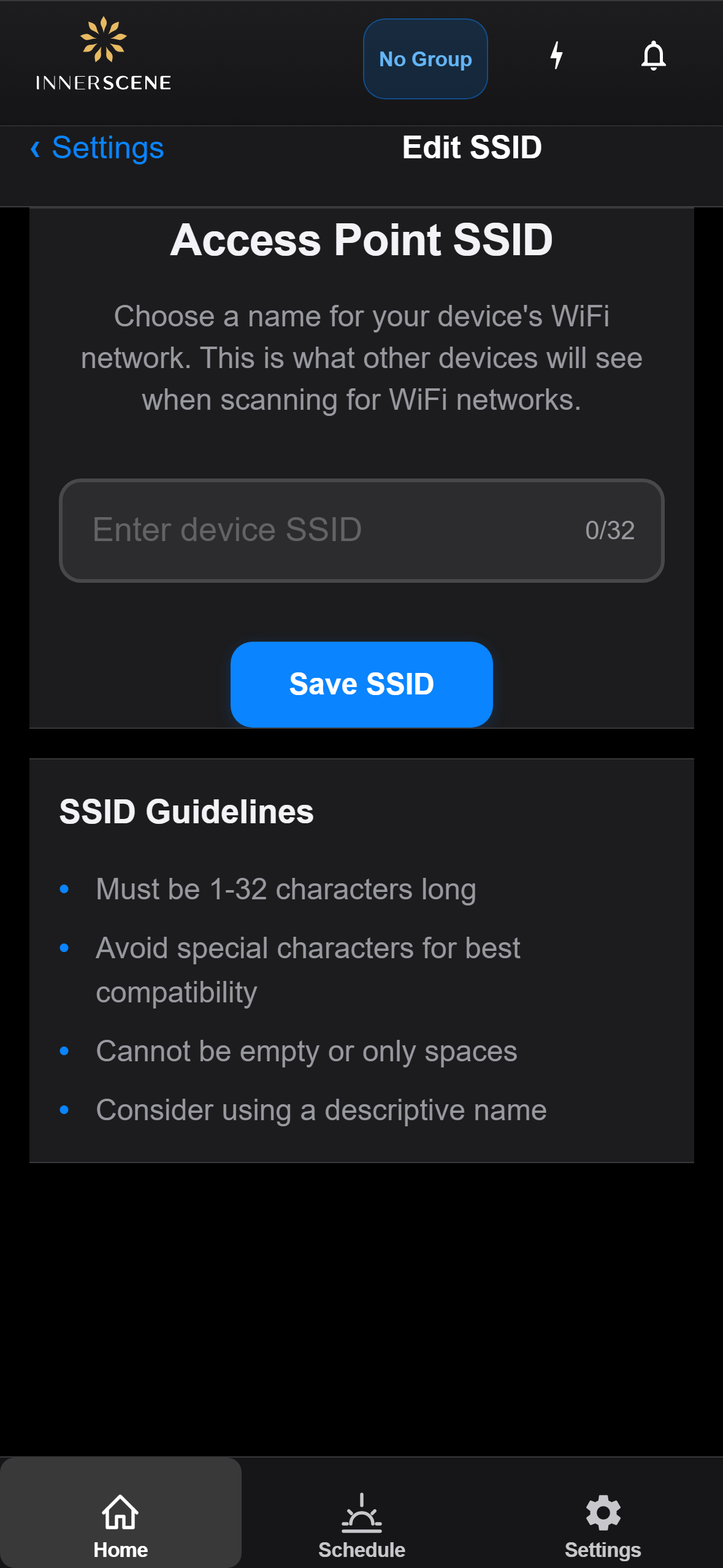
Controls on this screen
- SSID Input
Type the new name for the device's WiFi network. The name can be 1-32 characters long. This is what appears when you or other users scan for WiFi networks on phones, tablets, or computers.
- Character Counter
Shows how many characters you've typed out of the 32-character maximum. WiFi SSIDs are limited to 32 characters by the WiFi standard.
- Save SSID
Saves the new SSID name to the device. The WiFi access point will restart with the new name. You will need to reconnect to the device using the new network name.
Open this screen in the interactive guide to explore it with clickable callouts, search, and a live simulator, or browse all screens.