Advanced screen
Connect to WiFi Network
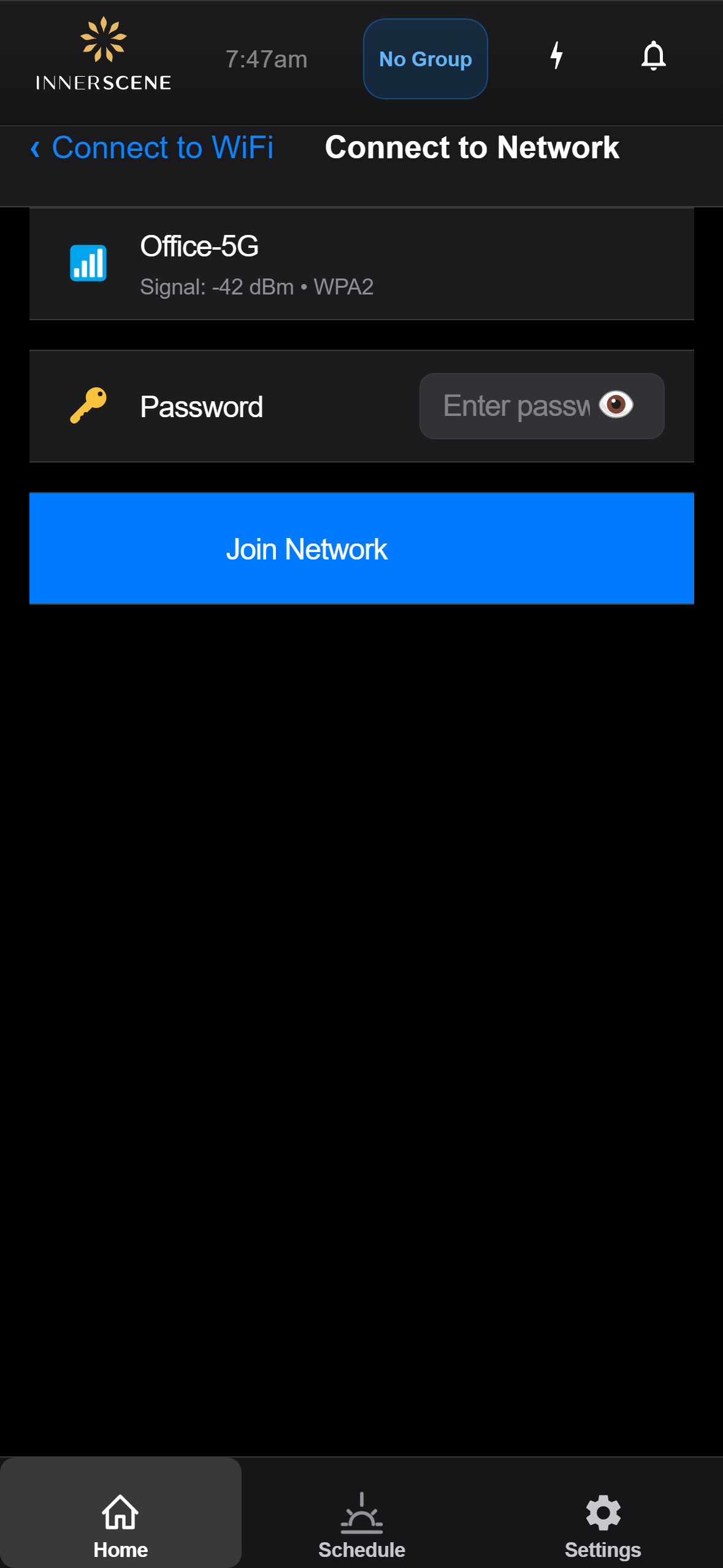
Enter the password and join a selected WiFi network. Shows connection progress and status.
Controls on this screen
- Network Name
The name (SSID) of the WiFi network you are connecting to.
- Network Details
Signal strength and security type of the selected network.
- Password Field
Enter the WiFi network password. Not shown for open (unsecured) networks. The password is sent to the device and stored securely.
- Join Network
Initiates the connection attempt. The device will try to connect to the network and report back the result. This may take up to 15 seconds.
- Connection Status
Shows the progress and result of the connection attempt — connecting, connected successfully, or failed with an error message.
Open this screen in the interactive guide to explore it with clickable callouts, search, and a live simulator, or browse all screens.