Advanced screen
Software Primary
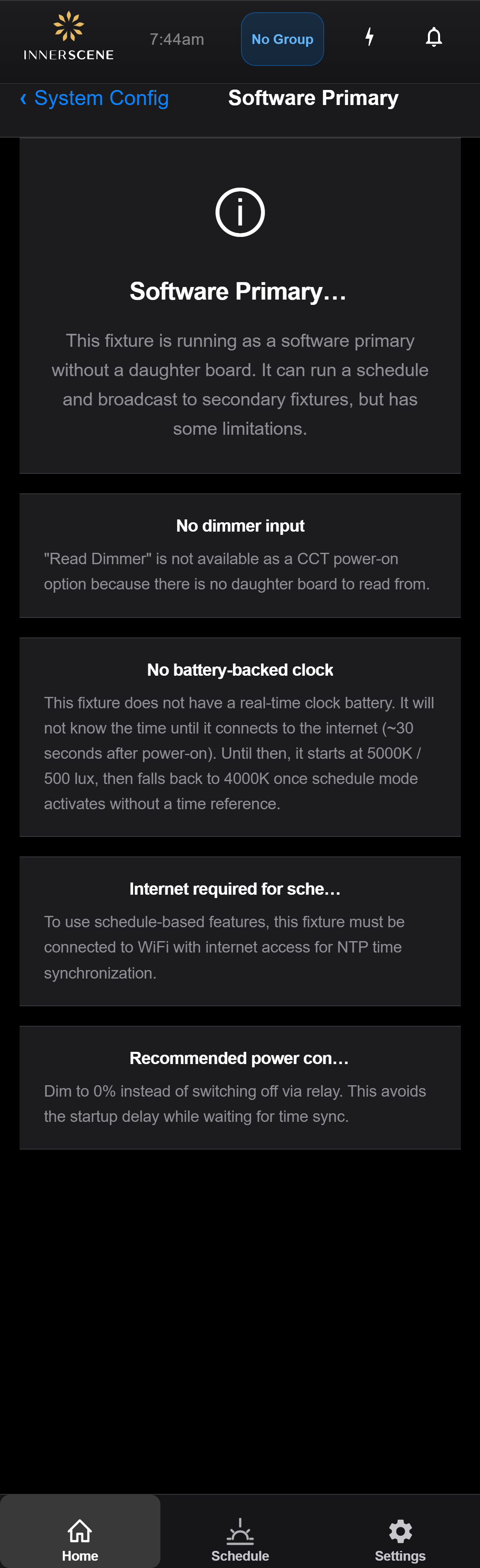
Information page shown when a fixture is acting as a "software primary" — i.e. running the schedule for its wireless group despite not having a 0-10V or DMX daughter board. Lists the four practical limitations of this mode so installers know what to expect: no dimmer input, no battery-backed clock, internet required for schedule, and a recommended power-control strategy. Reached from the [[system_config|System Configuration]] page when this fixture's role is "software primary".
Open this screen in the interactive guide to explore it with clickable callouts, search, and a live simulator, or browse all screens.