Settings screen
SkySync Sensor Status
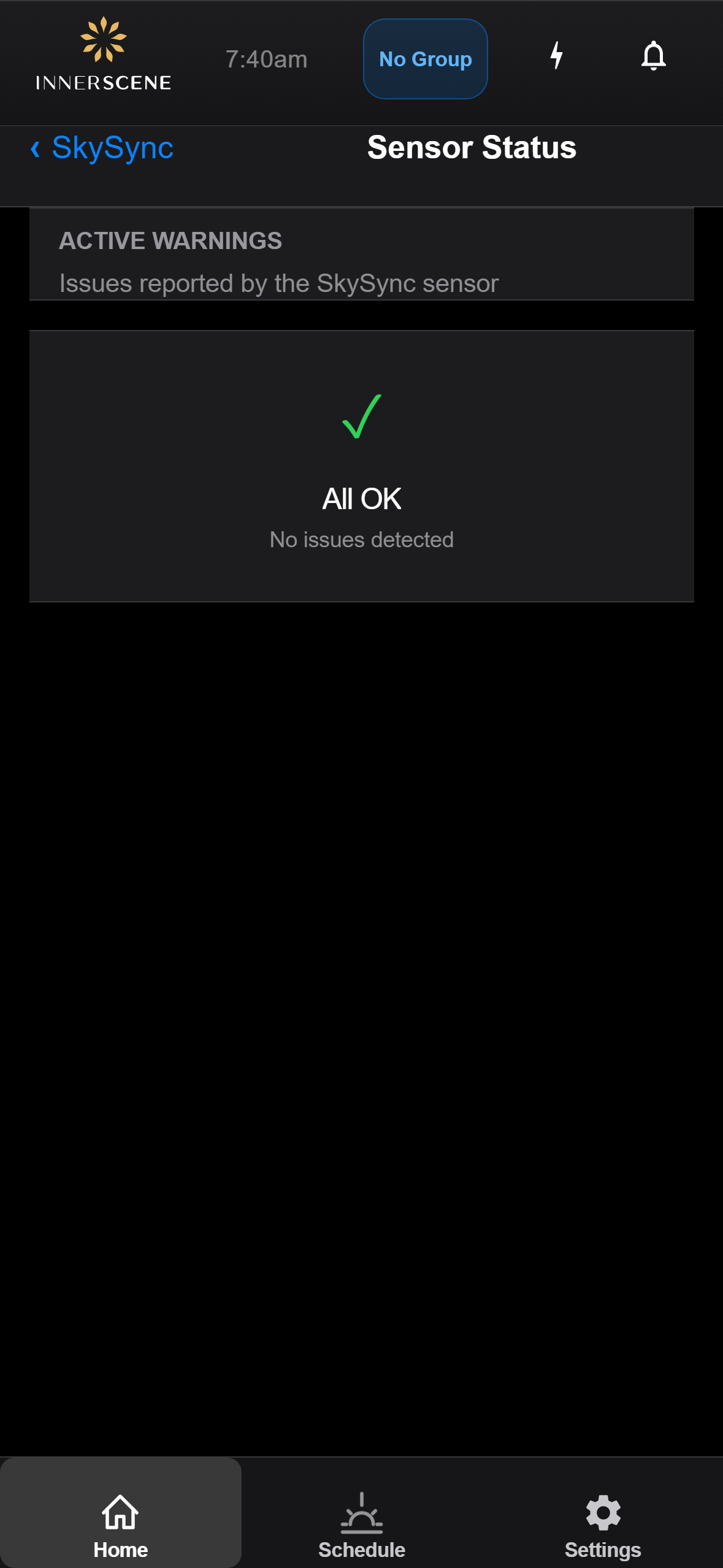
Lists active warnings and faults reported by the SkySync outdoor sensor. Reached from the [[skysync|SkySync]] page when the sensor reports issues that need attention (low battery, lost signal, obstructed view, etc.). When the sensor reports no issues, the page shows an "All OK" confirmation instead.
Controls on this screen
- Active Warnings
List of current issues reported by the SkySync sensor. Each entry describes one warning — common examples include low battery, weak Bluetooth signal, sensor obstruction, or a stale reading. Populated dynamically from the device's most recent sensor status report.
- All OK
Shown in place of the warnings list when the sensor is reporting no issues. Confirms that the sensor is connected, has fresh readings, and is operating within expected ranges.
Open this screen in the interactive guide to explore it with clickable callouts, search, and a live simulator, or browse all screens.