Home Screen screen
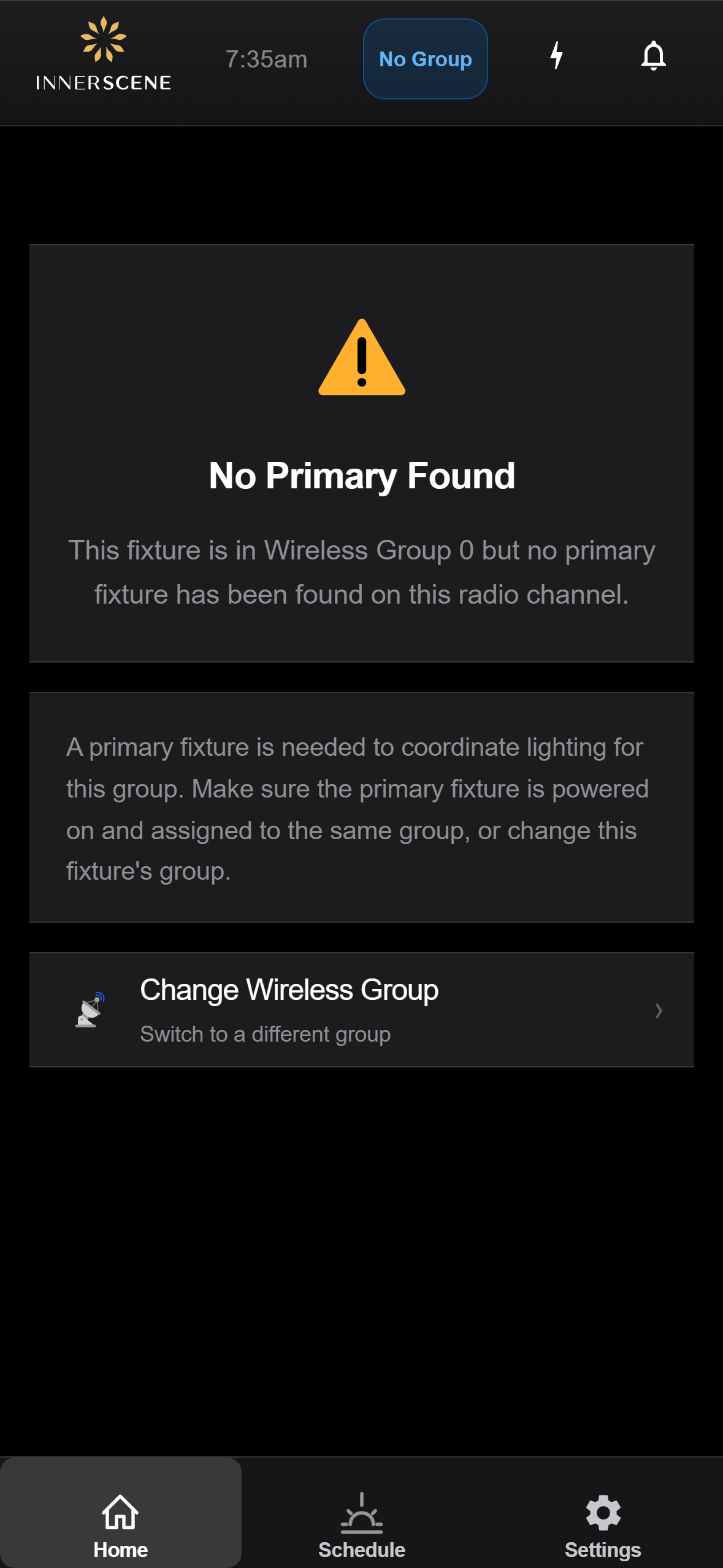
Secondary — No Primary Found
Shown on a secondary fixture that is in a wireless group but cannot reach a primary fixture on this radio channel. The schedule and lighting state come from the primary, so without one the fixture is stuck. Offers a single recovery — change the wireless group — for cases where the secondary was provisioned to the wrong group.
Controls on this screen
- Current Wireless Group
The wireless group this fixture is in. Inlined into the headline so you can see which group has no primary at a glance.
- Change Wireless Group
Navigates to the [[wireless_group|Wireless Group]] page so you can move this fixture to a different group — useful if the secondary was provisioned to a group with no primary fixture installed.
Open this screen in the interactive guide to explore it with clickable callouts, search, and a live simulator, or browse all screens.