Home Screen screen
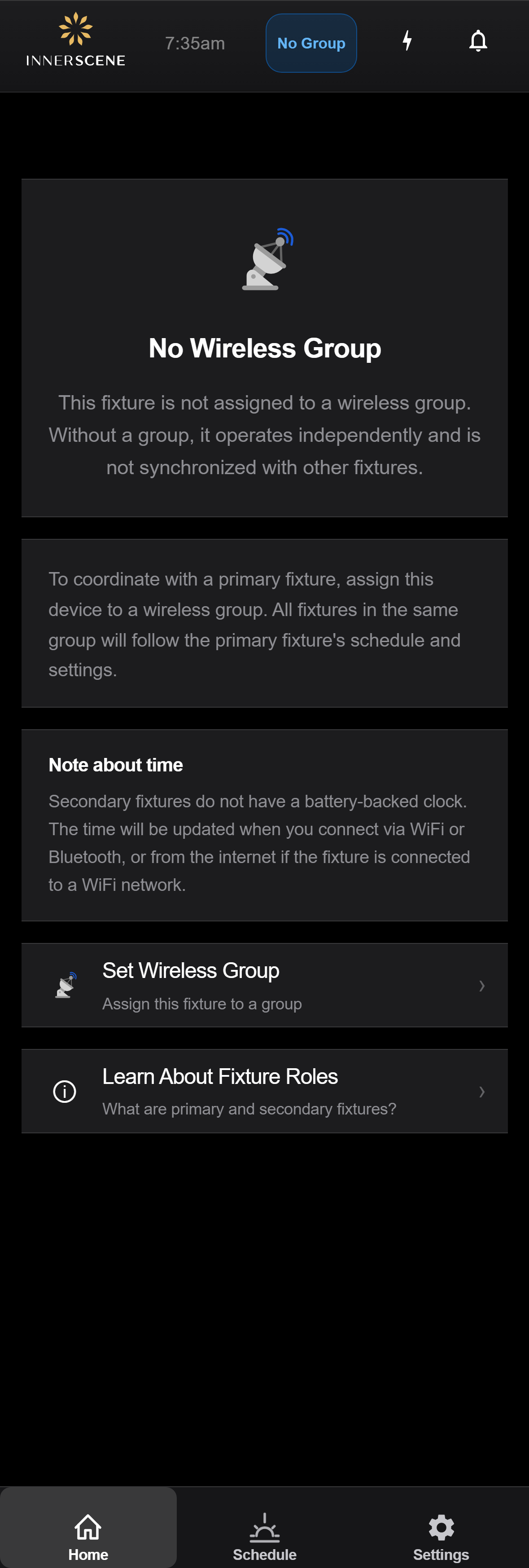
Secondary — No Wireless Group
Shown on a secondary fixture that has not been assigned to a wireless group. Without a group the fixture operates independently and does not synchronise with anything. Offers a shortcut to assign it to a group and a link to learn what primary/secondary fixtures are.
Controls on this screen
- Set Wireless Group
Navigates to the [[wireless_group|Wireless Group]] page so you can assign this fixture to a group. Pick the same group as the desired primary fixture and this device will start following that primary's schedule and settings.
- Learn About Fixture Roles
Opens the [[fixture_role_info|Fixture Roles]] explainer covering what a primary fixture is, what a secondary fixture is, and how wireless groups tie them together.
Open this screen in the interactive guide to explore it with clickable callouts, search, and a live simulator, or browse all screens.