Home Screen screen
Multiple Windows
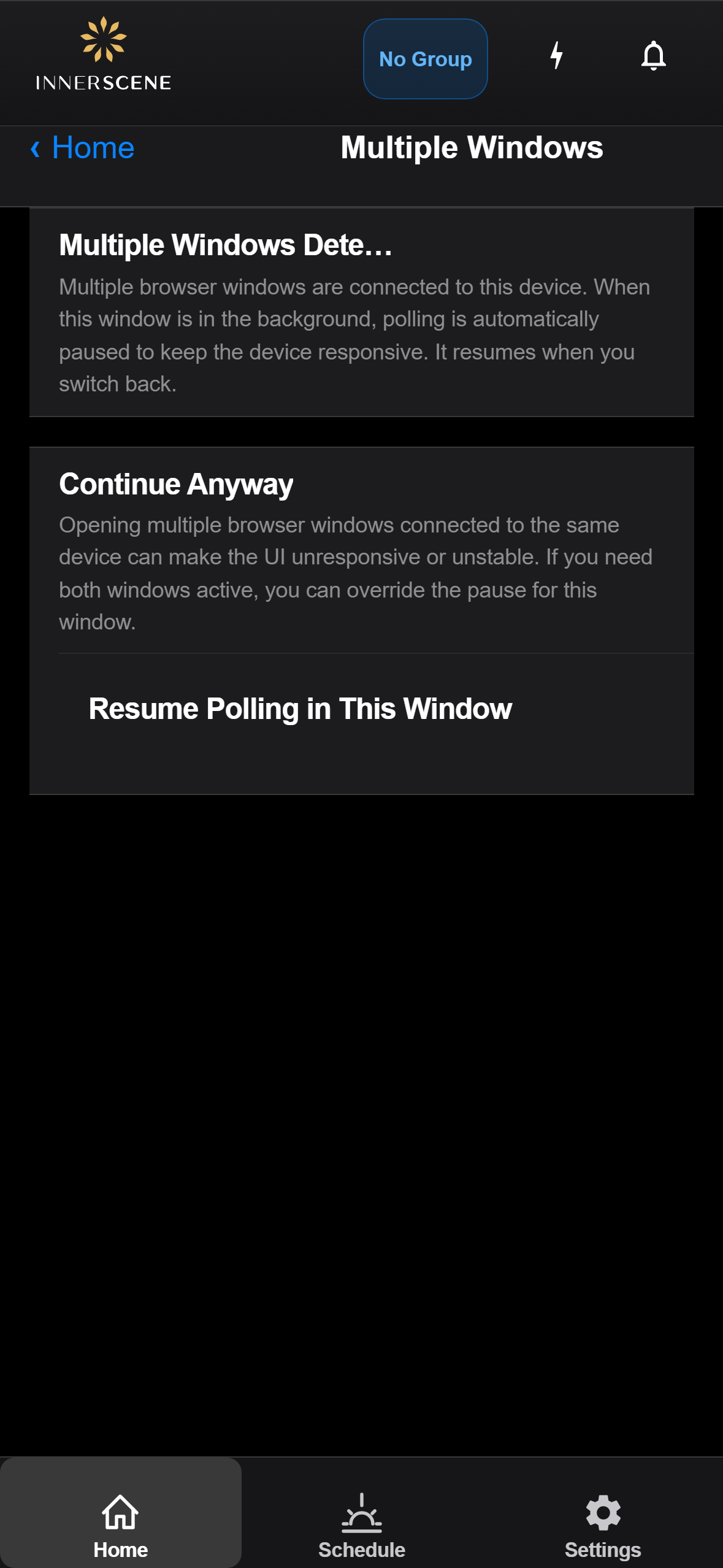
Warning shown when the device interface is open in multiple browser windows on the same network. Polling is automatically paused in inactive windows to keep the device responsive — this page lets you override that pause for the current window.
Controls on this screen
- Resume / Pause Polling
Overrides the automatic background-pause for this window. The label toggles between "Resume Polling in This Window" and "Pause This Window" depending on the current state. Use carefully: running active polling from multiple windows against the same device can cause UI instability or unresponsiveness, so prefer closing the duplicate window when possible.
Open this screen in the interactive guide to explore it with clickable callouts, search, and a live simulator, or browse all screens.