Advanced screen
Fixture Roles
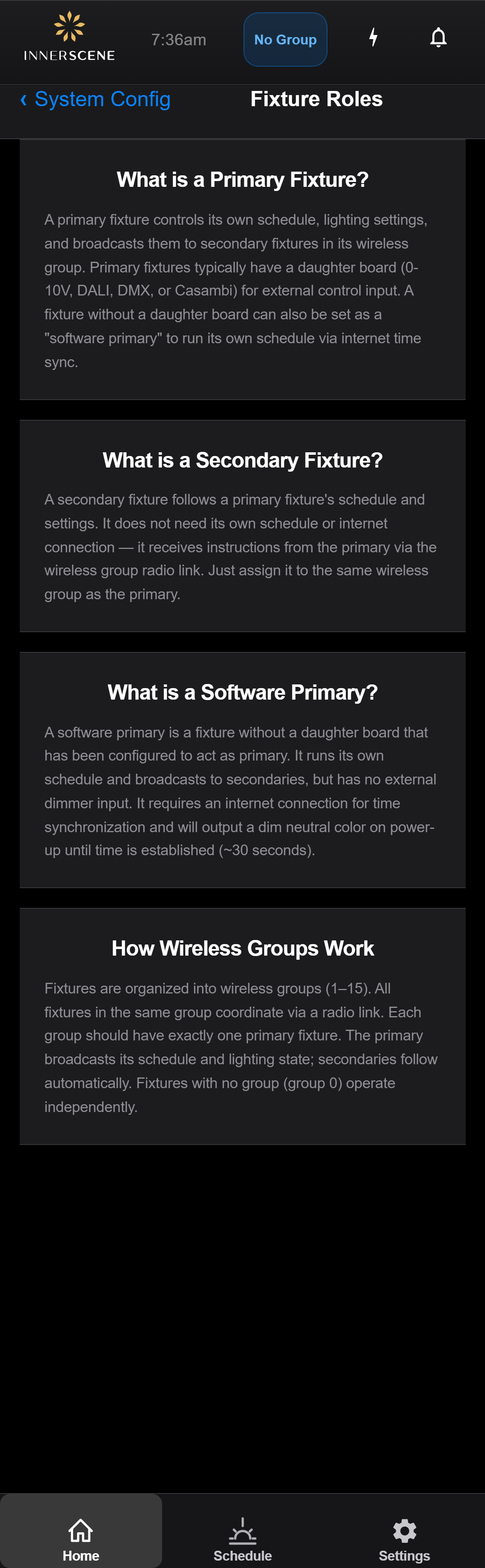
Educational page explaining the three fixture roles (primary, secondary, software primary) and how wireless groups tie them together. Reached from any page that offers "Learn About Fixture Roles" — typically on the [[no_primary_found]], [[secondary_no_group]], or [[secondary_primary_found]] pages.
Overview
Every fixture on the wireless network takes one of three roles. A primary fixture runs its own lighting schedule and broadcasts it to the rest of its wireless group; it usually has a daughter board (0-10V, DALI, DMX, or Casambi) for external control. A secondary fixture has no schedule of its own and follows whatever the primary broadcasts over the group radio link, so you only need to assign it to the same wireless group. A software primary is a fixture with no daughter board that has been set to act as primary: it runs its own schedule but depends on an internet connection for time sync, and outputs a dim neutral color for about 30 seconds on power-up until the time is established.
Roles are tied together by wireless groups, numbered 1 to 15. All fixtures in the same group coordinate over the radio link, and each group should contain exactly one primary; the secondaries follow it automatically. A fixture left in group 0 has no group and operates on its own. This page is reached from the System Configuration menu and from the Learn About Fixture Roles links on the secondary and no-primary screens.
Open this screen in the interactive guide to explore it with clickable callouts, search, and a live simulator, or browse all screens.