Device Info screen
Scan All Channels
Scans every wireless group channel to discover all nearby Innerscene fixtures, regardless of which group they belong to. Useful during commissioning and for locating unknown fixtures on the network.
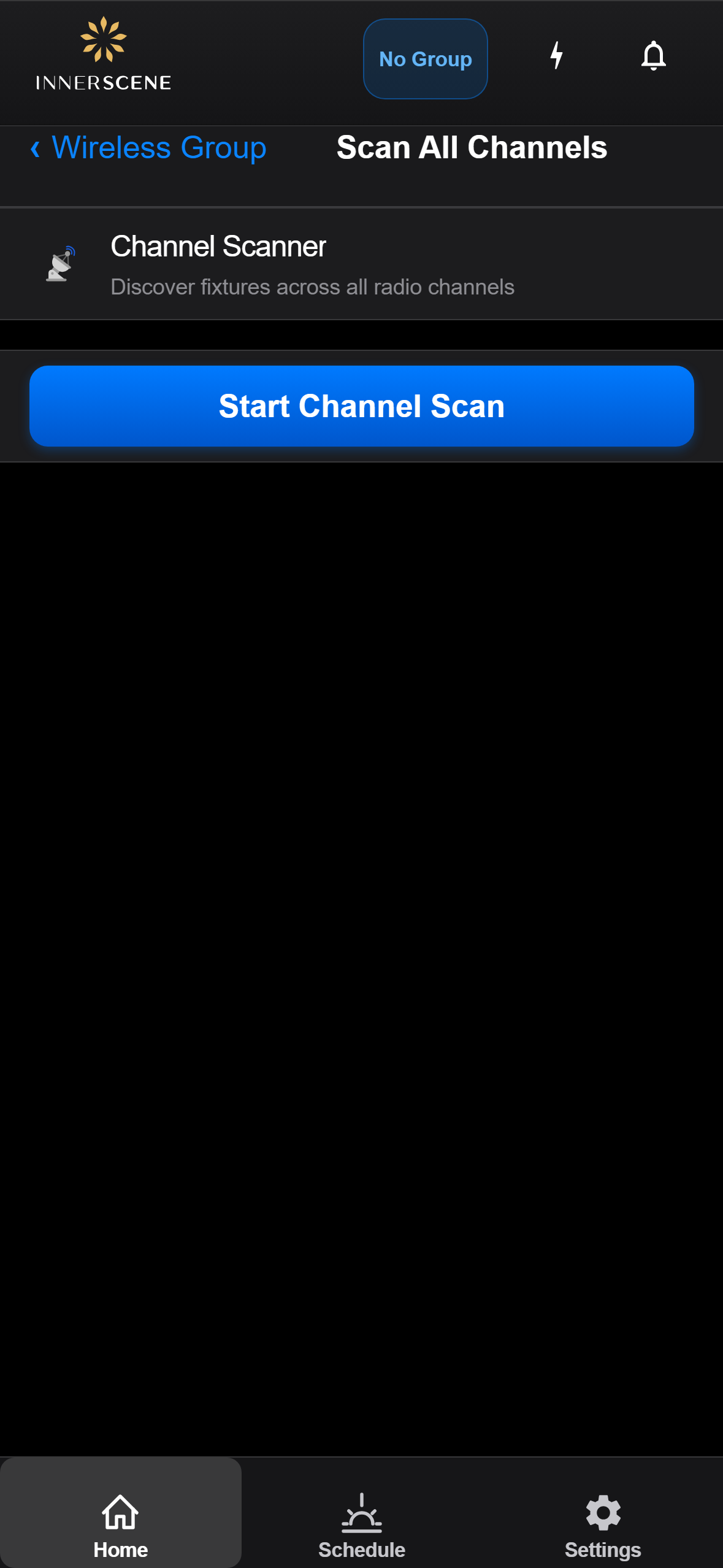
Controls on this screen
- Start Channel Scan
Begins scanning all wireless channels for fixtures. The device temporarily tunes to each channel in turn and listens for broadcasts. Takes about a minute to complete.
Open this screen in the interactive guide to explore it with clickable callouts, search, and a live simulator, or browse all screens.