Circadian Lab
Physically accurate lighting design: melanopic light, glare, and daylight, solved live as you move a fixture. No install, no signup.
A lighting simulator built for how light affects people
Circadian Lab computes melanopic EDI (CIE S 026:2018), photopic illuminance in lux and foot-candles, and UGR glare (CIE 117) from real photometric files, with full radiosity inter-reflection and daylight through windows and skylights. Draw a room, drop in fixtures, and watch the light land, live.
Live radiosity
WebGPU-accelerated solver re-computes the whole room every time you drag a fixture.
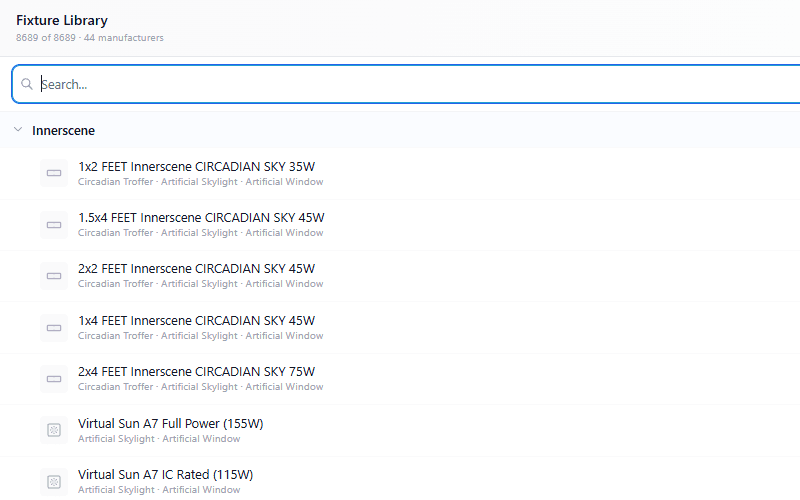
500,000+ fixtures
Real IES photometry from Acuity, ERCO, Signify, BEGA, Zumtobel, and dozens more. Or upload your own IES / LDT.
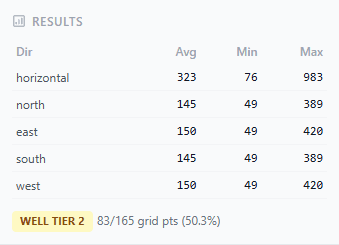
Built-in compliance
WELL v2 Tier 1 and 2 plus ANSI/IES RP-46-25 evaluated at every grid point, automatically.
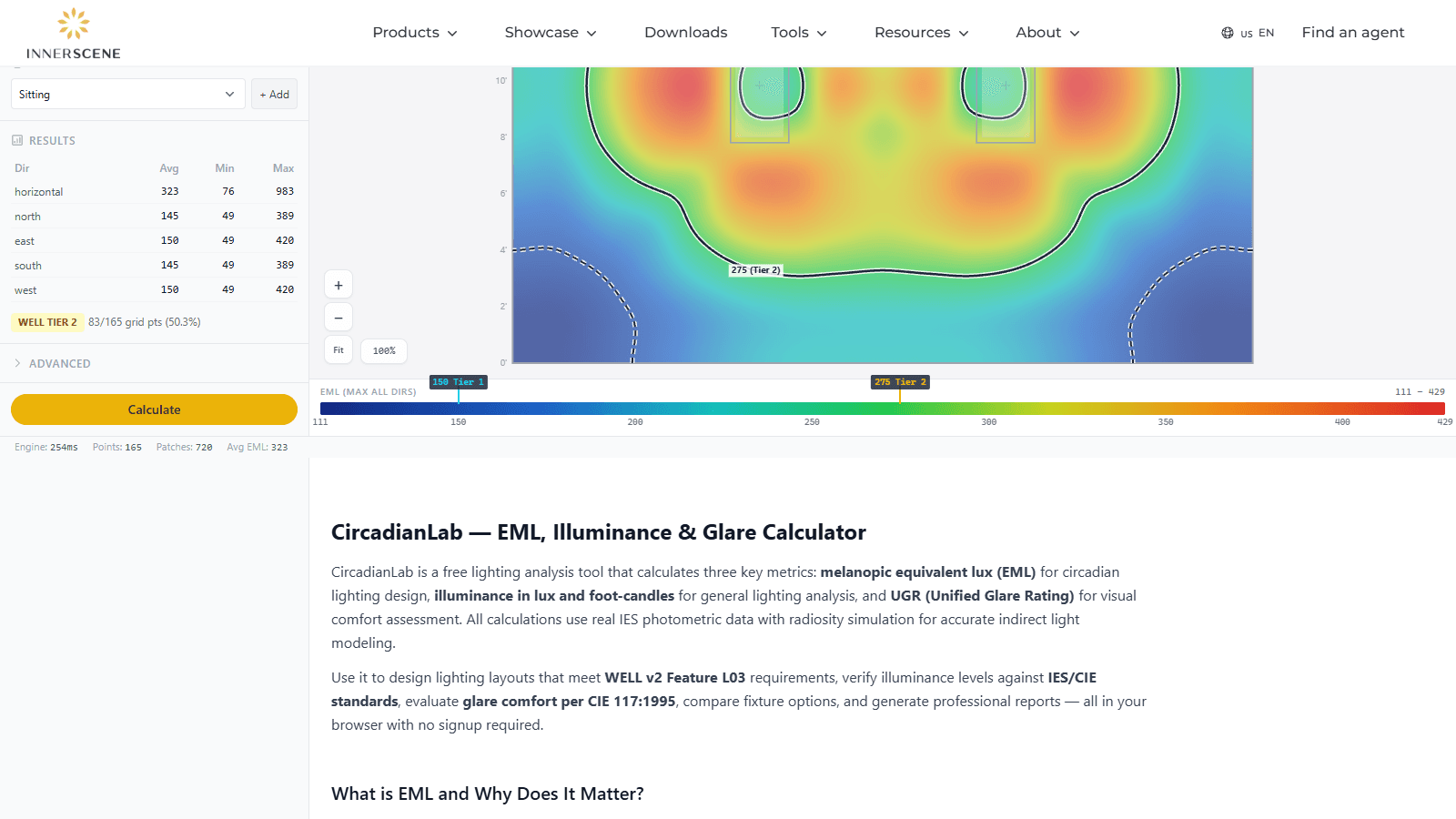
Free, private, anywhere
Runs entirely in your browser on desktop or tablet. Your project never touches a server unless you click Share.
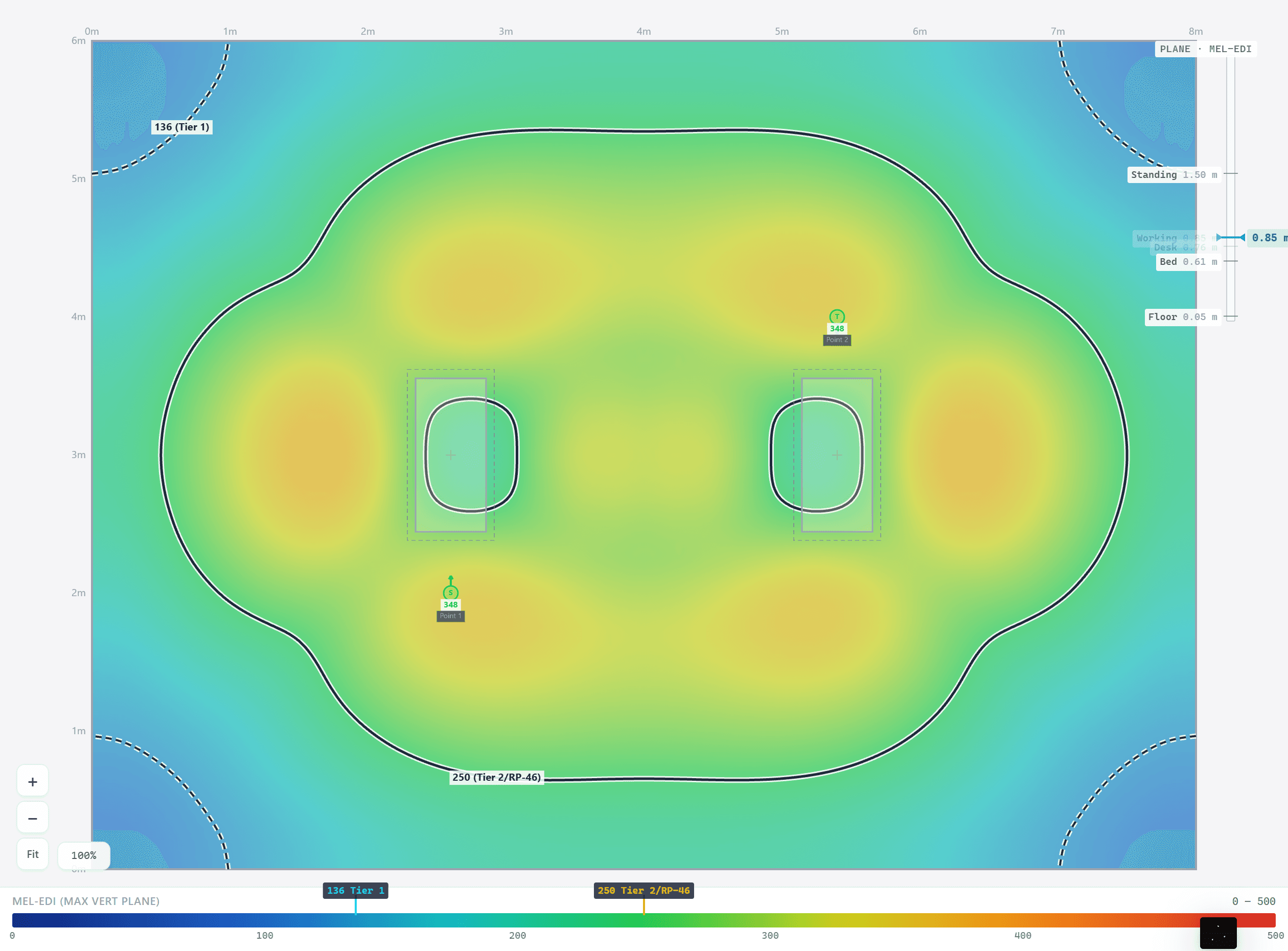
The heatmap recomputes as you drag
Every result comes from real IES candela data, an inverse-square direct solve, and a 3-bounce radiosity pass with visibility testing. The heavy lifting runs on WebGPU when your browser has it, so a realistic office re-solves in about a second, fast enough to drag a fixture and watch the light follow.
No lookup tables, no cone approximations, and the engine is validated by more than 120 automated tests against analytic references and 20 real photometric files.
Foot-candles, mel-EDI, and glare, one click apart
The same room, the same solve, three different questions. Every metric is measured in five directions per grid point: the horizontal work plane plus vertical planes facing north, east, south, and west at eye level.
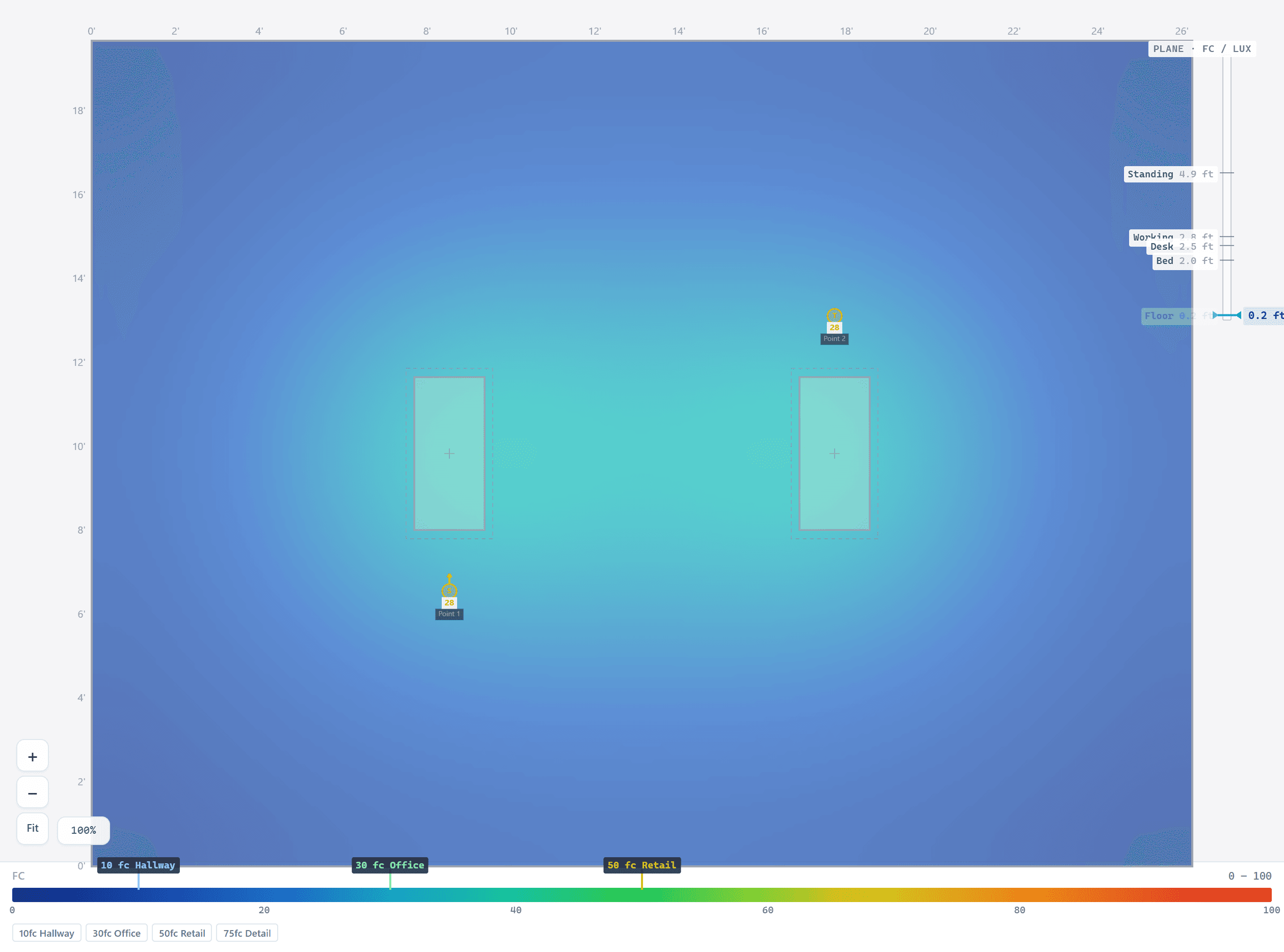
Illuminance
lux / foot-candles
The light that lands on the task. Horizontal illuminance at desk height is what every lighting spec starts with, and what your eye reads as a bright or dim room.
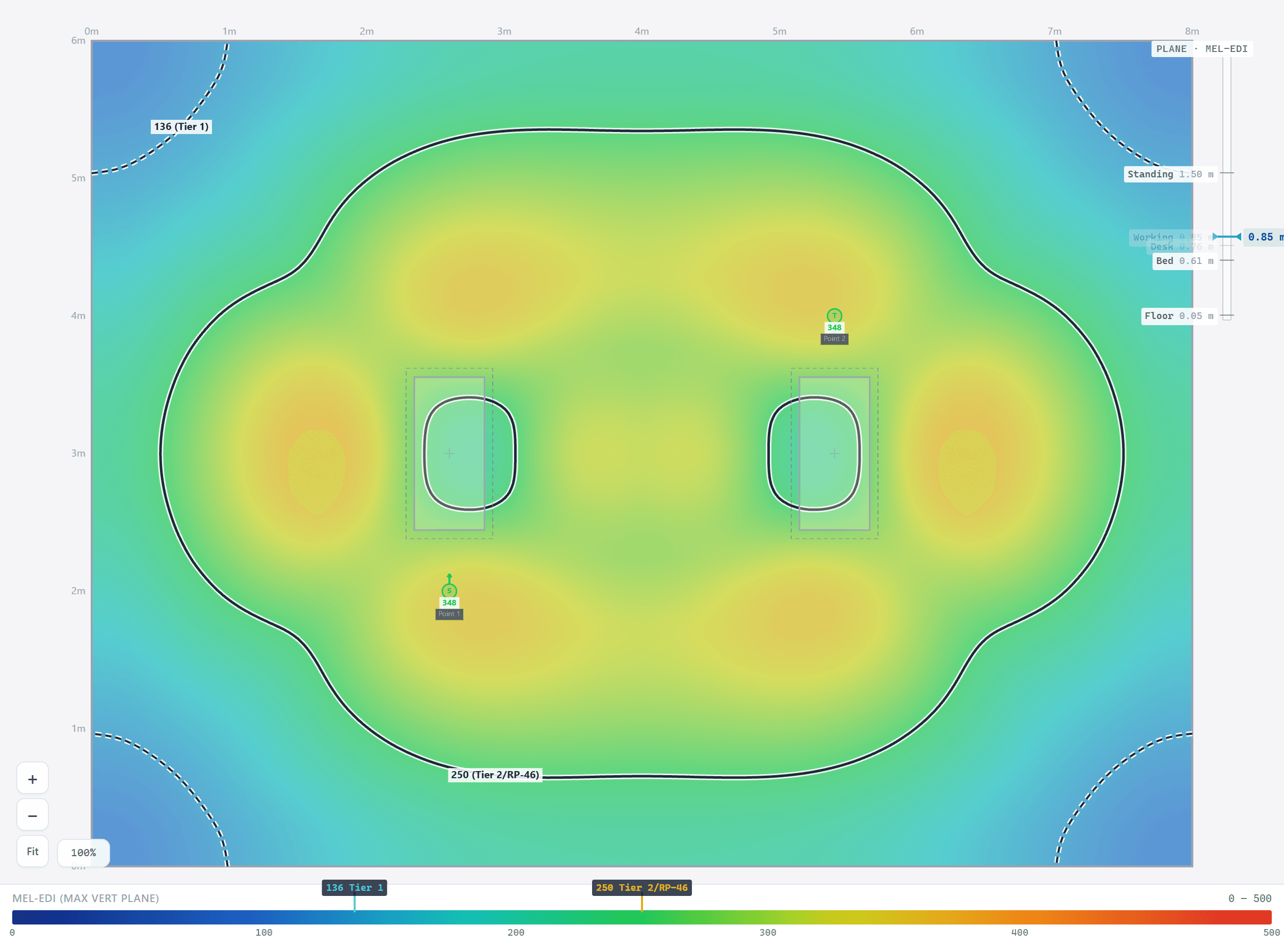
mel-EDI
melanopic EDI, CIE S 026
The light that reaches the eye and drives the body clock. WELL v2 asks for 136 (Tier 1) or 250 (Tier 2) mel-EDI vertically at eye level; 250 is also the ANSI/IES RP-46-25 daytime minimum.
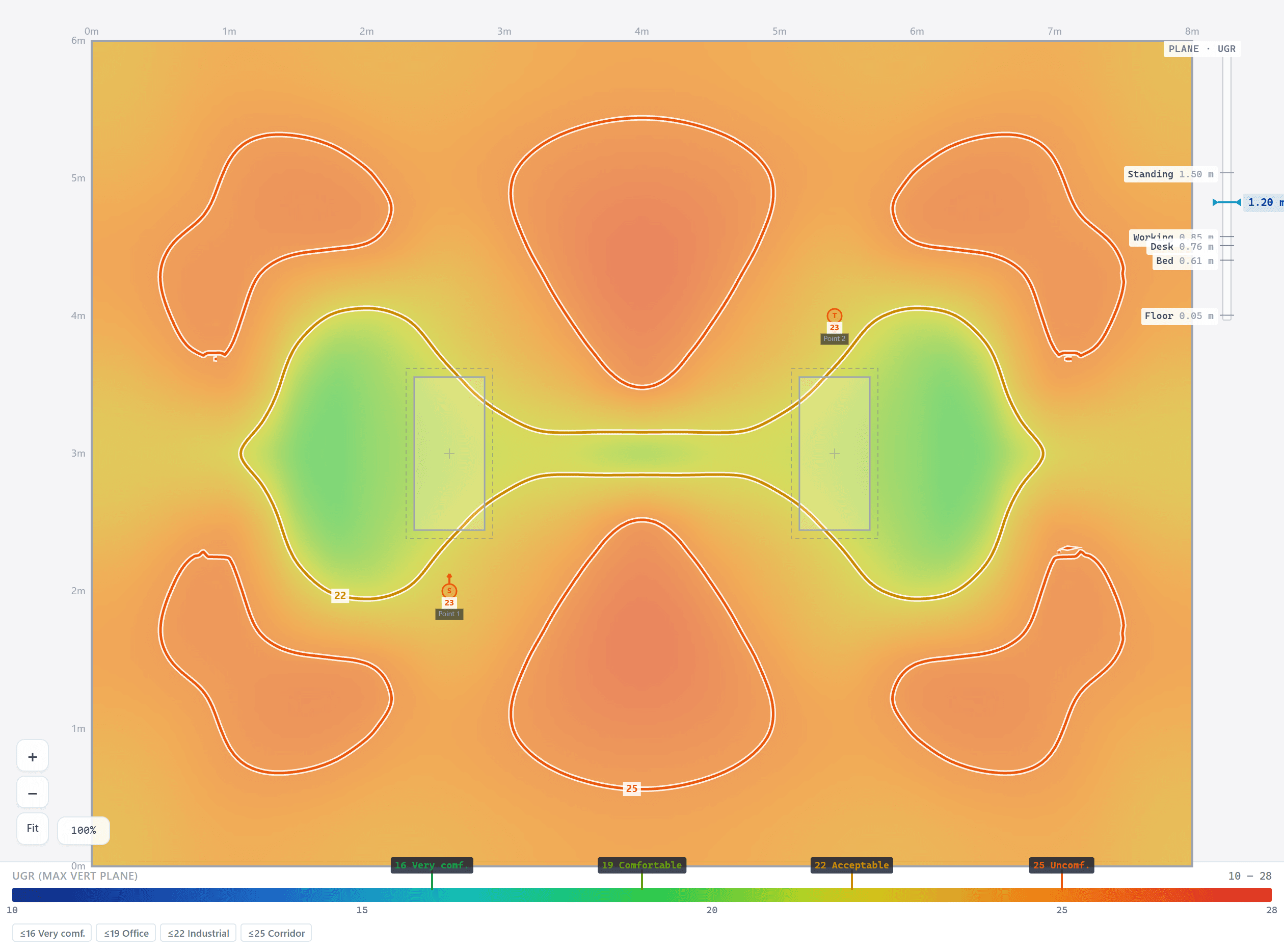
UGR
Unified Glare Rating, CIE 117
The discomfort a person feels looking across the room. Computed per observer with the Guth position index, so you can trade melanopic dose against glare honestly.
From plan view to eye level
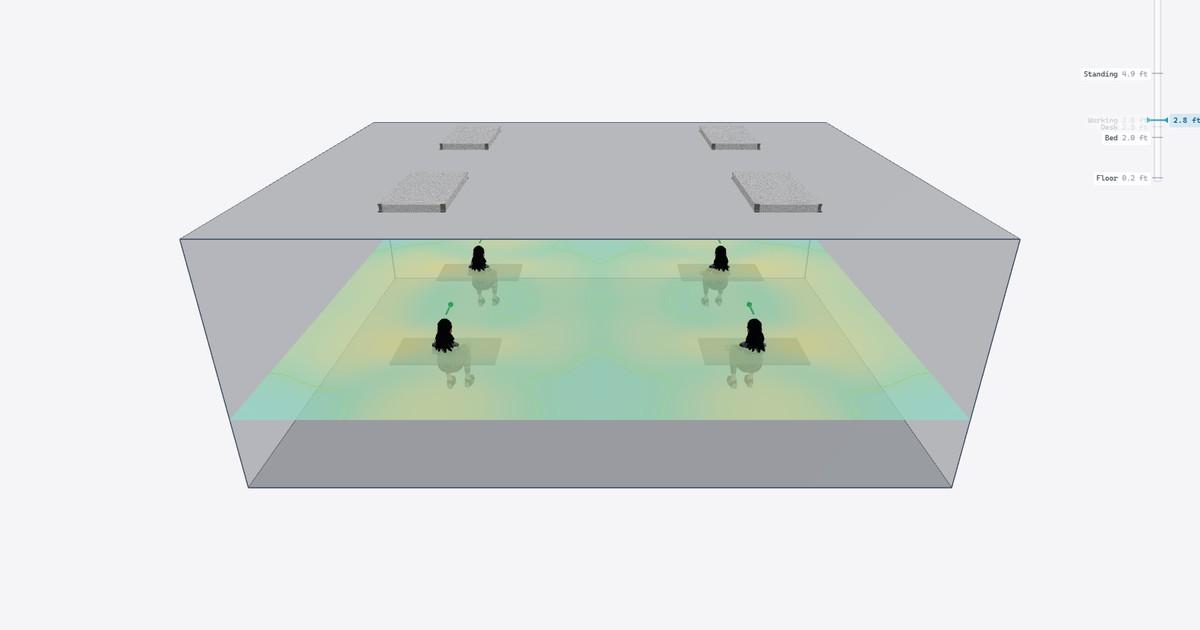
Switch to 3D to orbit the room, raise the measurement plane from the floor to seated eye height, and watch the solve follow it. Place occupants at real desk positions with a posture and gaze direction, and Circadian Lab reports mel-EDI, illuminance, UGR, and WELL status for each person individually.
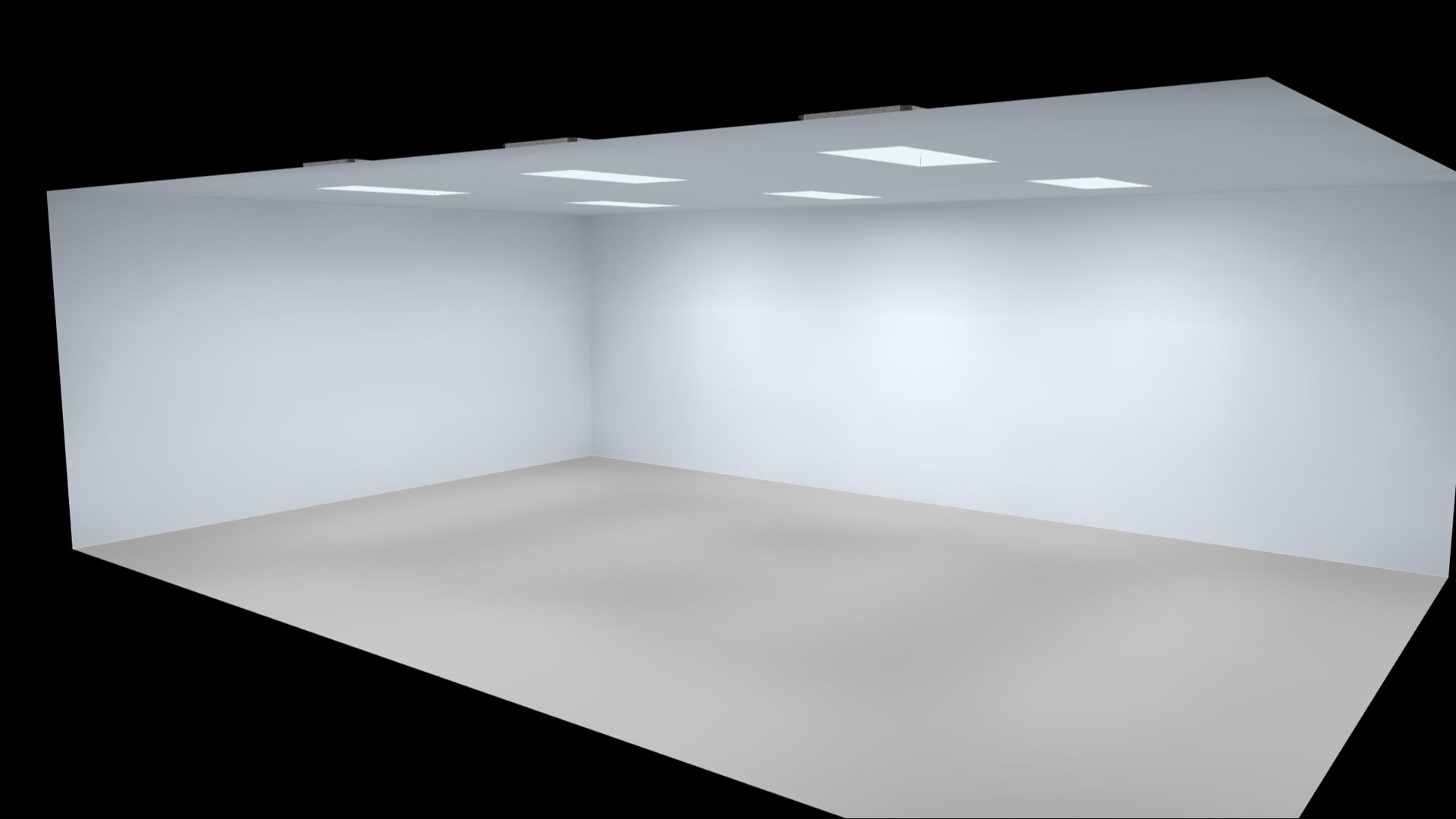
A photographic lightmap mode renders where the light actually lands, the same view used for the install renders above.
Sun and sky in the same solve
Add windows and skylights, pick any location, date, and time, and the NREL solar position algorithm plus a Perez sky model feed the same radiosity network as your fixtures: one solve, one combined heatmap. Scrub the time slider to watch a winter sunbeam crawl across the floor.
Start from the standalone Daylight Calculator and hand the sun straight into your room.
Half a million luminaires, plus yours
Browse 500,000+ fixtures with real manufacturer photometry, place grids with one right-click, and tune CCT from 2,200 K to 200,000 K with melanopic DER tracking the slider. Custom fixtures load from IES or LDT (EULUMDAT) files, with an optional measured DER override.
Circadian Sky presets carry a 22-point melanopic table from measured spectra, the most accurate mel-EDI model available for tunable sky luminaires.
Share a link, hand over a report
One click saves the whole scene to a URL that opens identically on an iPad in a client meeting or a workstation in the studio. Reviewers get saved views and pinned, threaded comments on the model itself.
The report generator builds a stakeholder-ready PDF in the browser: heatmaps for every direction, fixture schedule, per-occupant analysis, WELL and RP-46-25 compliance, 3D views, and an optional 4-page daylight study.
Circadian Sky, in every mounting
These are live 3D renders from Circadian Lab, in its photographic lightmap mode, of Circadian Sky in each install type. Recess it, regress it into a coffer, surface-mount it, hang it on a wall, or go indirect: the geometry, the bounce, and the glare all follow.
Recessed
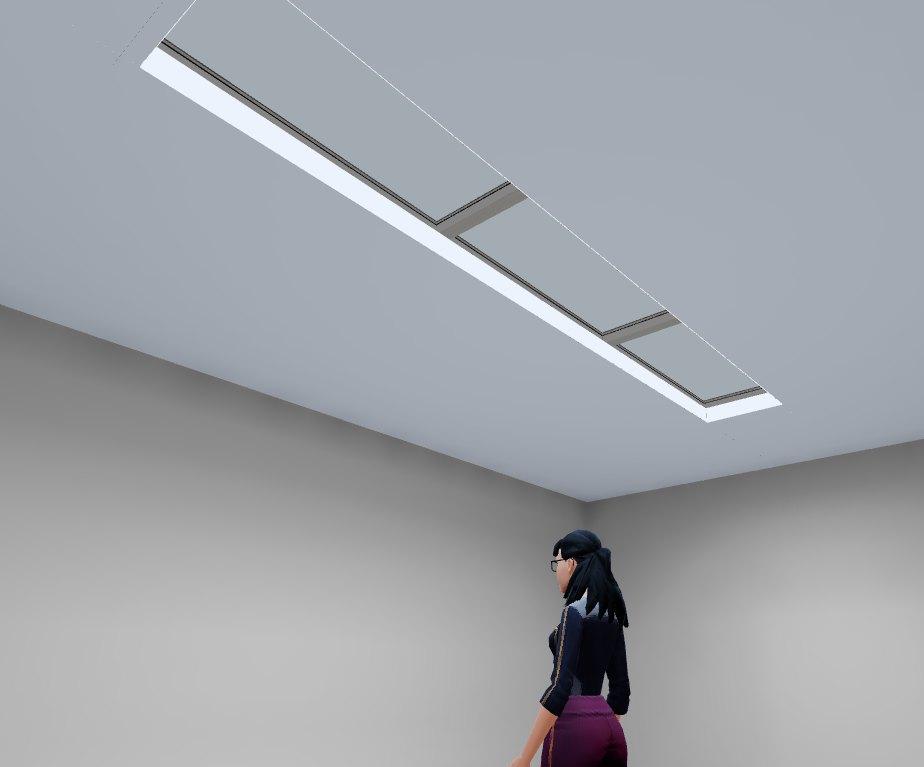
Flush in the ceiling plane, the classic troffer install. The lens reads as a skylight overhead.
Lay-in, regressed
The luminous window sits up inside a drywall coffer, so high-angle glare is cut off and the recess glows like a real light well. Butted units share one continuous slot.
Surface mount
Mounted below the ceiling for plenums too shallow to recess. Modeled with the true surface-mount housing.
Wall mount
A vertical sky window at eye level. Vertical mounting delivers melanopic light straight toward the eye, where it counts.
Cove / indirect
A linear strip on a shelf washing the ceiling. The shelf and fascia are real surfaces in the solve, bouncing and shading exactly like the built cove.
Try a mounting in your own room dimensions
Open a starter roomSmall features that add up
For the full picture, with video of each one, see every Circadian Lab feature. Or put on a VR headset and walk the Experience Center, a virtual showroom of every fixture arrangement.
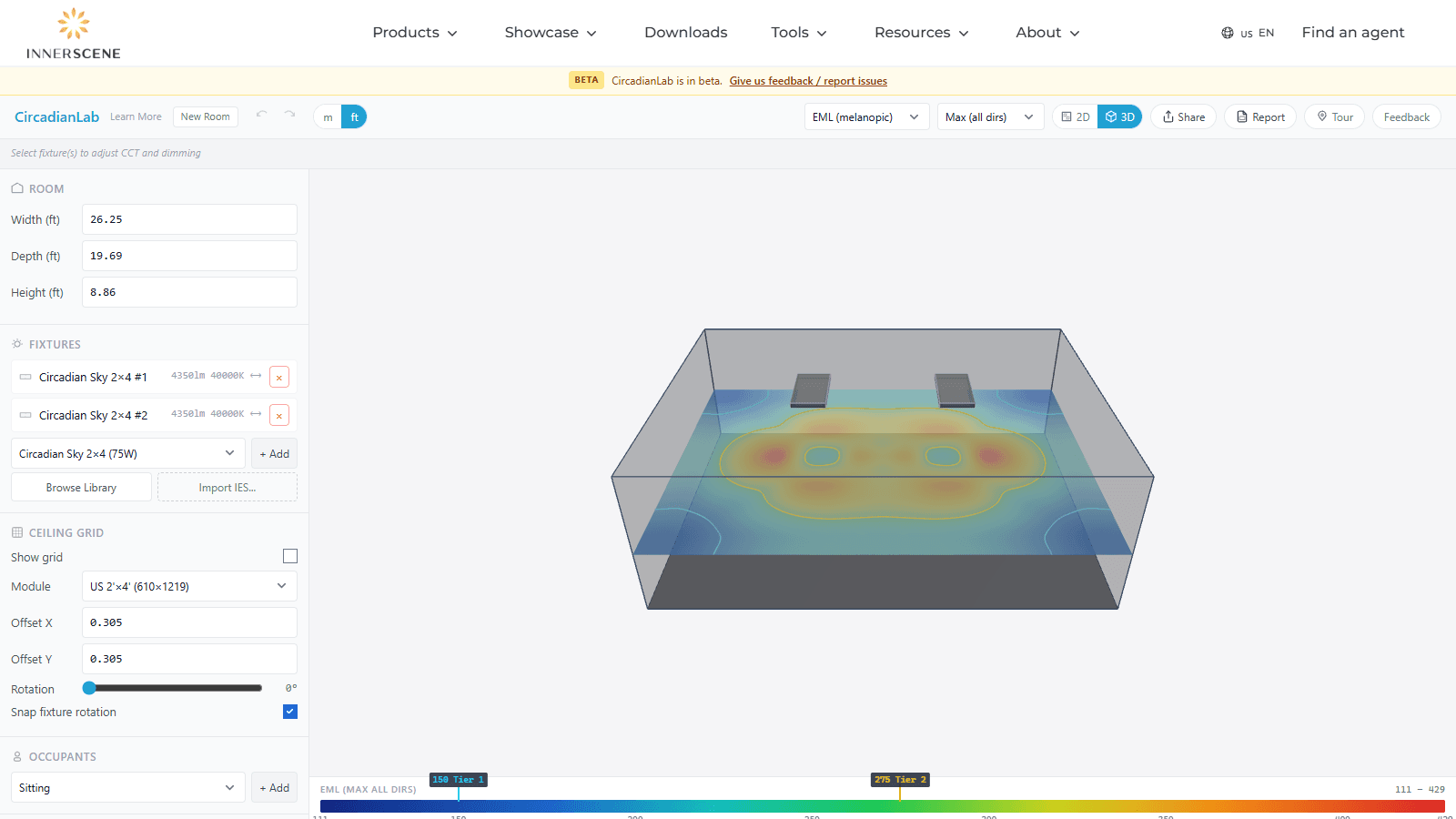
Walk the room
Orbit, fly, or walk the 3D view with WASD, and set the camera FOV to match a site photo.
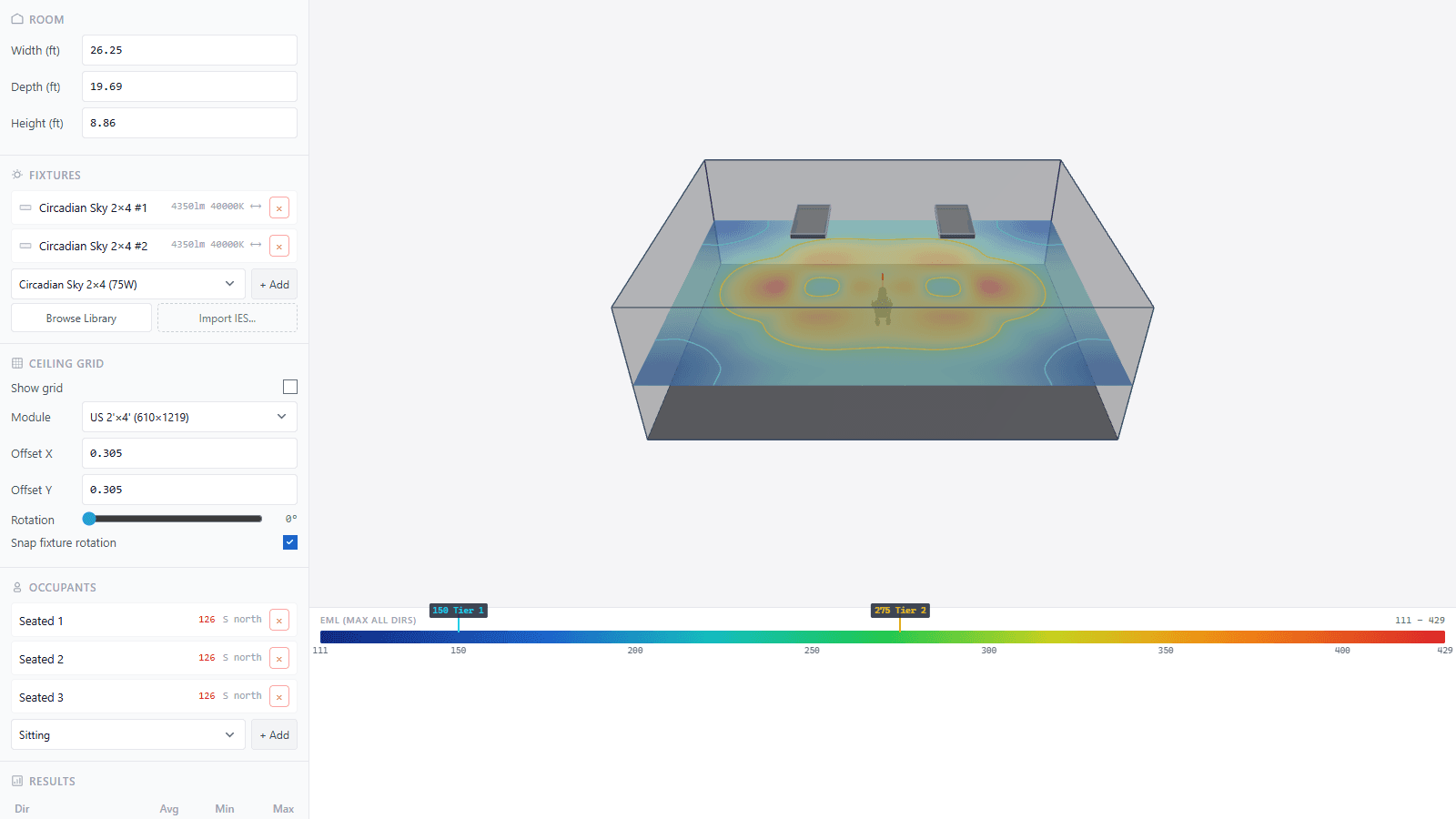
Per-person results
Seated, standing, or reclined occupants each get their own mel-EDI, lux, UGR, and pass/fail.
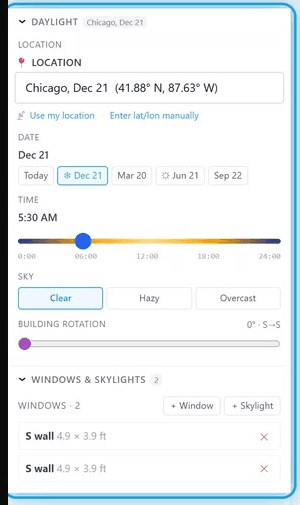
Real sun and sky
NREL solar position plus a Perez sky, unified with electric light in a single solve.
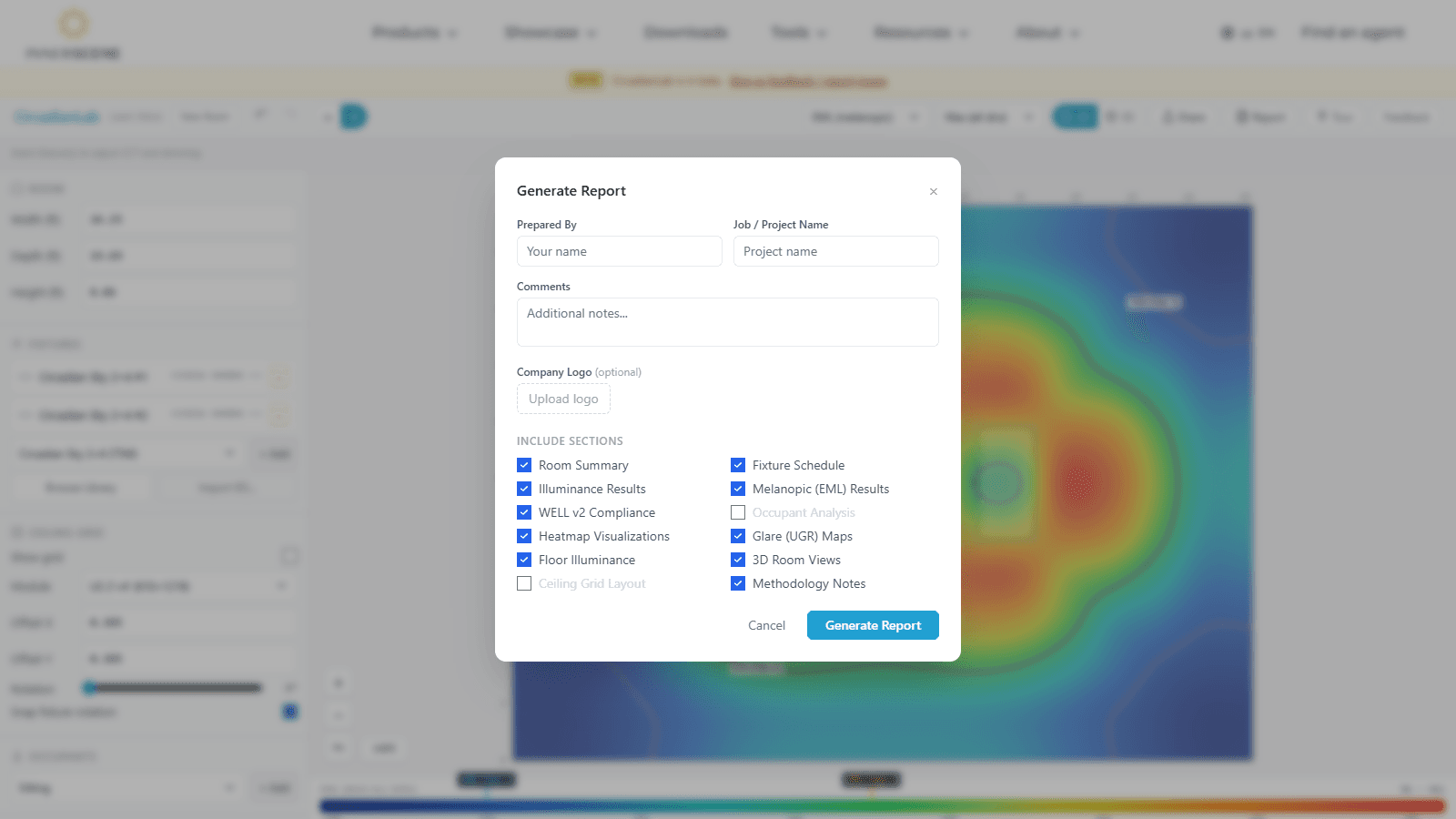
Client-ready PDF
Multi-page report with heatmaps, fixture schedule, compliance, and a 4-page daylight study.
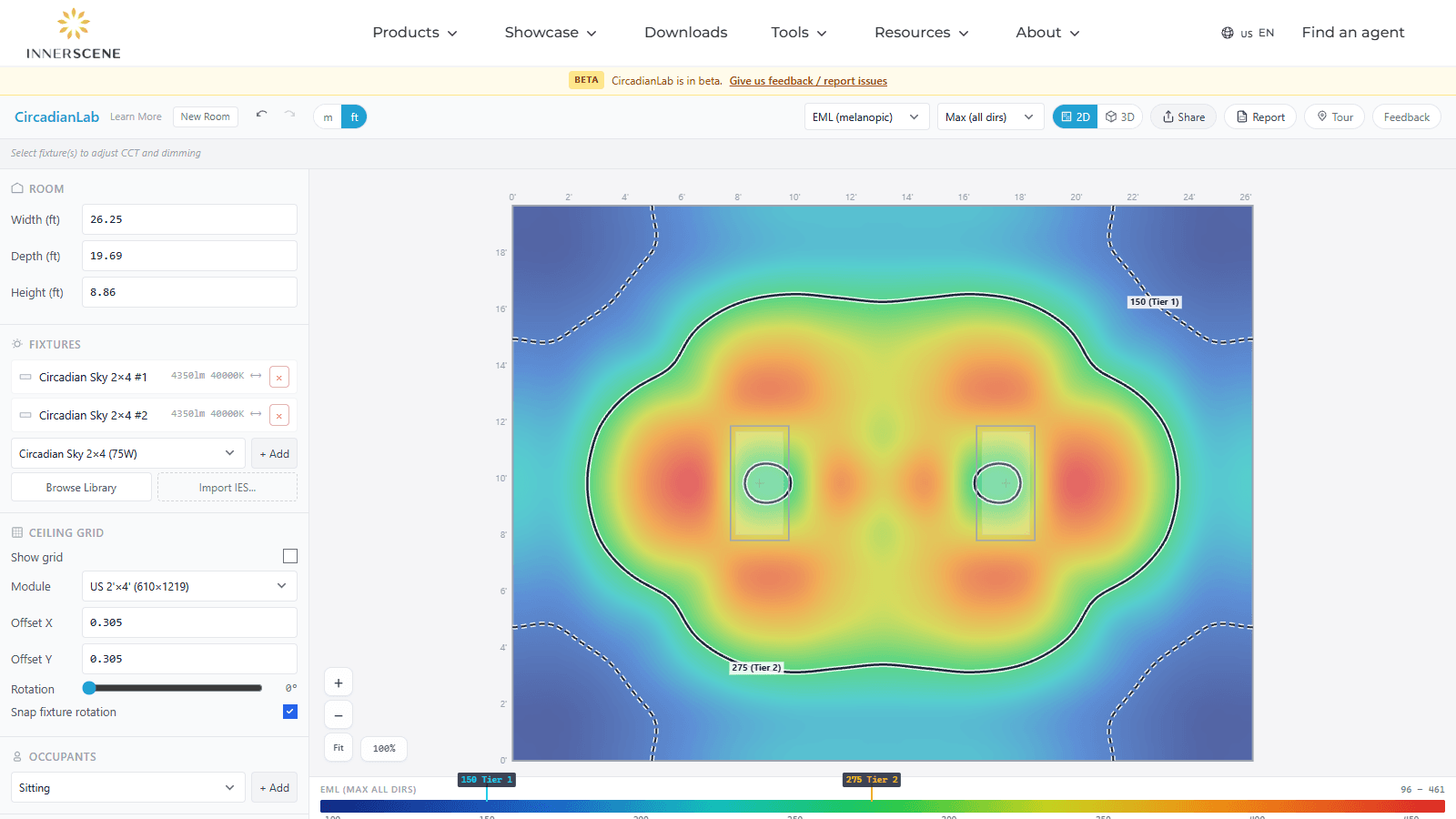
Share and review
One link opens your exact scene anywhere. Reviewers pin comments right on the model.
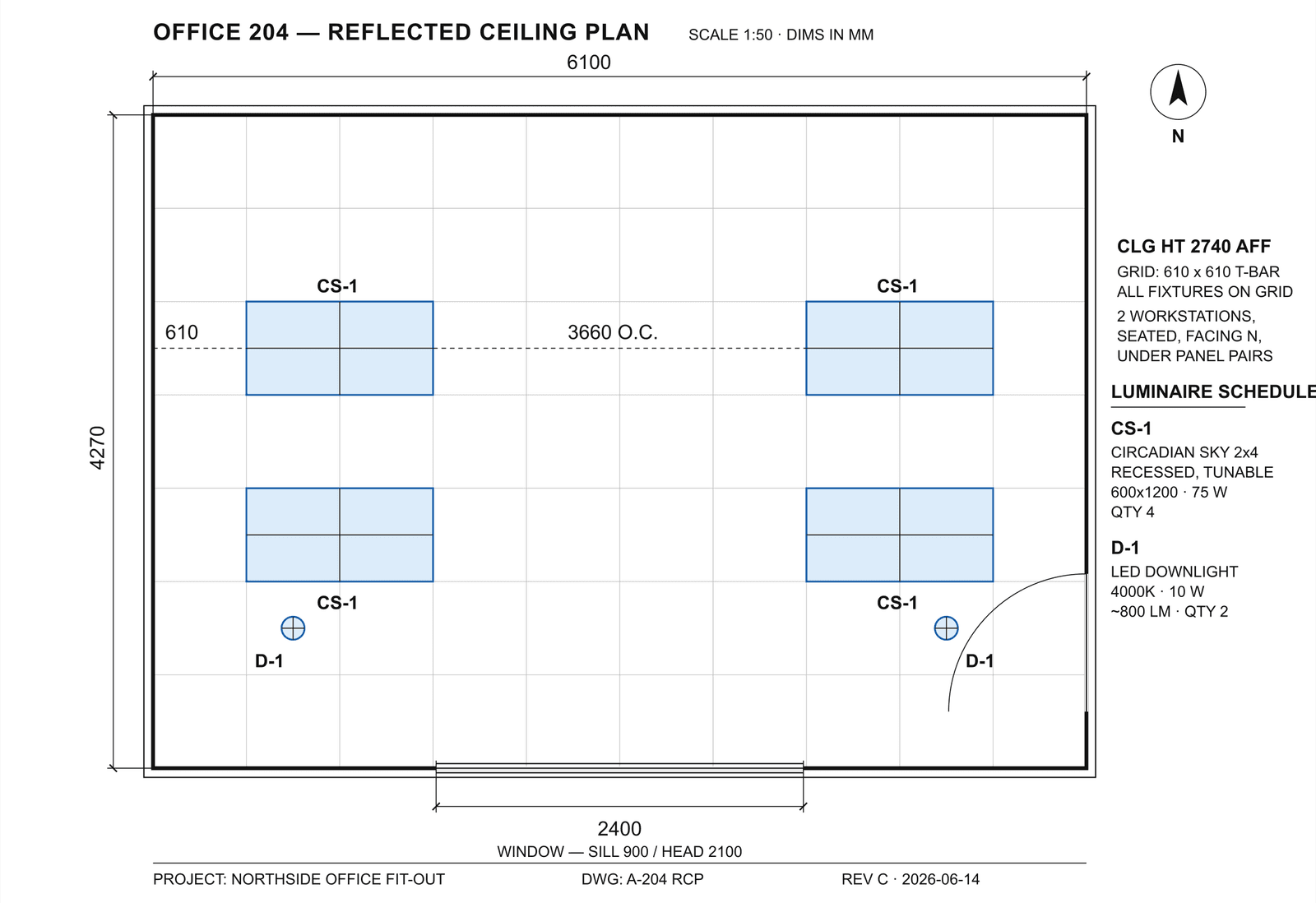
CAD in and out
Export DWG, DXF, vector PDF, SVG, GLB, OBJ, and STL. Calibrate against a background floor plan or photo.
Real materials
Wall, floor, and ceiling reflectances, furniture, partitions, and standard ceiling grids.
AI-ready
A documented room JSON API and MCP server let AI assistants build, score, and optimize designs.
Start designing in seconds
Open the tool, drop in a fixture, and see mel-EDI, foot-candles, and glare update as you work. Free, no account, and your design stays on your device.