New Free Tools: PDF to HTML, STEP Viewer & Converter, SKP Converter, IES Viewer & SPD Analyzer
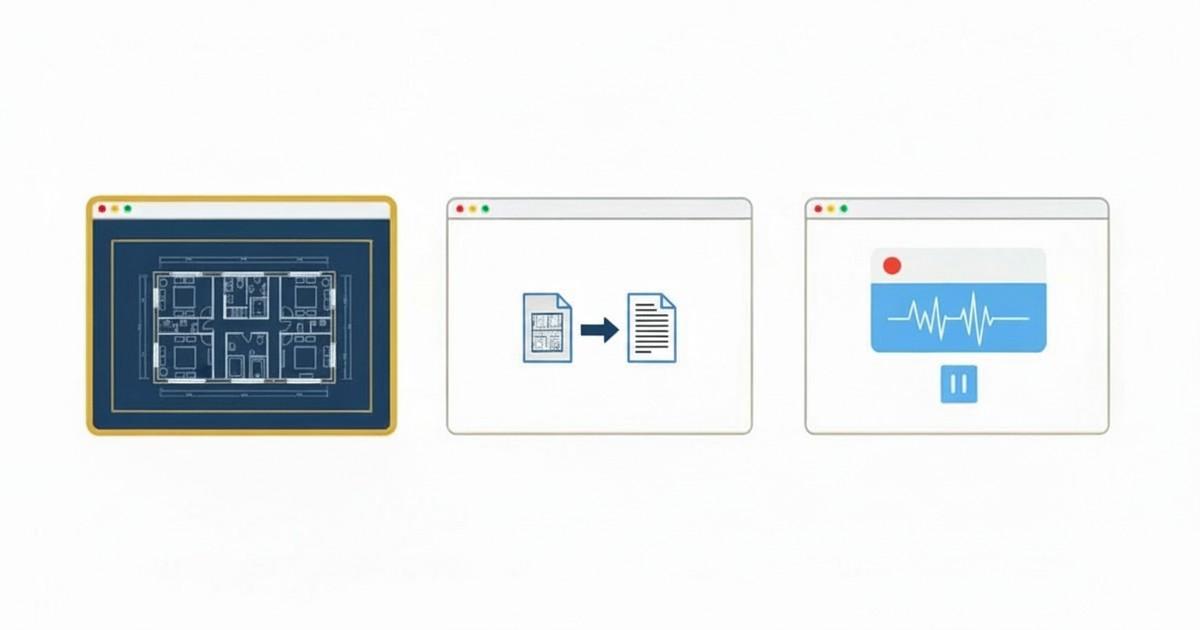
Following the launch of our first batch of free browser-based tools (DWG Viewer, SKP Viewer, DWG to PDF, and Screen Recorder), we’ve been listening to the architects, lighting designers, and engineers who use them every day. They asked for more. Today we’re announcing six new tools — covering document conversion, CAD interchange (STEP, SKP), and lighting analysis (IES, SPD) — all built on the same principle: everything runs locally in your browser. No uploads, no accounts, no installs.
PDF to HTML
Convert any PDF into a self-contained HTML page
Drop a PDF in and get back a single .html file with everything embedded — fonts, images, vector graphics. Render in true vector SVG (sharp at any zoom) or page-image bitmaps. Perfect for sharing PDFs that anyone can open in a browser without a PDF reader, or embedding documents into a website.
Key Features
- Vector or bitmap output — sharp scalable SVG that mirrors the original PDF’s vector content, or per-page bitmap rendering for pixel-perfect fidelity
- Embedded fonts & images — the resulting HTML is a single file with everything inlined, ready to share by email or upload
- Interactive viewer included — the output HTML has built-in zoom, pan-on-drag, page-number indicator, and clickable hyperlinks
- Selectable text in bitmap mode — an invisible text overlay lets users still copy/paste from page-image output
- ZIP option for large files — for documents with many embedded images, optionally export as a ZIP with assets in a folder
We built our own SVG renderer that follows pdf.js’s canvas rendering operator-by-operator, including support for transparency groups, clip paths, gradients, mesh shadings, tiling patterns, and embedded fonts. The result is HTML that looks like the original PDF — not a flat image.
IES Viewer
Open IES photometric files and read their light distribution at a glance
The IES Viewer parses LM-63 photometric files in your browser and produces polar intensity plots, beam-angle analysis, and iso-footcandle projections. Inspect a fixture’s light distribution before specifying it — without needing AGi32 or DIALux installed.
Key Features
- Polar intensity plot — the standard photometric distribution diagram in candela vs. angle
- Beam & field angles — automatic 50% and 10% angle detection
- Iso-footcandle projection — visualize the floor illuminance pattern at a chosen mounting height
- Photometric metadata — LM-63 keywords, lumen output, candela peak, efficacy, manufacturer info
- Drag-and-drop any IES file — supports LM-63-1986, 1991, 1995, 2002, and 2019 formats
SPD Analyzer
Compute melanopic, α-opic, CCT and CRI from any spectral power distribution
Drop a spectroradiometer file (380–780 nm SPD) and the analyzer computes the full CIE S 026:2018 α-opic action values — melanopic, rhodopic, S/M/L cone — along with photopic illuminance, CCT, Duv, CRI Ra, R9, TM-30 Rf/Rg, and the M/P ratio. Designed for lighting designers verifying WELL Building Standard L03 compliance, vision researchers calibrating exposure protocols, and anyone evaluating circadian potential of a light source.
Key Features
- CIE S 026:2018 α-opic values — melanopic, rhodopic, S-cone, M-cone, L-cone equivalent daylight illuminance (EDI) and irradiance
- Color metrics — CCT, Duv, CRI Ra, R1–R15 (including R9), and IES TM-30 Rf/Rg
- M/P ratio — the melanopic-to-photopic ratio used in WELL v2 L03 calculations
- Visual SPD plot — see the spectrum overlaid with the V(λ) and melanopic action spectra
- Universal file support — accepts CSV, TXT, IES TM-27, and instrument-specific formats from common spectroradiometers
The analyzer pairs naturally with CircadianLab (our EML and glare calculator) for end-to-end circadian lighting design: measure the source, then simulate the space.
STEP Viewer
Open STEP/STP CAD files in your browser with full 3D navigation
STEP (ISO 10303) is the universal CAD interchange format — almost every mechanical CAD package can export it. Our STEP Viewer parses the file locally, tessellates the B-rep geometry, and renders it in a WebGL viewport with orbit/pan/zoom. No SolidWorks license, no FreeCAD install, no upload to a third-party site.
Key Features
- AP203, AP214, AP242 — supports the common application protocols used by SolidWorks, Inventor, CATIA, Creo, NX, and Fusion 360
- Assembly tree — navigate parts and sub-assemblies, isolate components, hide what you don’t need
- Dimensions & mass properties — bounding box, surface area, and volume for each part
- Section view — cut through the model on any plane to inspect interior detail
- Color & material — per-face colors and assembly colors are preserved from the source file
STEP Converter
Convert STEP files to GLB, OBJ, STL, or PDF
STEP is great for CAD-to-CAD interchange, but it’s not what you want for the web, 3D printing, or a quick PDF for a meeting. Our STEP Converter exports tessellated meshes in the format you actually need: GLB for web/AR/VR, OBJ for general 3D apps, STL for 3D printing, or a multi-page PDF with orthographic and isometric views.
Key Features
- STEP → GLB — binary glTF for web viewers, model-viewer, Three.js, AR Quick Look
- STEP → OBJ — the universal mesh format with companion
.mtl - STEP → STL — binary STL ready to slice for FDM, SLA, or SLS 3D printing
- STEP → PDF — multi-view PDF with front/top/right/iso projections, ideal for sharing with clients who don’t have a CAD viewer
- Tessellation control — pick a deflection tolerance to balance file size against curve smoothness
SKP Converter
Convert SketchUp models to GLB, OBJ, STL, or PDF
Building on our existing SKP Viewer, the new SKP Converter lets you take any SketchUp file and export it as a web-friendly 3D model, a printable mesh, or a clean PDF for presentations — without needing a SketchUp Pro license.
Key Features
- SKP → GLB — share interactive 3D on the web with materials and textures preserved
- SKP → OBJ — bring SketchUp geometry into Blender, Maya, 3ds Max, or Cinema 4D
- SKP → STL — export an architectural model for 3D printing a physical scale model
- SKP → PDF — multi-angle PDF with isometric and orthographic views
- V8 through V25+ — same broad SketchUp version coverage as our viewer
Privacy by Architecture
Every one of these tools runs 100% locally in your browser. Your PDFs, STEP files, SketchUp models, IES files, and SPD measurements never leave your device. There is no “upload” step — the file is read by JavaScript running on your machine, processed entirely in memory, and the result is offered as a download.
For lighting designers working with confidential project SPDs, mechanical engineers handling pre-release product geometry, or architects sharing client PDFs, this matters. There is no server log to leak, no third party with retention rights, and nothing to delete after the fact.
Works on Any Modern Browser
- Desktop — Chrome, Firefox, Edge, and Safari on Windows, Mac, and Linux
- iPad & tablets — viewers and lighting tools work with touch controls; STEP and SKP conversion can be slow on tablet hardware for very large assemblies
- Offline-friendly — once the page is loaded, most tools continue to work without an internet connection
Why We’re Building These
Innerscene makes premium artificial skylights — Virtual Sun and Circadian Sky. We work daily with the architects, lighting designers, mechanical engineers, and clinical researchers who specify our products. Every tool we’ve released grew out of a real workflow: an engineer needing to share a STEP without a CAD license, a lighting designer verifying SPD compliance for a WELL submission, an architect trying to embed a PDF into a website without losing fidelity.
We make these tools free because the alternatives — SaaS converters that upload your files, watermarked freemium downloads, or thousand-dollar desktop suites — aren’t serving the people we work with. If you have a workflow you wish a tool existed for, we’d love to hear about it.
Get Started
All tools are available now at innerscene.com/tools. No signup, no credit card, no install — just open the page and drop in a file.
Have feedback or feature requests? We’d love to hear from you — get in touch.
Published by Innerscene on 2026-05-01