Sky Sync

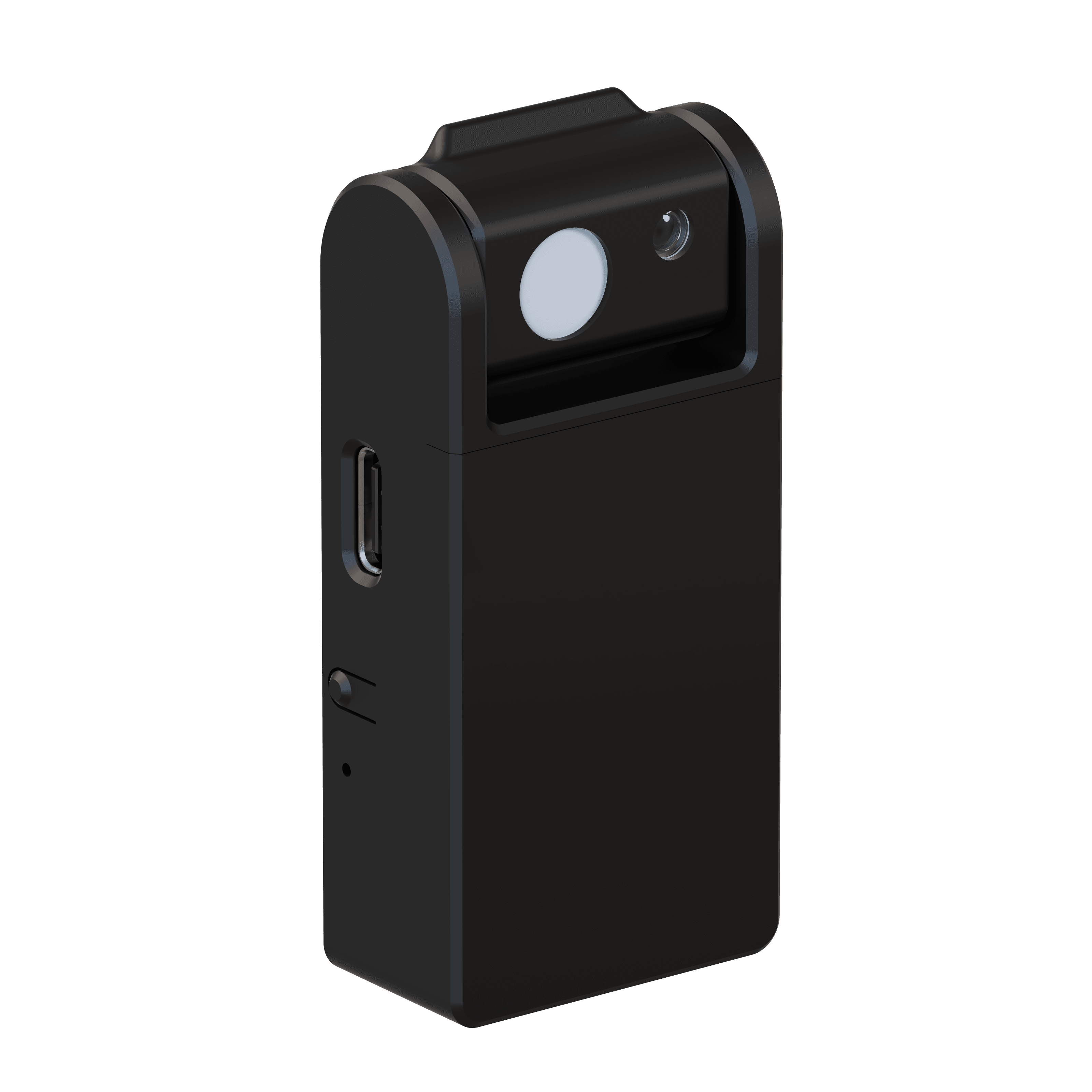
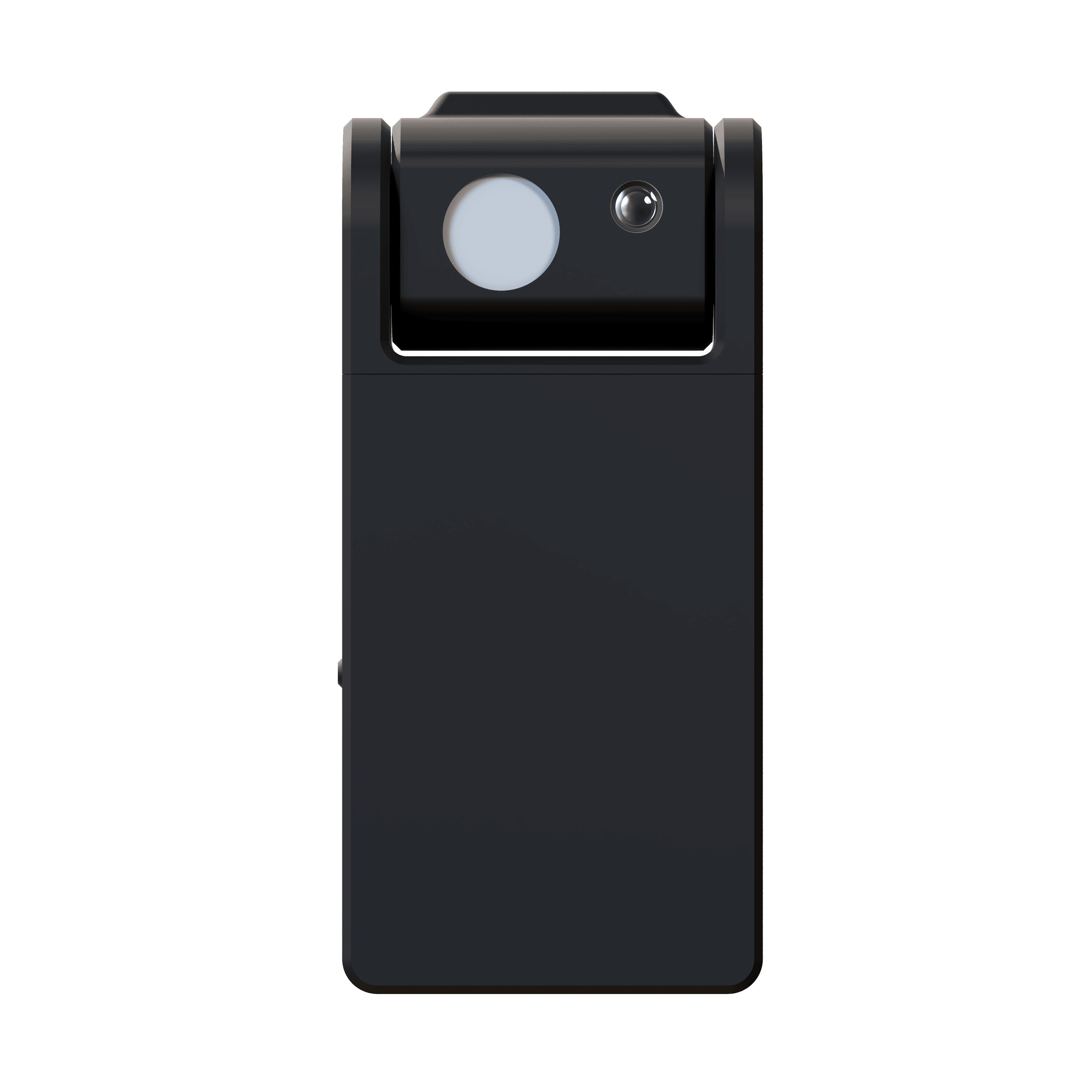
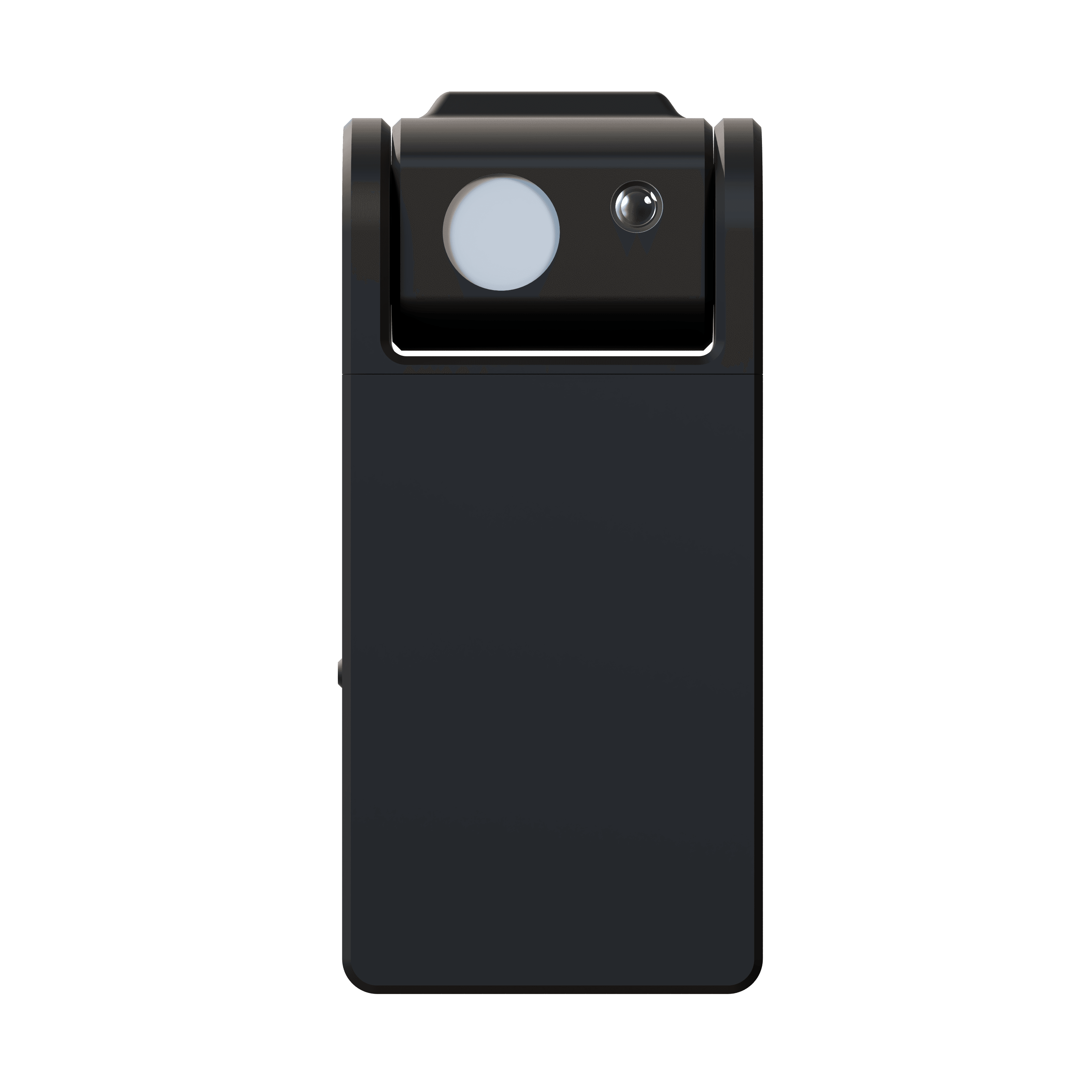
Sky Sync Innerscene SkySyncは、青空の本当の色を捕捉し室内に届けることができる初めてのセンサーです。
従来の光センサーは太陽光、反射光、空の光を混合して測定するため、5,000~6,500Kの白っぽい曇りのような光を生成します。しかし、晴天の本当の空は鮮やかな200,000K以上です。
SkySyncの画期的なデュアルセンサー技術は、周囲光とは独立して空を測定し、リアルタイムの色データをCircadian SkyとVirtual Sun照明器具にストリーミングします。雲が流れ、太陽が空を横切るにつれて、室内照明が変化し応答し、空間に生命感を与え、外の自然世界と同期して呼吸しているような感覚をもたらします。
10年以上の交換可能バッテリー(CR2477)と室内窓取付けにより、SkySyncは配線不要で自然の絶えず変化する光を室内に届けます。

ダウンロード
この製品は1件以上の特許により保護されており、追加の特許が出願中です。
すべての特許を見る
従来の周囲光CCTセンサーを超えて
SkySyncは、真の空の色を独立して測定する初めてのセンサーです — 建築照明における画期的な進歩
従来のセンサーが本当の空の色を捕えられない理由
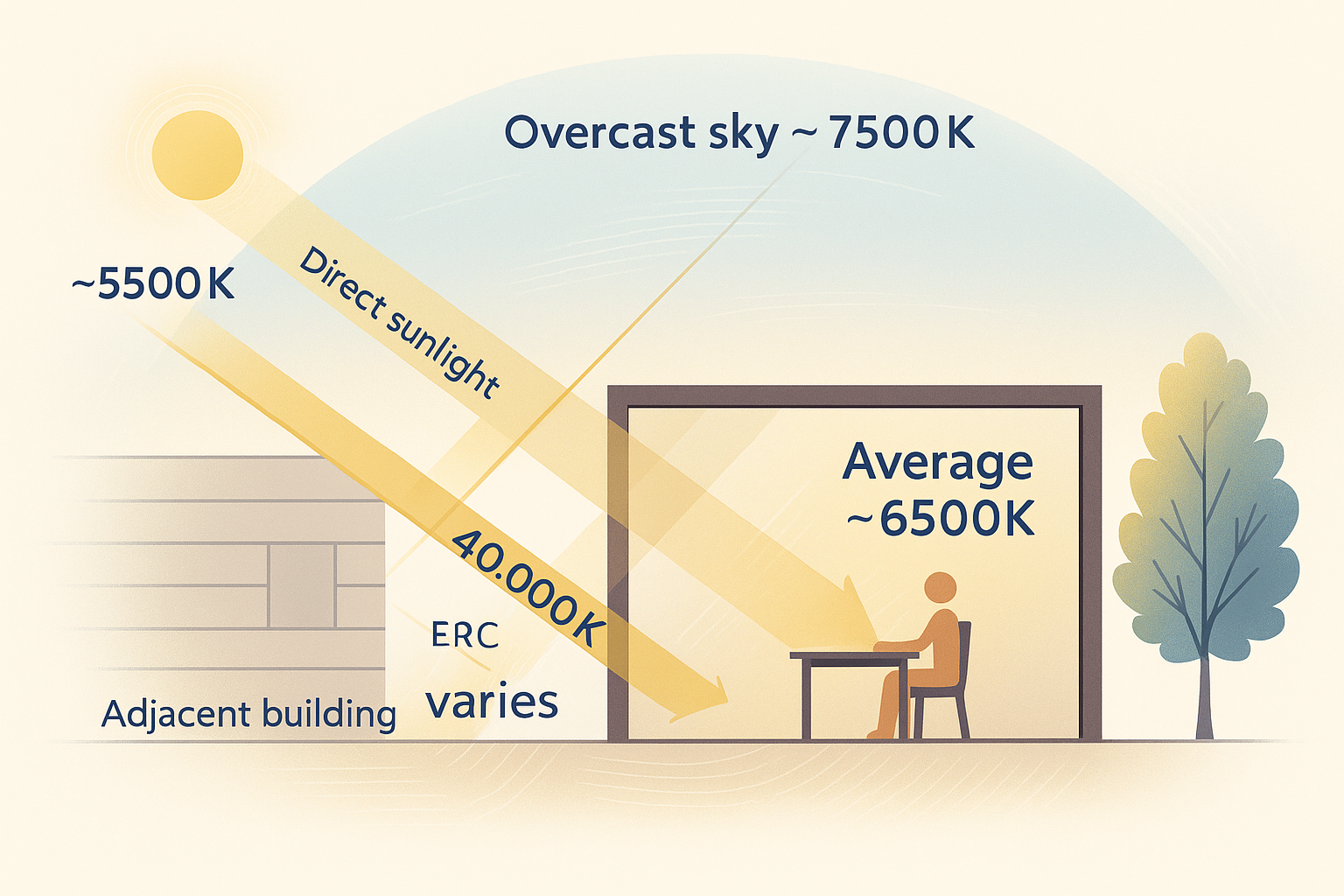
従来のセンサーはすべての光源の平均を測定し、約 6,500Kとなります。しかし、空単体で200,000Kです。


平均CCT: 約6,500K
従来のセンサーは直射日光(約5,500K)、曇りや青空、建物からの反射光の混合を測定し、平均約6,500Kとなります。
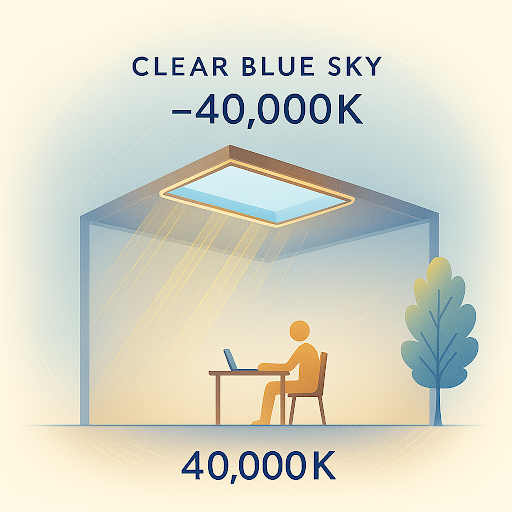
空のみCCT: 200,000K
独立して測定した空のCCTは200,000K以上です。この鮮やかな青は、他の光源と分離して測定しなければ再現不可能です。
空は絶えず変化しています
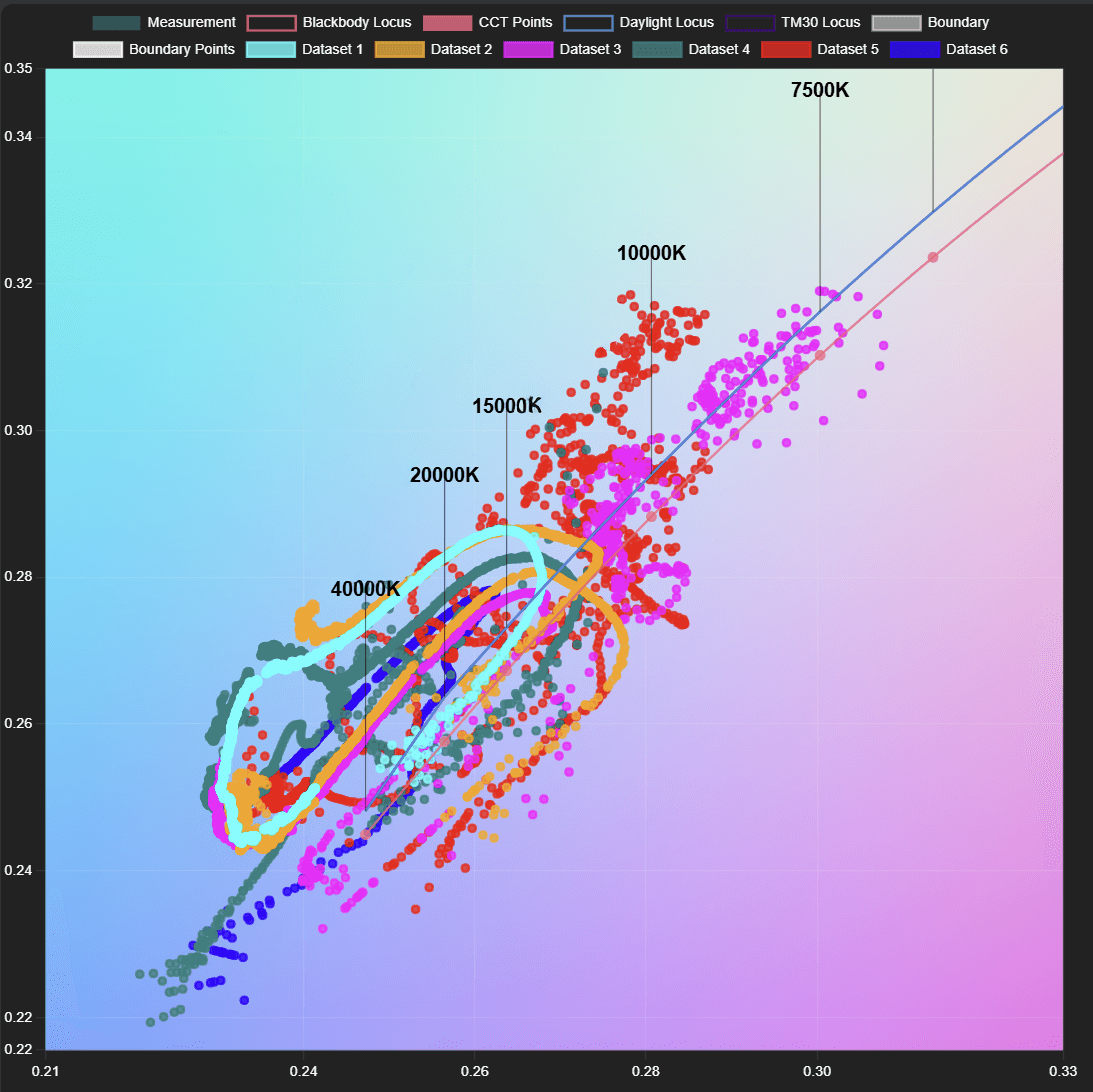
このCIE 1931色度図は、数日間にわたり捕捉された実際の空の色測定を示しています。各点は特定の瞬間の空の色を表し、空が数分ごとにどれほど劇的に変化するかを明らかにします。

曇りの日(赤/ピンク/紫の点)
空の色は6,500Kから12,000Kの範囲で、雲の密度と厚さに応じて絶えず変化します。従来の周囲光センサーは静的な平均しか捕捉できません。
晴天の日(シアン/青/オレンジ/緑の点)
空の色は200,000Kを中心に、終日連続的に変化します。SkySyncはこれらの瞬間ごとの変化を捕捉します。
従来のセンサーの問題
従来の周囲光CCTセンサーは全方向の光を測定し、直射日光、反射周囲光、空の光を混合します。
これにより5,000-6,500Kの白っぽい曇りのような読み取りが生じます—明るい晴天の空の鮮やかな青(200,000K+)とはかけ離れています。
SkySyncのデュアルセンサーソリューション
10°狭角指向性センサー
真の空の色を独立して測定、曇りの6,500Kから青空の200,000K+までの全範囲を捕捉
180°周囲光CCTセンサー
全方向の拡散周囲光を測定し、周囲照明を正確に再現
通信アーキテクチャ
SkySyncは、直接無線接続からクラウドベースのリモート展開まで、Circadian Sky照明器具にリアルタイムの空データを配信する3つの柔軟な方法を提供します。
SkySync → Circadian Sky
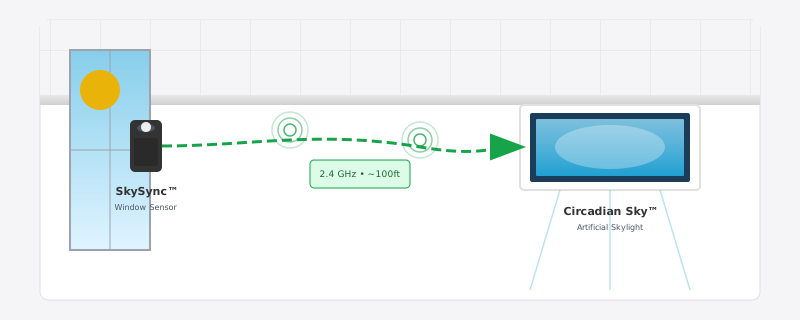
最もシンプルな構成。SkySyncが2.4 GHz ISMバンド無線で近くの照明器具に直接送信。ネットワークインフラ不要。
通信フロー
SkySyncが空データを無線送信
Circadian Skyが約30ft範囲内でデータを受信
✓ 最適: 窓の射程内の単一室または小さなスペース
ダイレクト無線
最もシンプルな構成。SkySyncが2.4 GHz ISMバンド無線で近くの照明器具に直接送信。ネットワークインフラ不要。
ローカルネットワーク
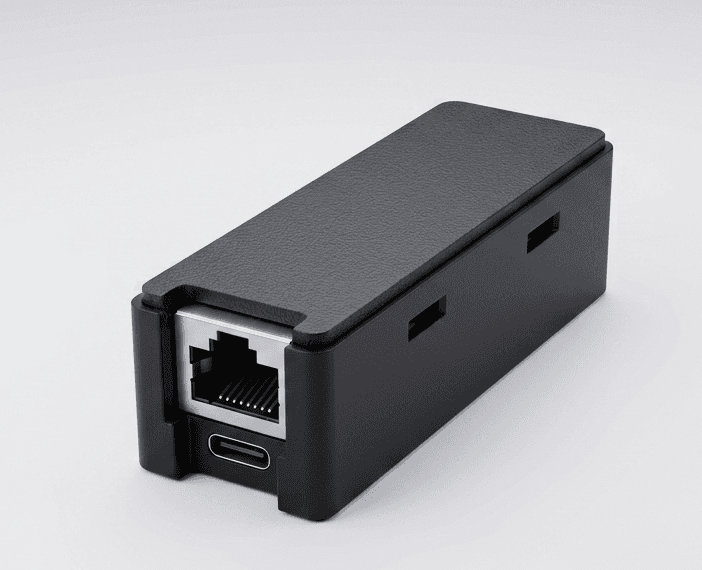
Innerscene Mini Hubを使用した拡張カバレッジ。ハブがSkySyncデータを受信し、ローカルWiFiネットワーク経UDPパケットを送信。
クラウドリレー
リモートロケーションまたは別のネットワークセグメントの照明器具向け。空データはInnerscene Mini Hub経Innerscene Cloud Servicesでリレー。
拡張範囲またはクラウド接続が必要ですか?
Innerscene Mini Hubについて →技術仕様
精密な空色再現のための先進センシング技術
空センサー視野角
10°狭角視野
周囲光センサー
180°拡散光コレクター
色精度
1 SCDM
無線到達距離
直接30ft、付属Mini Hub使用時100ft+
セットアッププロトコル
Bluetooth Low Energy (BLE)
電源
10年以上交換可能バッテリー (CR2477)
通信
2.4 GHz ISMバンド(ルーター不要)
IP等級
IP20(屋内専用)
安全性
UL 1642認証バッテリー
寸法
コンパクト窓取付型
設置
剥がせるテープで取付け
ワイヤレス動作
10年以上のバッテリー寿命、オプションのInnerscene Gatewayで範囲拡張

SkySyncセンサー
電源
10年以上のバッテリー寿命
到達距離
見通しが良い場合30ft
動作時間
日の出から日没まで(自動夜間休止)
通信
2.4 GHz ISMバンドプロトコル(ルーター不要)
最適: 照明器具から30ft以内の単一室設置

Innerscene Mini Hub (オプション)
製品詳細を見る →範囲拡張またはネットワークベースの展開には、Innerscene Mini HubがSkySyncデータを受信し、ローカルネットワークまたはInnerscene Cloud Services経Innerscene照明器具に送信します。
電源オプション
PoE (IEEE 802.3af) または USB-C
ネットワーク接続
Ethernet (DHCP) または WiFi(Web UI経由で設定)
出力モード
ローカルネットワーク (UDP) または Cloud Services (TCP)
最適: 大規模商業施設、複数階展開、リモートロケーション
照明器具制御オプション
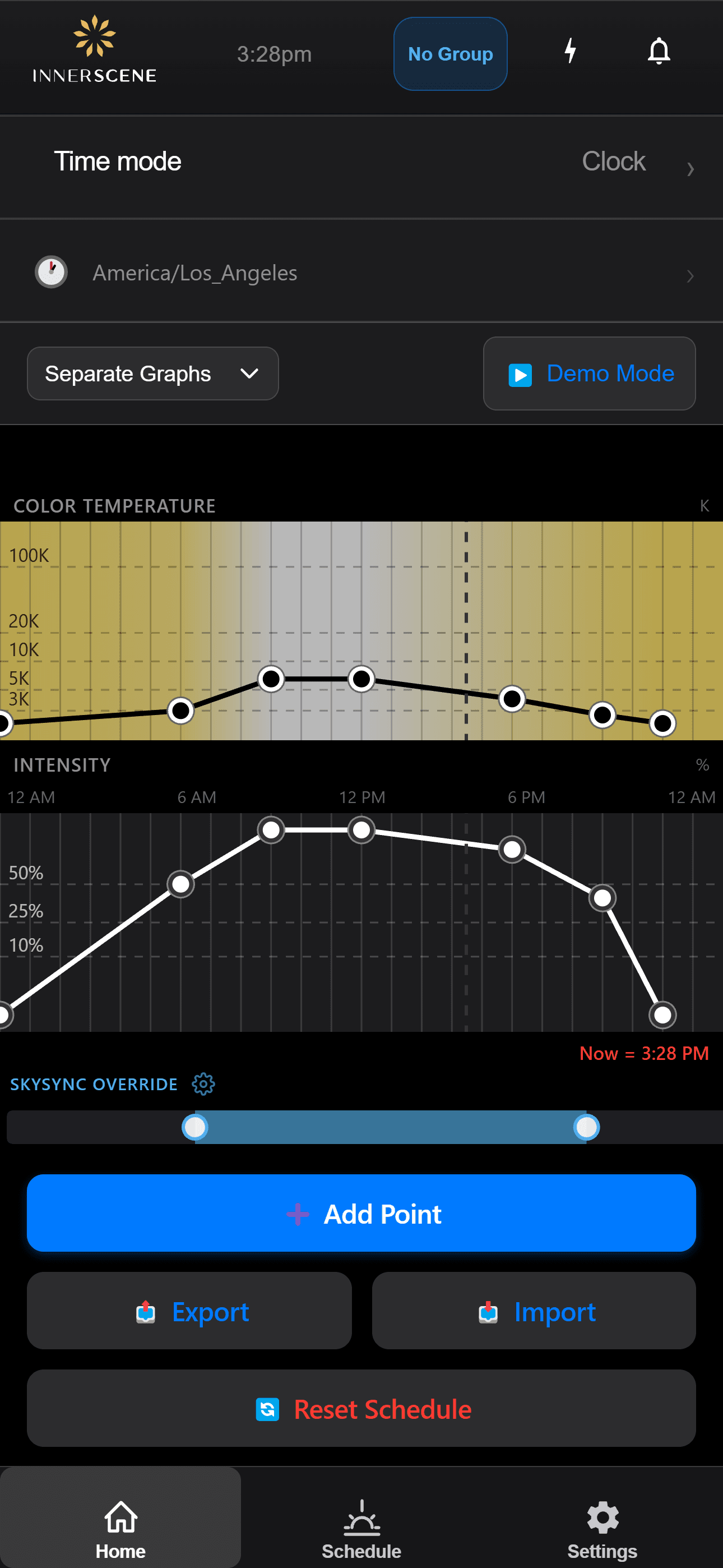
スケジュールモード
照明器具がSkySyncのリアルタイムデータに従い、屋外の照明状況を再現
ディマーオーバーライドモード
外部調光制御がスケジュールプログラムをオーバーライド
自動切替: 照明器具は外部制御信号を自動検出し、調光が非アクティブになったとき、電源サイクル時、またはアプリ制御でスケジュールモードに戻ります。
シンプルな設置
わかりやすい設置プロセスで数分で稼働開始
窓の位置を選択
最適な検出のため、空が見える窓を選択してください
デバイスを取付け
推奨角度で窓の内側に剥がせる取付けテープを貼付け
接続を設定
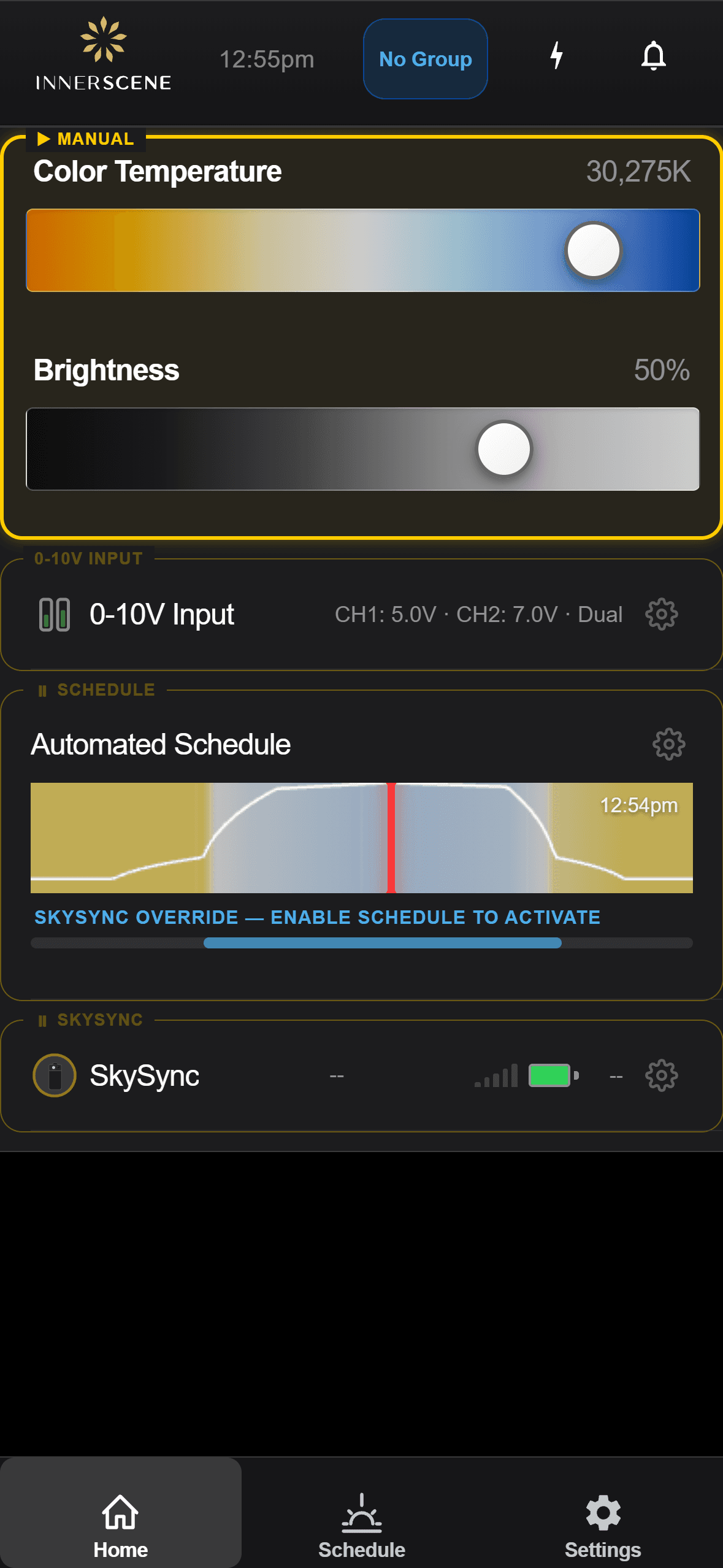
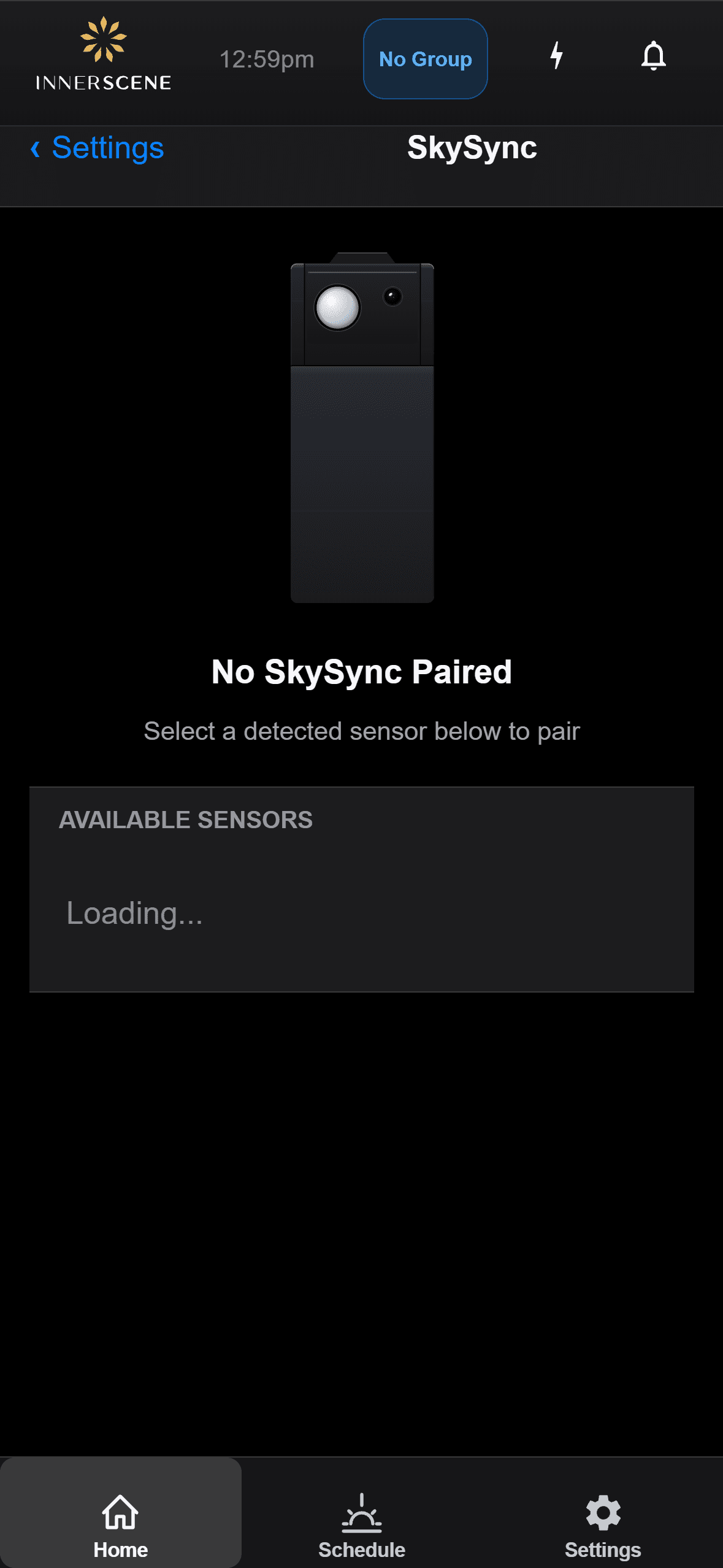
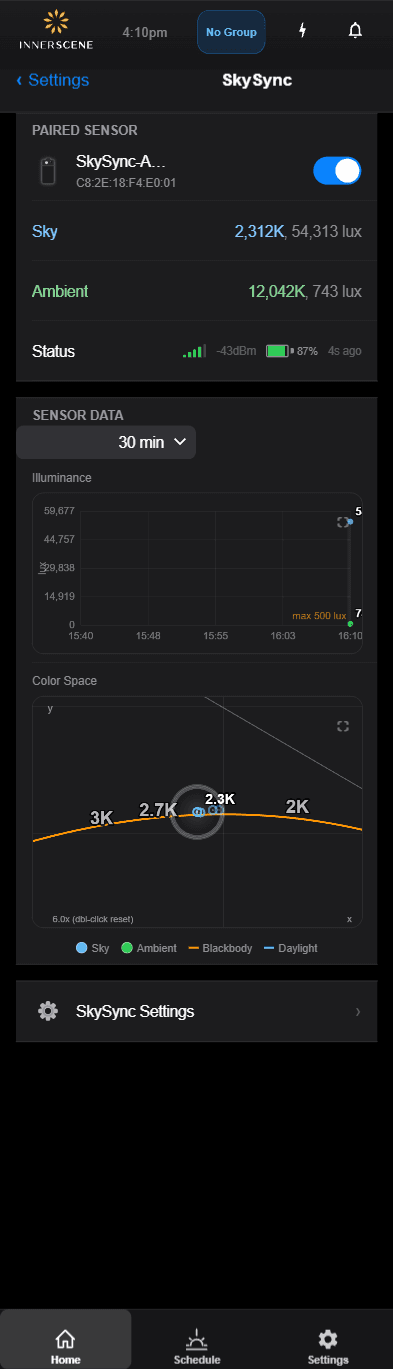
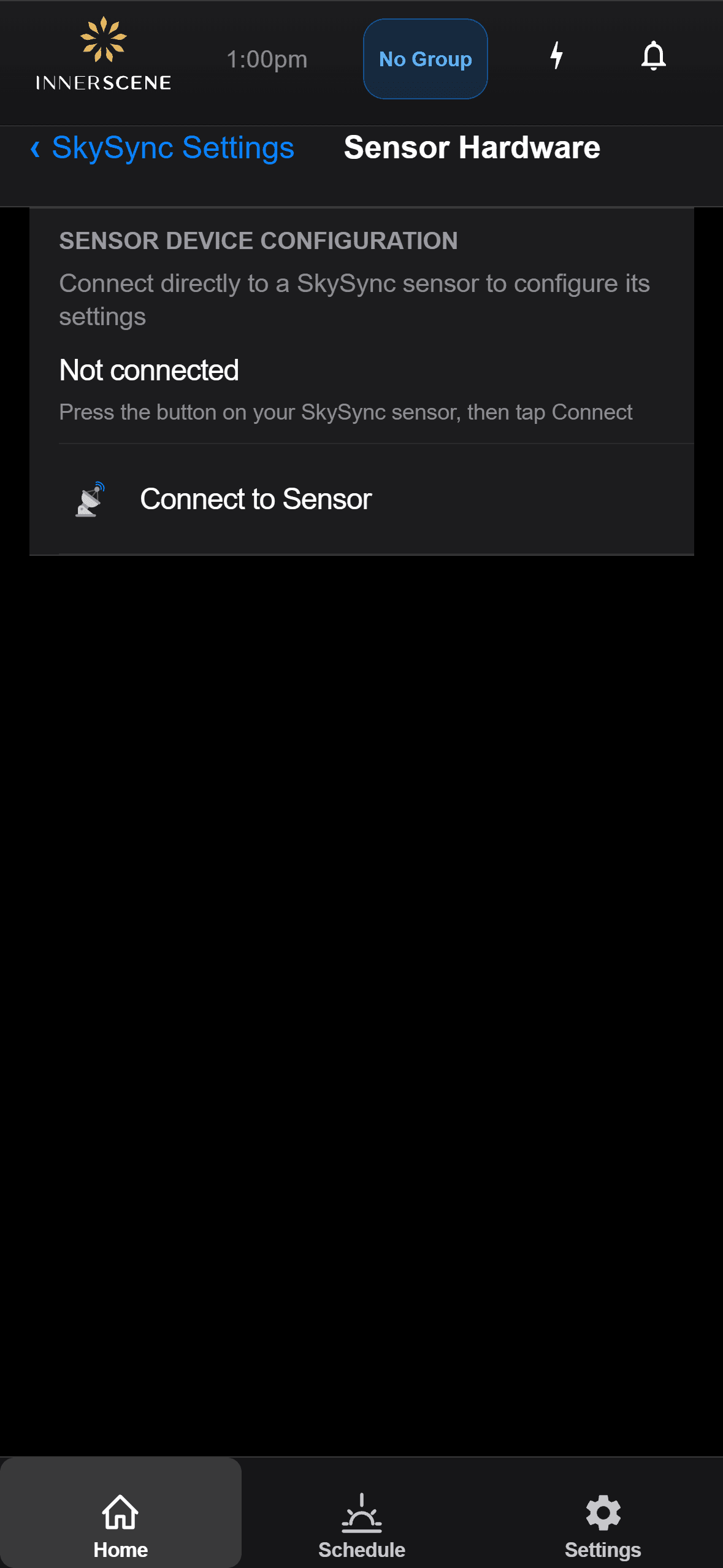
Innerscene Bluetoothアプリで無線接続を設定
照明器具とペアリング
SkySyncをCircadian SkyまたはVirtual Sun照明器具に接続
なぜ室内取付け?
SkySyncは窓の内側に取り付け、自然光が空間に入るそのままの正確な色を再現します
正確な色マッチング
窓のティント、ガラスの厚さ、鉄分含有量による色の変化を捕捉 — 電動天窓と自然窓を一致させます
メンテナンス不要
清掃不要 — 天候、屋外の汚れ、UV劣化から保護
ティント補正
濃いティント環境向けのオプションティント補正で、異なる部屋の自然光を再現
完璧な互換性
SkySyncは当社の製品エコシステム全体とシームレスに統合します
統合照明エコシステム
自然な同期
すべての照明器具が完璧な調和で実際の屋外条件に応答
エネルギー効率
10年以上のバッテリー寿命、外部電源不要
信頼性の高い性能
デュアルセンサー設計により、あらゆる条件で正確な読み取りを保証
Circadian Skyと連携
Circadian Skyの広帯域スペクトル技術は、暖かい夕焰の2,200Kから鮮やかな青空の200,000K+まで、空の色の全範囲を再現できます — SkySyncの画期的なセンシング能力との完璧な組み合わせです。
- ✓フルスペクトルの色再現 200,000K+まで
- ✓屋外の空の状況とリアルタイム同期
- ✓雲や天候の変化に伴うダイナミックな遷移
Virtual Sunと連携
Virtual Sunの広帯域スペクトル技術は、一日を通じて太陽の全色域を再現します。SkySyncのリアルタイムセンシングと組み合わせることで、Virtual Sunは実際の太陽と空に完璧に同期して動き、色を変えます。
- ✓暖かい日の出から鮮やかな青空までの広帯域再現
- ✓同期された太陽位置、強度、色
- ✓リアルタイムの雲量と大気効果
よくあるご質問
Common questions about SkySync setup, integration, and operation
When SkySync is paired with Circadian Sky fixtures, you have flexible options to integrate with external dimming systems:
Start-up State → SkySync
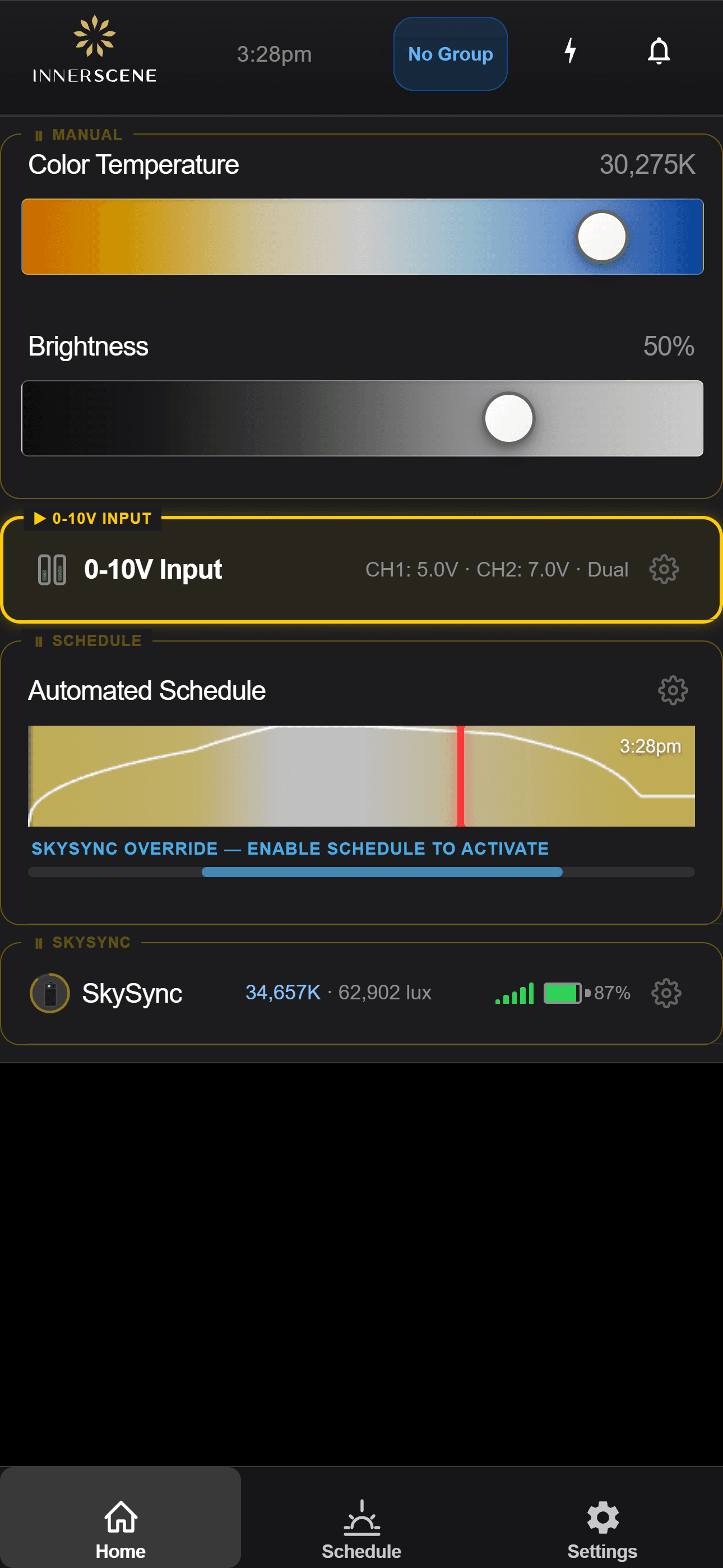
Fixtures can be configured to set their Start-up State to "SkySync". In this mode, the fixture will ignore external dimming signals for the first few seconds after power-up and instead copy color and brightness readings directly from SkySync.
Exiting SkySync mode: Any change to the external controls will immediately exit SkySync mode, and the fixture will follow the external control signals. The specific trigger depends on your control type:
- 0-10V: More than a 2V change is detected
- DMX: Any difference in DMX frame values (after the 1st second)
- DALI: Any change in dimming or CCT (after the 1st second)
- Casambi: Any change in dimming or CCT (after the 1st second)
Returning to SkySync mode: After manual override, there are two ways to return to SkySync:
- Power cycle: Turn the fixture off and back on via a relay or light switch—the fixture will re-enter SkySync mode on startup
- Idle Resume: If configured, the fixture will automatically return to SkySync after the specified idle period (see below)
Idle Resume → SkySync
Idle Resume can be set to "SkySync" so the fixture will automatically return to SkySync readings after a configurable period of time (e.g., 10 seconds, 1 hour) following any manual changes via wall controls or other external inputs.
Example: If Idle Resume is set to 1 hour and someone adjusts the lighting using a wall dimmer, the fixture will follow those manual settings for 1 hour before automatically returning to SkySync's real-time sky data.
This design allows occupants to temporarily override SkySync for specific needs (presentations, focused work, etc.) while ensuring the space automatically returns to natural daylight simulation without any manual intervention.
Related Help Topics:
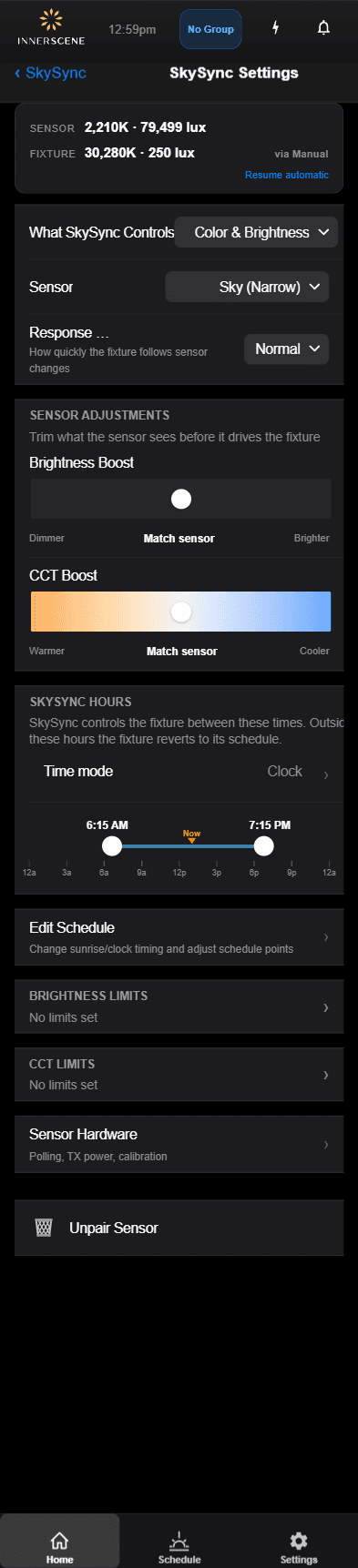
Using the fixture's built-in app or web interface, you can adjust SkySync brightness scaling to fine-tune how the sensor readings translate to fixture output:
- Scaling up: Compensates for dark tinted windows by amplifying the sensor readings to deliver brighter interior light levels.
- Scaling down: Reduces the brightness response for environments where you need to control maximum brightness levels, such as media rooms or spaces with specific lighting requirements.
These adjustments ensure that regardless of your window glazing or environmental conditions, indoor lighting can accurately reflect outdoor conditions at your desired intensity.
Related Help Topics:
For new orders: If SkySync is purchased with an Innerscene fixture order, it will be paired and configured prior to shipping. No onsite commissioning is required—simply stick it to a window and adjust the sensor angle to point at the sky.
For existing installations: SkySync can be added to existing projects through the following steps:
- Upgrade fixture firmware (can be done through any WiFi-capable device: phone, PC, or tablet)
- Pair SkySync using the Web UI or Innerscene's mobile phone app
- Configure Start-up State and Idle Resume settings as desired
Related Help Topics:
In most cases, a single SkySync sensor is all you need—even for large buildings or multi-building campuses.
How it works: Primary/Secondary System
Innerscene uses a Primary/Secondary control system. The Primary fixture is paired to a SkySync sensor and should be located closest to it. The Primary determines the appropriate color and brightness for its wireless group, then sends digital packets to Secondary fixtures so they synchronize precisely.
Multiple Primary fixtures can be paired to a single SkySync sensor, provided they are within direct wireless transmission range (~30ft).
Unlimited Range with Network Modes
If fixtures are not within direct wireless range of SkySync, using a Local Network or Cloud Relay configuration allows for unlimited range. A single SkySync sensor could provide real-time sky data for an entire campus or large multi-story building.
The only reason to use multiple SkySync sensors would be if you specifically want different areas of a building to track different sky views (e.g., north-facing vs. south-facing windows).
Related Help Topics:
SkySync is designed for indoor use only. Mounting the sensor inside a window provides several important benefits:
- Accurate color measurement: When mounted inside the glass, SkySync records the accurate sky color as seen by people indoors—including any color shifts that occur due to iron content in glass or light attenuation through the window.
- Not waterproof: SkySync's electronics are not designed for exposure to rain, humidity, or other outdoor moisture conditions.
- UV protection: UV light is very harsh on electronic components. Indoor mounting means most UV light is reflected away by the window glass, extending the sensor's lifespan.
- No cleaning required: In outdoor conditions, SkySync would need regular cleaning due to rain spots, dust, pollen, and debris. When mounted indoors, we don't expect SkySync to need cleaning except in very dusty environments—and if it does, a strong puff of air is sufficient to remove any dust particles.
- Better wireless range: Indoor mounting allows for longer, more reliable wireless transmission to your Circadian Sky fixtures without interference from building materials.
SkySync is compatible with all Circadian Sky control variants:
In each case, SkySync works alongside your existing control system. External controls can override SkySync when needed, and fixtures can be configured to return to SkySync via the Idle Resume setting.
Related Help Topics:
SkySync offers three flexible communication paths to suit different installation scenarios:
1. Direct Wireless
SkySync broadcasts directly to fixtures within ~30ft range via 2.4 GHz wireless. No network infrastructure required—ideal for single rooms or small spaces.
2. Local Network
The Innerscene Mini Hub receives SkySync data and broadcasts UDP packets over your local WiFi network. Best for large buildings or multiple rooms on the same network.
3. Cloud Relay
Sky data is relayed through Innerscene Cloud Services to fixtures in remote locations or separate network segments. Perfect for multi-building campuses.
Related Help Topics:
Setting up Local Network mode requires connecting both the Innerscene Mini Hub and your Circadian Sky Primary fixture to the same local network:
- Configure the Innerscene Mini Hub: The hub provides a direct Web UI. Connect to its WiFi hotspot and use the interface to connect it to your local wireless router. Alternatively, connect via Ethernet for automatic DHCP configuration.
- Configure the CS Primary Fixture: Follow the same process—connect to the fixture's WiFi hotspot and configure it to join your local wireless router.
- Automatic Discovery: When both devices are on the same subnet, the Innerscene Gateway will send UDP broadcasts that the Circadian Sky fixture automatically picks up.
No manual pairing is required once both devices are on the same network—they will discover each other automatically.
Related Help Topics:
Cloud Relay mode builds on the Local Network setup with an additional cloud registration step:
- Complete Local Network Setup: First, configure both the Innerscene Mini Hub and Circadian Sky Primary fixture to connect to their respective local networks (they can be on different networks).
- Register for Innerscene Cloud Services: Using the local Web UI on both the Hub and the CS Primary fixture, sign up for Innerscene Cloud services.
- Use the Same Email: Important—register both devices using the same email address. This links them together in the cloud system.
Once registered, the Gateway will upload sky data to Innerscene Cloud, and your fixtures will download it regardless of their physical location or network configuration.
Related Help Topics:
Have more questions?
Visit our complete Help Center