Free Online SPZ Viewer (No Signup)
Also opens DWG, DXF, STEP, IGES, IFC, SKP, STL, OBJ, GLB, FBX, 3DM and other 3D/CAD files. Drop any file on the viewer.
Works directly in Chrome, Firefox, Safari, and Edge
Also from Innerscene: Circadian Lab, a free lighting calculator for room illuminance, melanopic EML, and glare.
What Is an SPZ File?
An .spz file is Niantic’s compressed Gaussian splat format, used by Scaniverse and the Spark renderer: positions as fixed-point numbers, colour, opacity, scale and rotation packed into bytes, and the spherical harmonics quantised, all compressed with gzip (versions 1 to 3) or Zstandard (version 4). A capture is about a tenth of the size of the same splats in a .ply.
The viewer reads the file in your browser and draws every splat as a soft ellipse facing the camera, sized and turned by its own covariance, blended back to front in an order that follows the view as you orbit. It reads 3DGS .ply (the original Gaussian Splatting layout, with or without spherical harmonics), SuperSplat’s compressed .ply, antimatter15 .splat, GaussianSplats3D .ksplat, Niantic .spz (versions 1 to 4) and PlayCanvas .sog.
Orbit, zoom and pan as with any model, change the background under View, measure between splats, save a picture of the view, or export the splat centres as a PLY point cloud.
Who Uses SPZ Files?
People who capture places and objects with Polycam, Luma, Scaniverse, KIRI Engine or Postshot; architects, real-estate and heritage teams sharing a walk-around of a site; researchers training scenes with Nerfstudio, gsplat or the original 3DGS code; and web developers who ship splats with SuperSplat, Spark, PlayCanvas or GaussianSplats3D.
Common Use Cases
- Look at a .spz capture without installing an app
- Check a capture from a phone or drone before sharing or editing it
- Send a link that opens the splats in any browser
- Measure distances in a captured room or object
- Save a picture of the scene, or the splat centres as a PLY or LAS point cloud
Features
Opens .spz
3DGS .ply, SuperSplat compressed .ply, .splat, .ksplat, .spz (v1 to v4) and .sog, from Polycam, Luma, Scaniverse, Postshot, Nerfstudio and SuperSplat.
Real Gaussian Splats
Every splat drawn as a soft ellipse from its 3D shape, blended back to front like a native splat renderer.
Sorting That Follows You
The splats are re-sorted in the background as you orbit, so the scene stays solid from every side.
Big Captures
Up to 4 million splats on a desktop and 800,000 on a phone; larger captures keep the most visible splats.
Upright, or Turn It
Captures in the usual 3DGS axes open upright; Edit rotates or flips any scene, and the share link keeps it.
Measure the Scene
Use Tools to measure between points of the capture.
Picture or Point Cloud
Save the view as PNG or JPG, or the splat centres as a PLY, LAS or XYZ point cloud.
Ordinary PLY Stays PLY
A splat .ply is told apart by its properties; scans and meshes in .ply open as before.
Nothing Is Uploaded
The file is read and drawn entirely in your browser. No account, no upload.
Share and Embed
Send a link that opens the splats in any browser, or drop the viewer into your page with one iframe.
Compatibility & Format Notes
What is read: each splat’s centre, scale, rotation, colour and opacity from 3DGS .ply (the original Gaussian Splatting layout, with or without spherical harmonics), SuperSplat’s compressed .ply, antimatter15 .splat, GaussianSplats3D .ksplat, Niantic .spz (versions 1 to 4) and PlayCanvas .sog. Files that end early keep the splats that arrived.
How it is drawn: every splat as a Gaussian ellipse projected from its 3D shape, in its base colour, blended in depth order. Captures in the usual 3DGS axes are turned upright; the Edit menu rotates or flips any scene. Big captures are kept to 4 million splats on a desktop and 800,000 on a phone, the most visible first.
Not drawn: view-dependent colour from the higher spherical harmonics, and the cameras some training outputs store beside the splats. Older .sog folders (version 1) and .ksplat files from before version 0.1 open to a notice.
Sample Splats
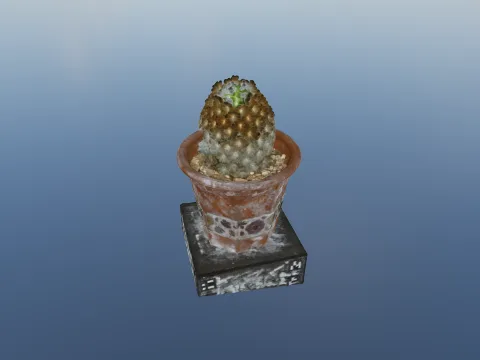
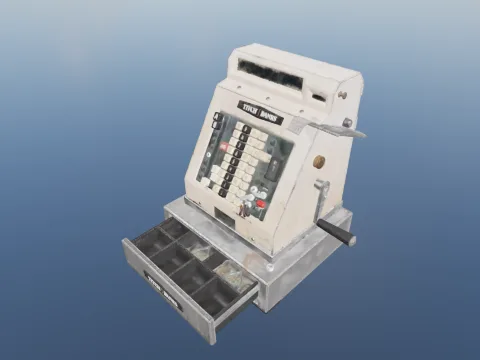
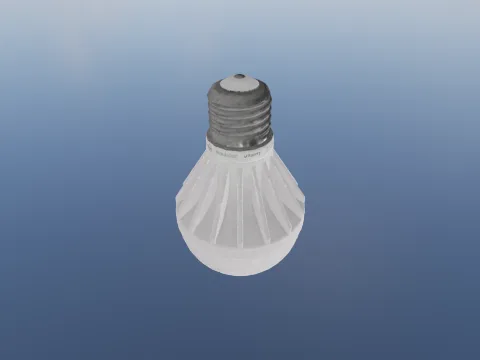
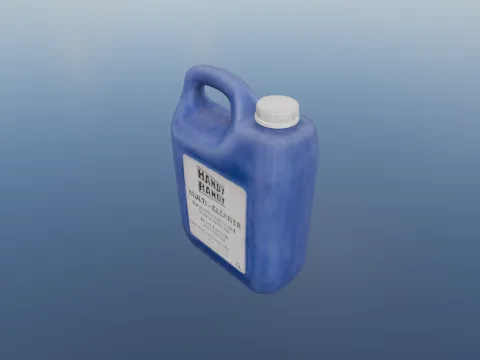
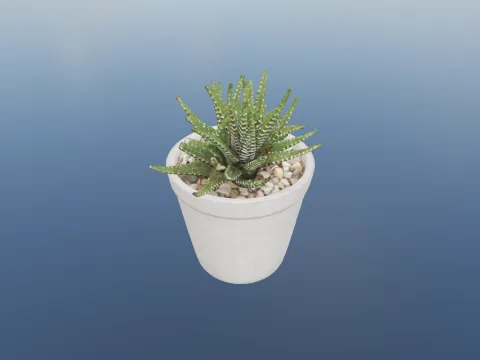
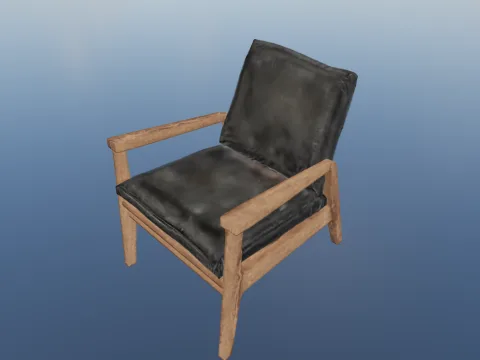
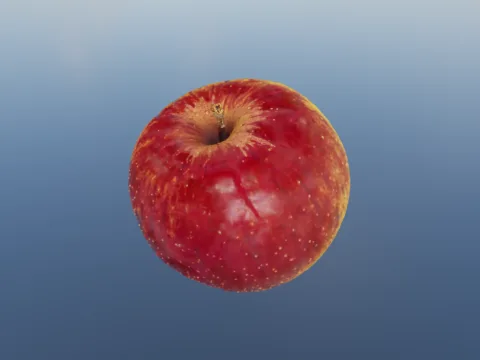
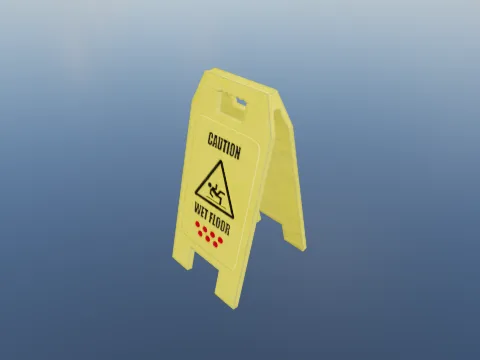
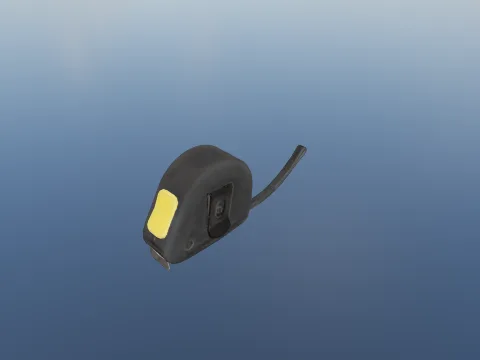
These splat files are public domain (CC0). Open one in the viewer above, or download it from its page in the Free Parts Library.
Embed on Your Website
Add this viewer to your own site with a single line of HTML. Click Embed in the toolbar to generate an embed code, or use the snippet below with your own file URL.
Your Files Stay on Your Computer
Your SPZ files are parsed entirely in your browser. Nothing is uploaded, stored, or shared unless you explicitly click the Share button. Shared files are hosted for 90 days then deleted.
Frequently Asked Questions
▶Do other splat formats open too?
3DGS .ply (the original Gaussian Splatting layout, with or without spherical harmonics), SuperSplat’s compressed .ply, antimatter15 .splat, GaussianSplats3D .ksplat, Niantic .spz (versions 1 to 4) and PlayCanvas .sog all open. A .ply is told apart by what its vertices carry: a splat .ply opens as splats, and an ordinary scan or mesh .ply opens as a point cloud or mesh as before.
▶Why is my capture upside down or tilted?
Splat files have no “up”: the axes are whatever the capture app or trainer used. The viewer turns captures in the usual 3DGS axes (y pointing down) upright, but a scene that was never levelled can still open tilted. Use Edit to rotate or flip it; the change is kept in the share link.
▶Is there a limit on how many splats it shows?
Desktops draw up to 4 million splats, and phones and tablets up to 800,000. A larger capture opens with the splats that show most on screen (the most opaque and widest), and the status bar says how many of the file’s splats are drawn.
▶Can I convert a .spz file?
▶Is view-dependent colour shown?
Each splat is drawn in its base colour. The higher spherical harmonics some files carry (the slight change of colour with viewing angle) are read past but not applied, which mostly shows on shiny surfaces.
▶Is this SPZ splat viewer really free?
Yes, completely free. No signup, no watermarks, no file size limits on the viewer (the optional share-link feature has a 100 MB upload cap). Built by Innerscene as a tool for architects, engineers, and designers.
▶Are my files uploaded to a server?
No. All parsing, rendering, and conversion runs in your browser: nothing is uploaded, stored, or transmitted by default. The Share button is the only feature that uploads a file, and only when you explicitly click it.
▶Can I embed this viewer on my own site?
Yes. Click Embed in the toolbar to generate a one-line <iframe> snippet you can paste into any HTML page. You can choose whether the embed shows the viewer’s toolbar.