Free Online SDF / MOL Viewer (No Signup)
Also opens DWG, DXF, STEP, IGES, IFC, SKP, STL, OBJ, GLB, FBX, 3DM and other 3D/CAD files. Drop any file on the viewer.
Works directly in Chrome, Firefox, Safari, and Edge
Also from Innerscene: Circadian Lab, a free lighting calculator for room illuminance, melanopic EML, and glare.
Describe a compound, a protein or a crystal. The AI finds it in PubChem or the Protein Data Bank, or builds it, and opens it here.
Create a model with AI
Describe what you need, or add a photo, and AI builds it at real size in the viewer. Ask for changes in the chat, then export it. Free, with your own Anthropic or OpenAI key.
Open the AI GeneratorWhat Is a SDF / MOL File?
A .mol file (MDL molfile) starts with a three-line header and a counts line, then an atom block (coordinates and element of each atom) and a bond block (the two atoms of each bond and its order: single, double, triple or aromatic). The classic V2000 layout uses fixed columns; the V3000 layout writes the same data in M V30 lines and has no limit of 999 atoms.
An .sdf or .sd file (structure-data file) is a series of molfiles, each followed by named data fields (an identifier, a name, a measured value) and ended by a $$$$ line. PubChem, ChEMBL, ZINC and most compound vendors supply their libraries as SD files.
For proteins, see the PDB viewer; for the Tripos format docking programs use, the MOL2 viewer; for every molecular format on one page, the molecule viewer.
Who Uses SDF / MOL Files?
Medicinal and organic chemists, cheminformaticians working with compound libraries, students and teachers in chemistry classes, researchers downloading compounds from PubChem or ChEMBL, and designers who want a real molecule (caffeine, a fragrance, a pigment) for a render, a logo study or a 3D print.
Common Use Cases
- Look at a compound downloaded from PubChem as a 3D conformer
- Page through the molecules of an SD file, one layer per molecule
- Check the bonds and rings of a structure drawn in ChemDraw or another sketcher
- Share a molecule as a link that opens in any browser
- Export a molecule as STL or 3MF for a 3D-printed model, or as GLB or USDZ for AR
Features
Opens .sdf and .mol Files
MDL molfiles and SD files in V2000 and V3000.
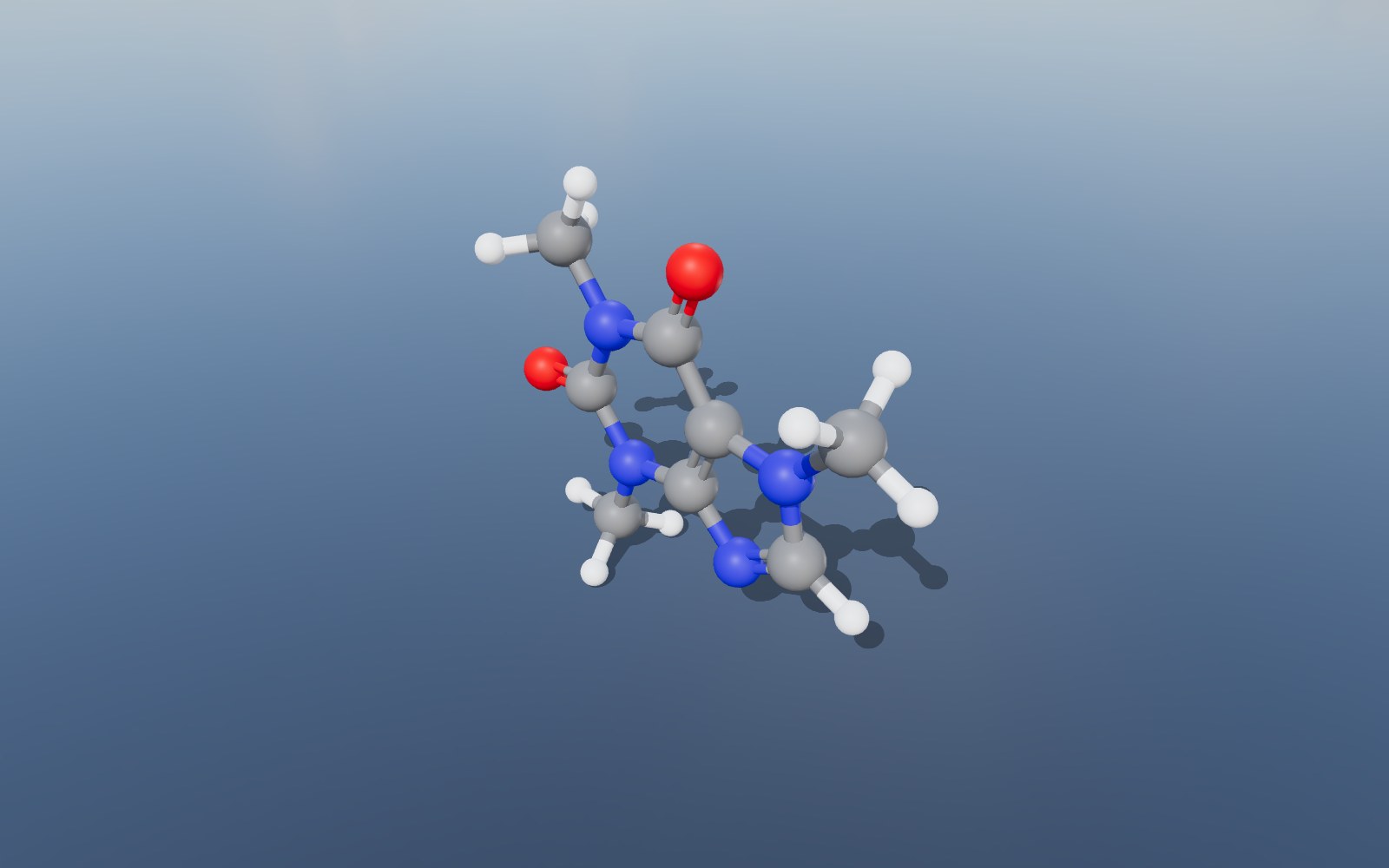
Ball and Stick
Atoms coloured by element, with double, triple and aromatic bonds drawn as parallel cylinders.
Space Filling
A layer with every atom at its van der Waals radius.
One Layer per Molecule
A file with many molecules opens with each one on its own layer, named from the file.
PubChem Compounds
A PubChem 3D conformer opens with the compound named from its record.
Export to GLB, STL or USDZ
Save the structure as GLB, glTF, OBJ, STL, 3MF, PLY, FBX or USDZ for a render, a 3D print or AR, or the view as a PNG.
Measure in Ångströms
Click two atoms to measure the distance between them, in Å.
View in VR
On a headset browser the molecule stands on a table in front of you.
Nothing Is Uploaded
The file is read entirely in your browser. No account, no upload, no copy on a server.
Share and Embed
Send a link that opens the molecule in any browser, or drop the viewer into your own page with one iframe.
Compatibility & Format Notes
V2000 and V3000 molfiles open, alone or as the records of an SD file. Atoms, bonds and bond orders come from the file. A file with only 2D coordinates (a flat drawing from a sketcher) opens flat, as the drawing it is; download the 3D conformer from PubChem for a three-dimensional molecule.
The molecule opens as ball and stick, each atom coloured by element in the Jmol colours, with double and triple bonds drawn as two or three parallel cylinders and aromatic bonds as a pair. A Space filling layer shows every atom at its van der Waals radius. An SD file with many molecules opens with one layer per molecule (the first 200 of them; the status line counts the rest), so you can show them one at a time or all together.
Coordinates are read in ångströms (Å) and kept at that scale, so the measuring tool reads distances in Å. Bonds are taken from the file where it lists them and worked out from covalent radii for the rest. Very large structures, such as a whole virus capsid with millions of atoms, open with the cartoon and with their atoms drawn as points so the browser keeps up.
Embed on Your Website
Add this viewer to your own site with a single line of HTML. Click Embed in the toolbar to generate an embed code, or use the snippet below with your own file URL.
Your Files Stay on Your Computer
Your SDF / MOL files are parsed entirely in your browser. Nothing is uploaded, stored, or shared unless you explicitly click the Share button. Shared files are hosted for 90 days then deleted.
Frequently Asked Questions
▶Which molfile versions open?
V2000 and V3000, as single .mol files or as the records of an .sdf or .sd file.
▶How are the molecules of an SD file shown?
Each molecule is its own layer, so the Layers panel lists them by name. Switch layers on and off to look at one molecule or compare several.
▶Why is my molecule flat?
The file has 2D coordinates: it is a drawing from a sketcher with every z value zero. The viewer draws the atoms where the file puts them. PubChem offers a 3D conformer of most compounds under Download, 3D Conformer, SDF.
▶Are double and aromatic bonds shown?
Yes. Double bonds are drawn as two parallel cylinders, triple bonds as three, and aromatic bonds as a pair, in the plane of the neighbouring atoms.
▶Are the data fields of an SD file shown?
The molecule’s name labels its layer. The other data fields are read past.
▶Can I 3D print the molecule?
Yes. Export STL or 3MF and open it in your slicer. Thin cartoon ribbons and sticks are fragile at small sizes, so for a sturdy print switch on Space filling (or ball and stick for a small molecule) before exporting, and scale the model up in the slicer: one ångström in the file is one unit in the export.
▶Is this SDF / MOL viewer really free?
Yes, completely free. No signup, no watermarks, no file size limits on the viewer (the optional share-link feature has a 100 MB upload cap). Built by Innerscene as a tool for architects, engineers, and designers.
▶Are my files uploaded to a server?
No. All parsing, rendering, and conversion runs in your browser: nothing is uploaded, stored, or transmitted by default. The Share button is the only feature that uploads a file, and only when you explicitly click it.
▶Can I convert to another format?
Yes. Click Export in the toolbar to save the structure as GLB, glTF, OBJ, STL, 3MF, PLY, FBX or USDZ, or the view as a PNG picture. The export carries the layers you have switched on, so turn on Space filling or Polymer atoms first if you want them in the file. There is no PDB or SDF writer: the exports are 3D models of the picture you see.
▶Can I embed this viewer on my own site?
Yes. Click Embed in the toolbar to generate a one-line <iframe> snippet you can paste into any HTML page. You can choose whether the embed shows the viewer’s toolbar.